


Pencil Pro Sketch - iPad Pen With USB-C Charging | Zebra Yellow
Compatible with iPads (2018 and newer) — the Tinymoose Pencil Pro Sketch iPad Stylus Pen is a pencil-style active stylus designed for smooth, everyday creativity.
No Bluetooth. No pairing. Just tap to go. It just works.
It features:
• Tilt sensitivity for natural shading and angled strokes
• Palm rejection so your hand rests naturally as you write or draw
• Magnetic attachment to snap onto your iPad and stay with you on the move
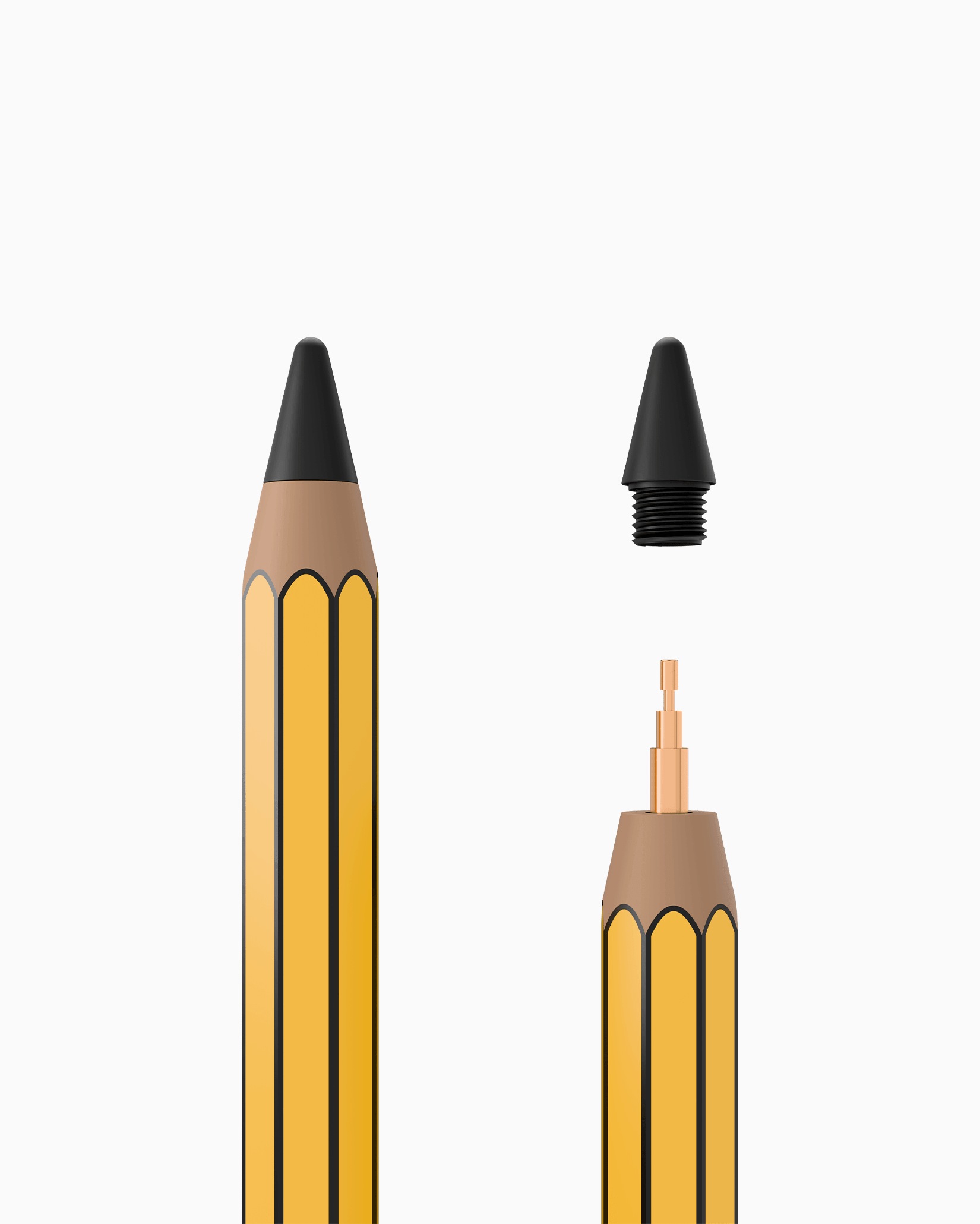
• Precision replaceable nib for consistent, accurate strokes
• Touch-sensitive rubber tip on the top — use it to tap, scroll, and navigate on phones and tablets instead of your finger
Built for performance:
• Zero lag — smooth, real-time input every time
• Fast USB-C charging for quick power top-ups
• Up to 12 hours of battery life on a single charge
• Auto sleep to save power when not in use
Whether you're sketching, taking notes, or designing, the Pencil Pro Sketch iPad Stylus Pen delivers a natural, responsive writing experience — simple, reliable, and ready whenever you are.
Pairs well with
Product Features
Product Specifications
Free Shipping
Human Support
1-Year Warranty
Secure Checkout
Pencil Pro Sketch - iPad Pen With USB-C Charging | Zebra Yellow
Meet the Pencil Pro Sketch.
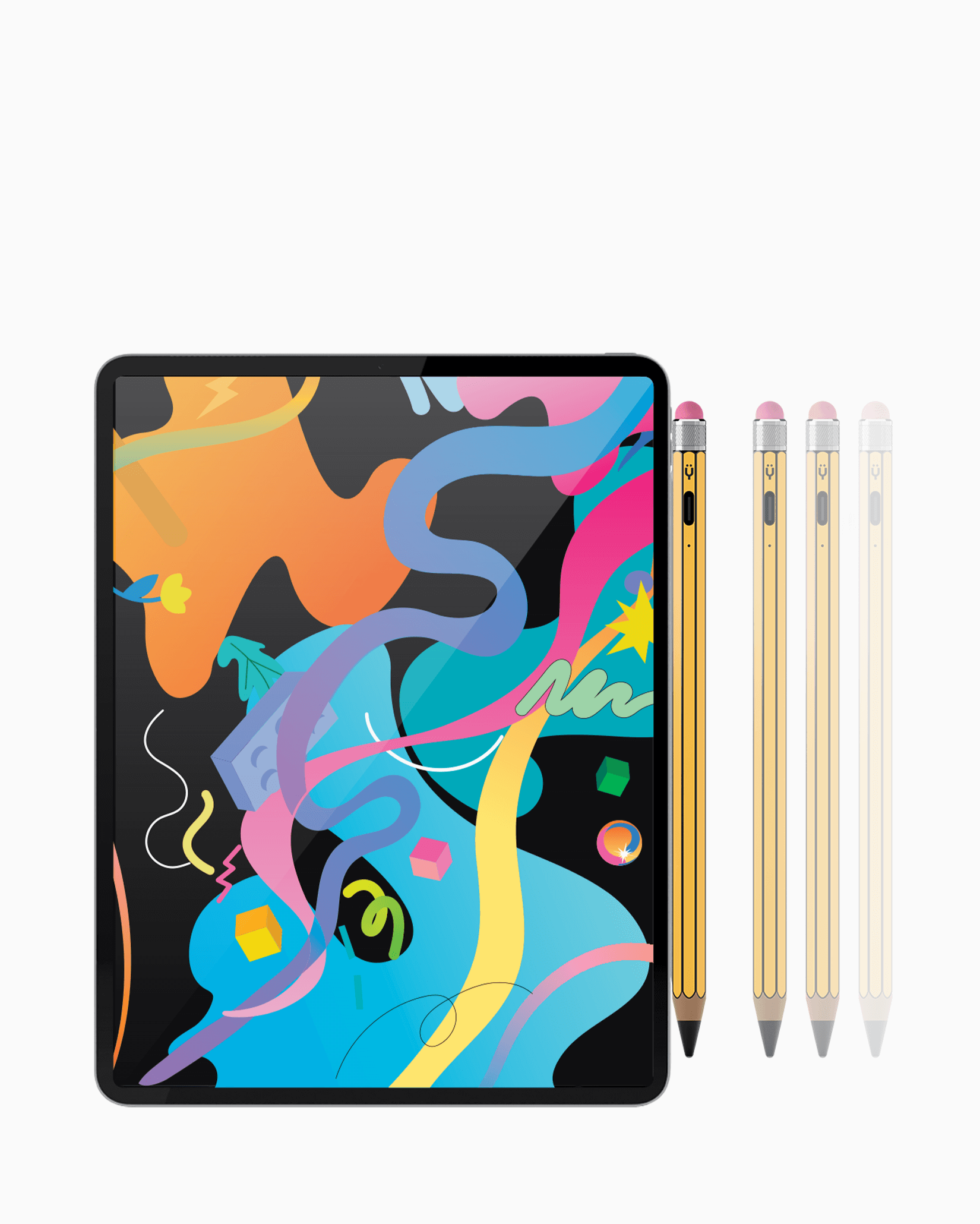
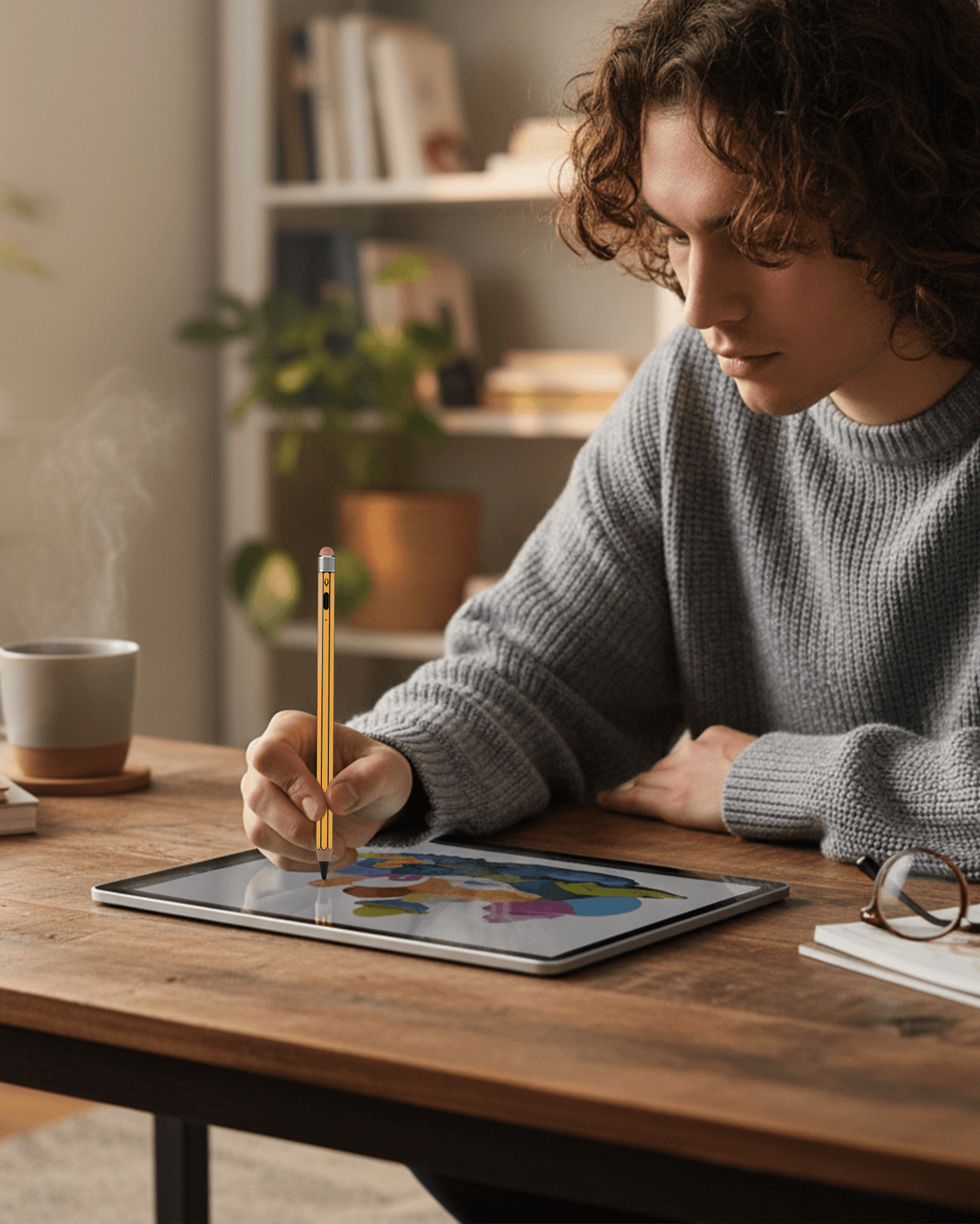
The Tinymoose Pencil Pro Sketch iPad Stylus Pen looks like a real pencil. Slim. Balanced. Familiar in your hand. Except this one writes on your iPad.
No Bluetooth. No pairing. Just press and create.
Tilt it to shade naturally. Rest your hand comfortably with palm rejection. Snap it onto your iPad with magnetic attachment. Zero lag keeps every stroke smooth and precise.
Fast USB C charging gives you up to 12 hours of battery life from about 20 minutes of charge. The touch sensitive rubber top lets you scroll on phones and tablets without using your finger.
Feels like a pencil. Works like magic.
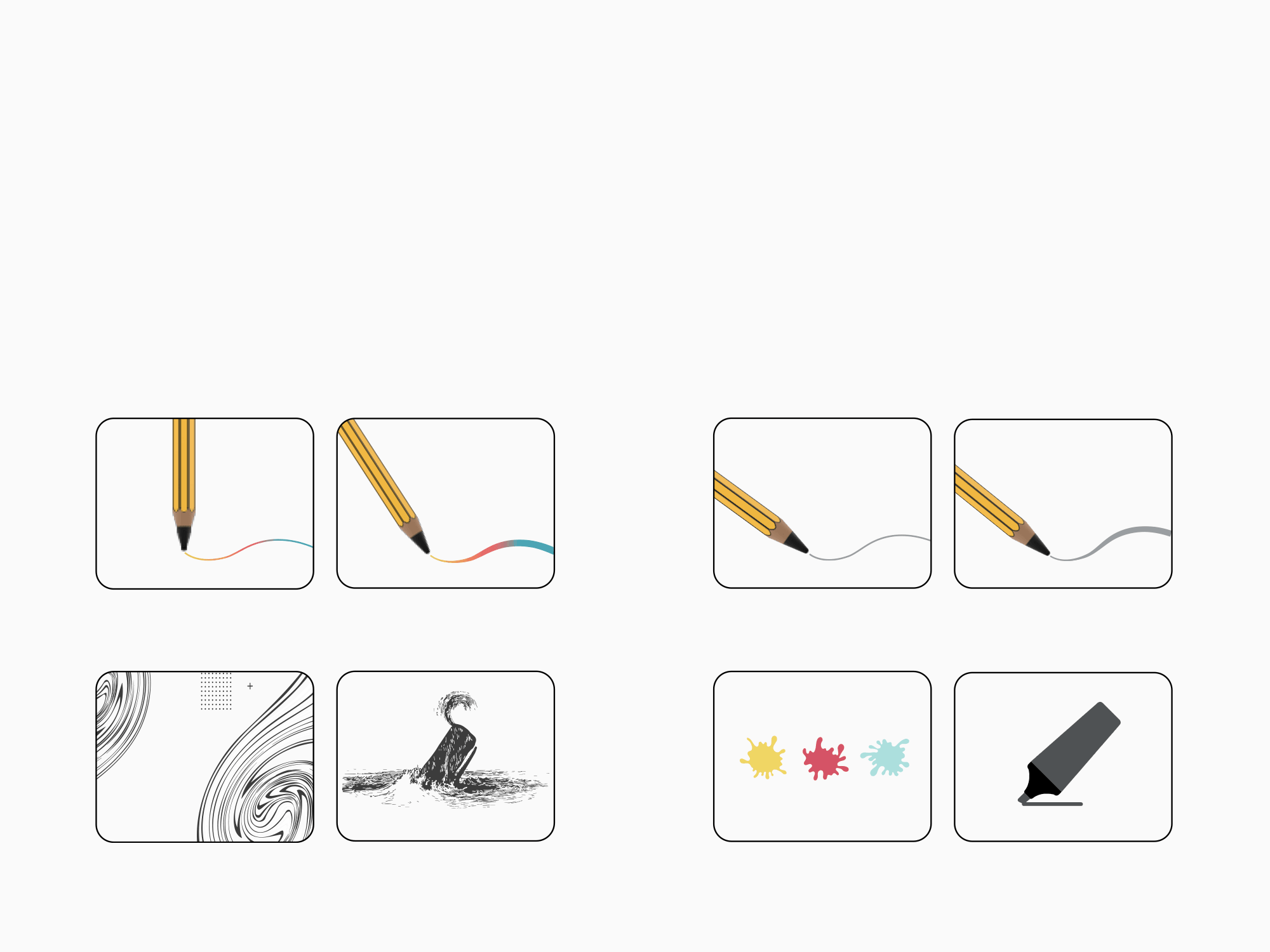
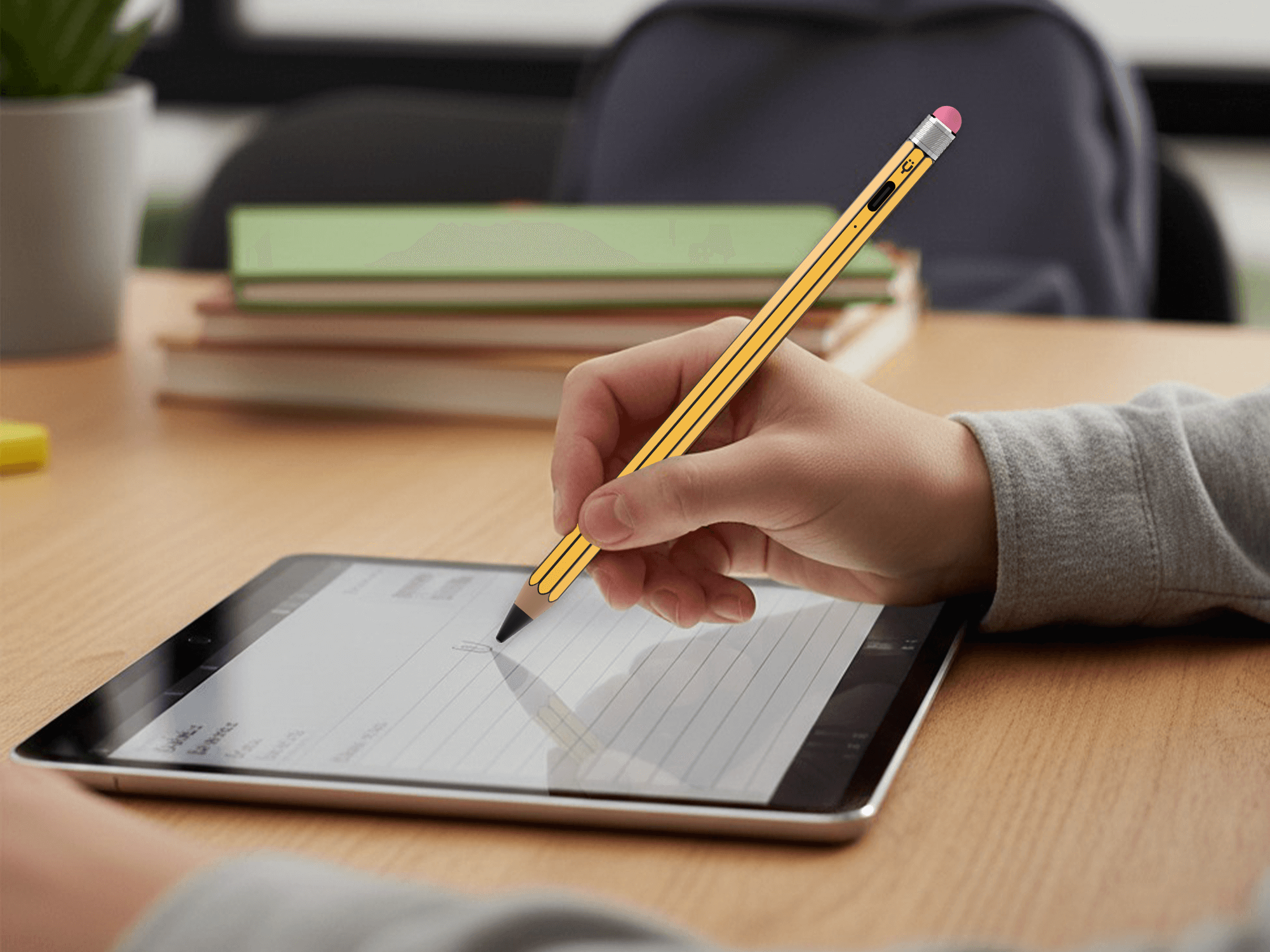
Precise Writing on iPad
The Tinymoose Pencil Pro Sketch iPad Stylus Pen delivers smooth, accurate writing with zero lag. Designed for note taking, studying, sketching, and everyday productivity, it features tilt sensitivity for natural shading, palm rejection for comfortable hand placement, magnetic attachment for easy storage, and a precision replaceable nib for consistent control.
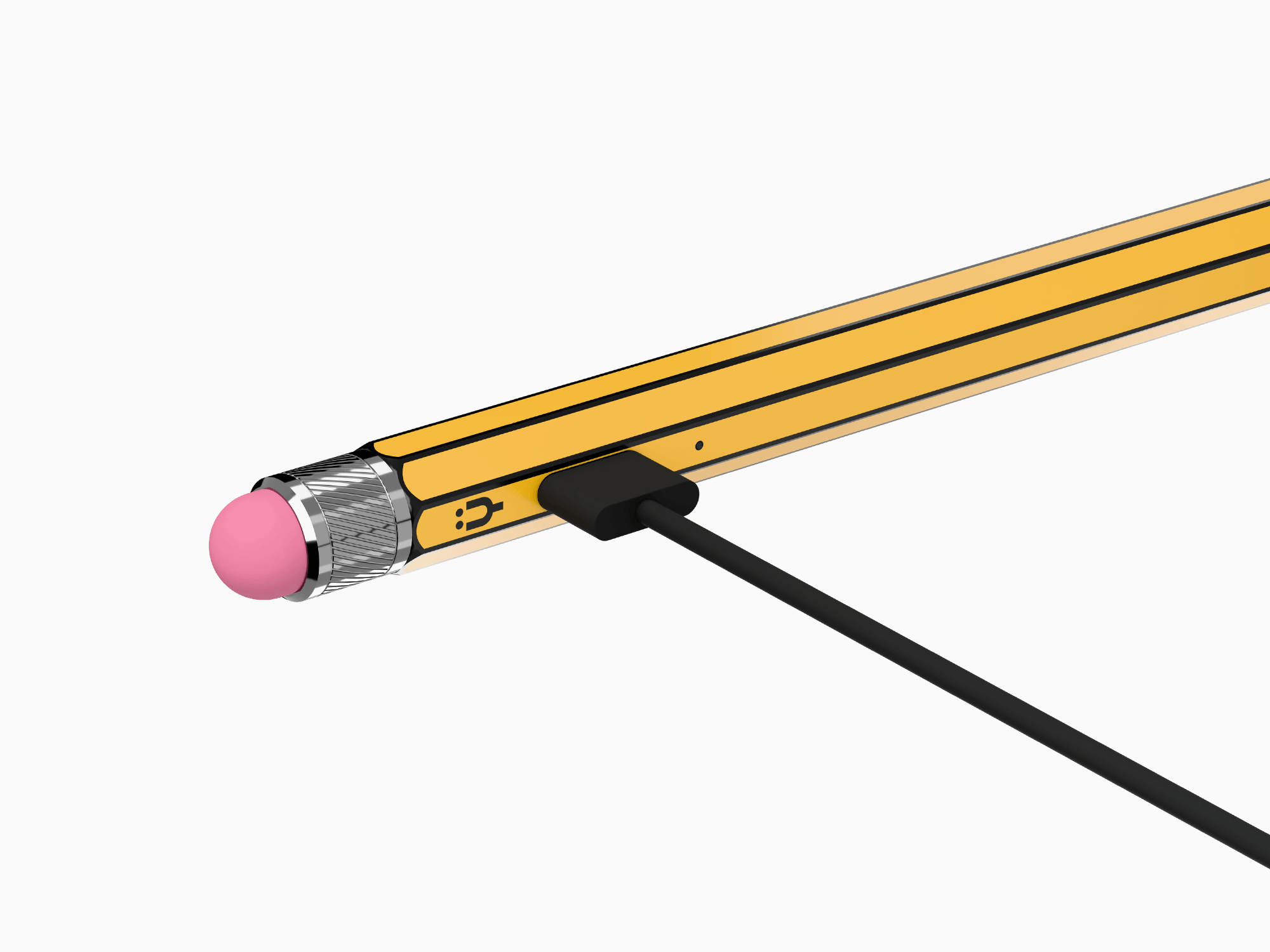
Charge Fast. Create Longer.
Fully charges in 20 minutes with USB C charging.
Delivers up to 12 hours of continuous use on a single charge.
Product details
Compatibility
iPad 6th, 7th, 8th, 9th, 10th Generation
iPad mini 5, mini 6
iPad Air 3rd, 4th, 5th Generation, Air 11" (2024)
iPad Pro 11" (all models)
iPad Pro 12.9" (2018 and later)
Pencil Pro Sketch is made specifically for Apple iPads and works with models released in 2018 or later that support stylus input.
Description
Compatible with iPads (2018 and newer) — the Tinymoose Pencil Pro Sketch iPad Stylus Pen is a pencil-style active stylus designed for smooth, everyday creativity.
No Bluetooth. No pairing. Just tap to go. It just works.
It features:
• Tilt sensitivity for natural shading and angled strokes
• Palm rejection so your hand rests naturally as you write or draw
• Magnetic attachment to snap onto your iPad and stay with you on the move
• Precision replaceable nib for consistent, accurate strokes
• Touch-sensitive rubber tip on the top — use it to tap, scroll, and navigate on phones and tablets instead of your finger
Built for performance:
• Zero lag — smooth, real-time input every time
• Fast USB-C charging for quick power top-ups
• Up to 12 hours of battery life on a single charge
• Auto sleep to save power when not in use
Whether you're sketching, taking notes, or designing, the Pencil Pro Sketch iPad Stylus Pen delivers a natural, responsive writing experience — simple, reliable, and ready whenever you are.
Included in the Box
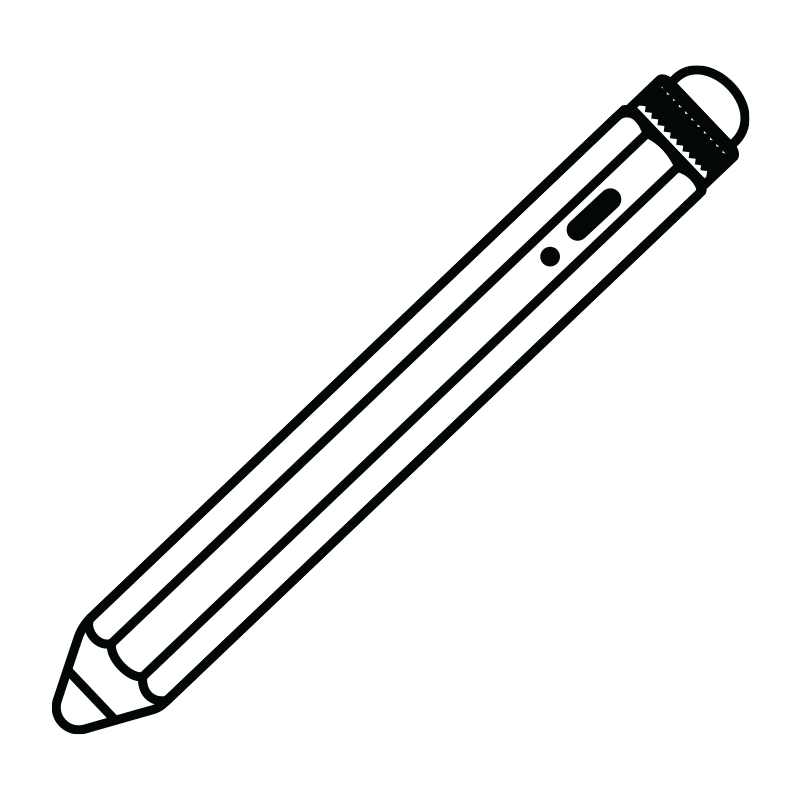
Pencil Pro Sketch
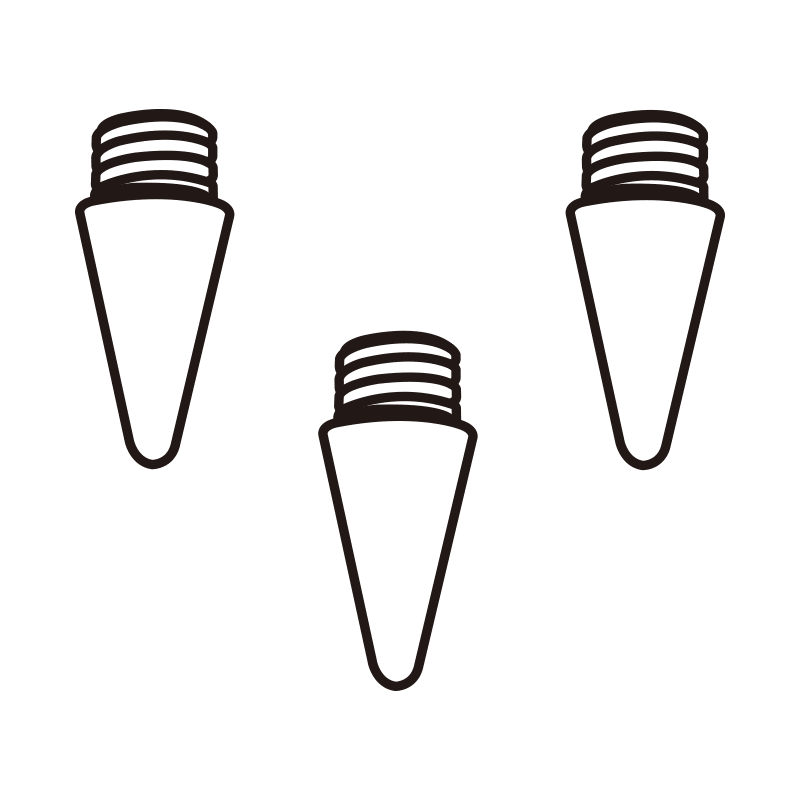
3 Pencil Nibs

USB-C Cable

Case

FAQs
Please read our FAQs page to find out more.
Which iPads are compatible with the Pencil Pro Sketch?
The Pencil Pro Sketch works with iPads released in 2018 or later. This includes iPad 6th-10th Gen, iPad mini 5 & 6, iPad Air (3rd-5th Gen, and 11"), and all iPad Pro models from 2018 onward.
Check the Compatibility section for the full list.
How long does the battery last?
The Pencil Pro Sketch delivers up to 12 hours of use on a single charge. A full charge takes about 20 minutes with USB C charging.
What's the best way to charge it?
Use any USB-C charger rated 25W or lower — most phone and tablet chargers are safe. Avoid chargers over 25W, as they can damage the battery.
You can also charge the Pencil Pro Sketch directly from your iPad using a USB-C to USB-C cable.
Does it support tilt and pressure sensitivity, and replaceable nibs?
Yup — the Pencil Pro Sketch supports tilt functionality and tilt sensitivity, so you can shade, angle, and finesse your strokes like a pro.
Pressure sensitivity isn't included.
And yes, the nibs are replaceable — we include extras, and swapping them takes seconds. No tools, no stress.
What is the rubber tip on the top for?
The top features a touch sensitive rubber tip that works on phones and tablets. You can use it to tap, scroll, and navigate just like your finger, without smudging your screen.
Do I need to connect it with Bluetooth?
No. The Pencil Pro Sketch does not require Bluetooth. Just press the power button and start writing.