


Product Highlights




Strong Magnet


Pencil Pro Lumin | iPad-pen - Middernachtzwart
Watch it in action
Compatibel met iPads (2018 en nieuwer) - de Tinymoose Pencil Pro Lumin iPad Pen voegt visuele feedback toe aan je creatieve flow.
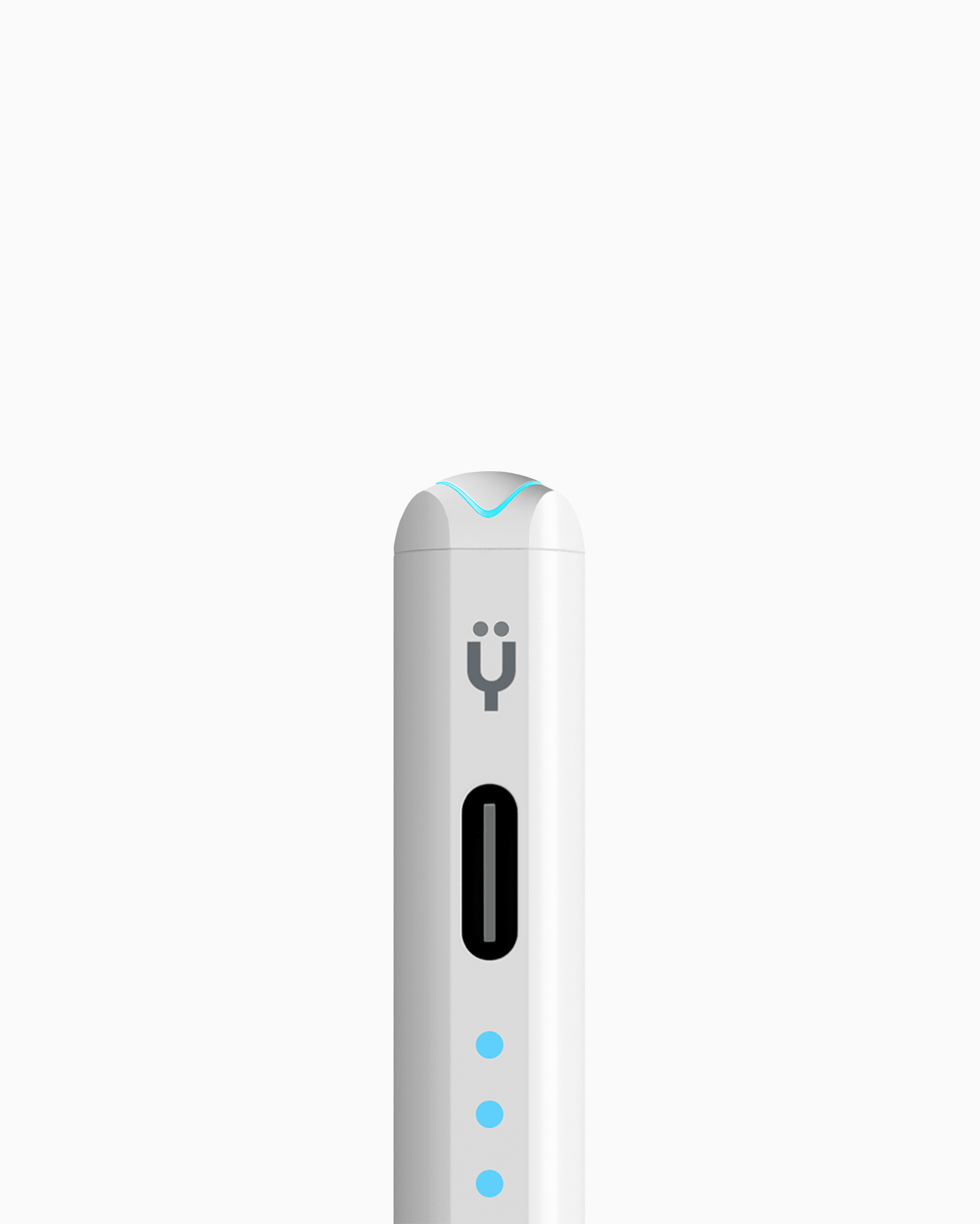
Met zijn kenmerkende 3 LED-lampjes krijg je in één oogopslag realtime updates over batterij en status - zo word je nooit verrast.
Het heeft:
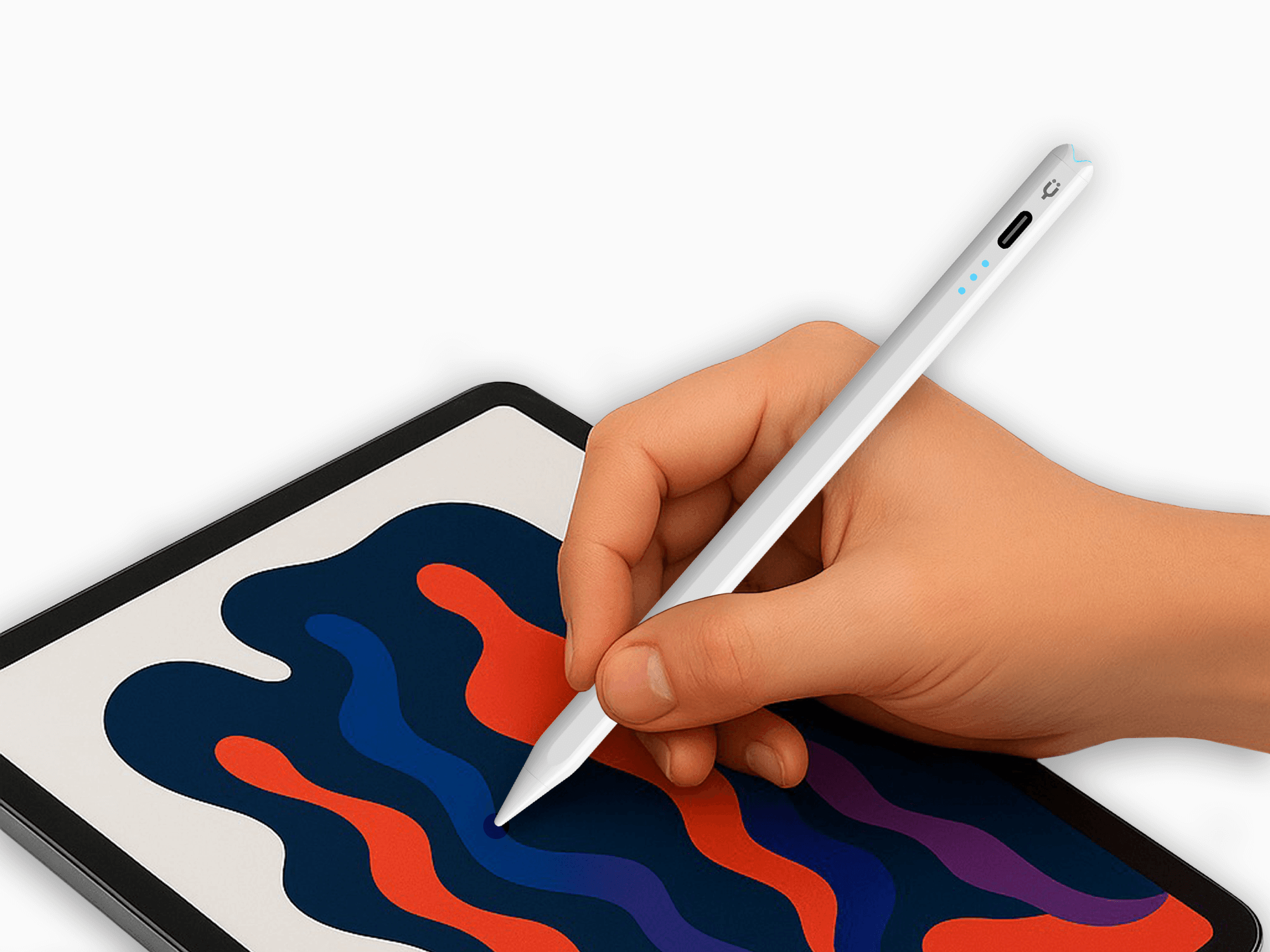
• Kantelgevoeligheid voor realistische schaduwwerking en controle
• Handpalmafwijzing voor een soepele, natuurlijke schrijfervaring
• Magnetische bevestiging om snel vast te klikken en te gebruiken
Ontworpen voor prestaties:
• Geen vertraging - responsief en nauwkeurig
• 10+ uur batterijduur
• Snel opladen - 80% in slechts 15 minuten
• USB-C opladen - gemakkelijk en universeel
Voor wie is het
Studenten die aantekeningen met de hand maken. Kunstenaars die ideeën schetsen. Professionals die documenten markeren. Iedereen die een betrouwbare iPad Pen wil die er strak uitziet en nog beter presteert.
Gedurfd ontwerp. Duidelijke feedback. Geen compromissen.
Product Highlights
Strong Magnet
Pairs well with
Product Features
Product Specifications
Free Shipping
Human Support
1-Year Warranty
Secure Checkout
Pencil Pro Lumin | iPad-pen - Middernachtzwart
Meet the Pencil Pro Lumin.
Made for everyday creators, the Pencil Pro Lumin delivers smooth, precise writing with tilt support, palm rejection, and magnetic attachment to your iPad. Replaceable tips and fast USB-C charging keep you going, while light indicators make it easy to check your battery level. Reliable, responsive, and always ready for your iPad.

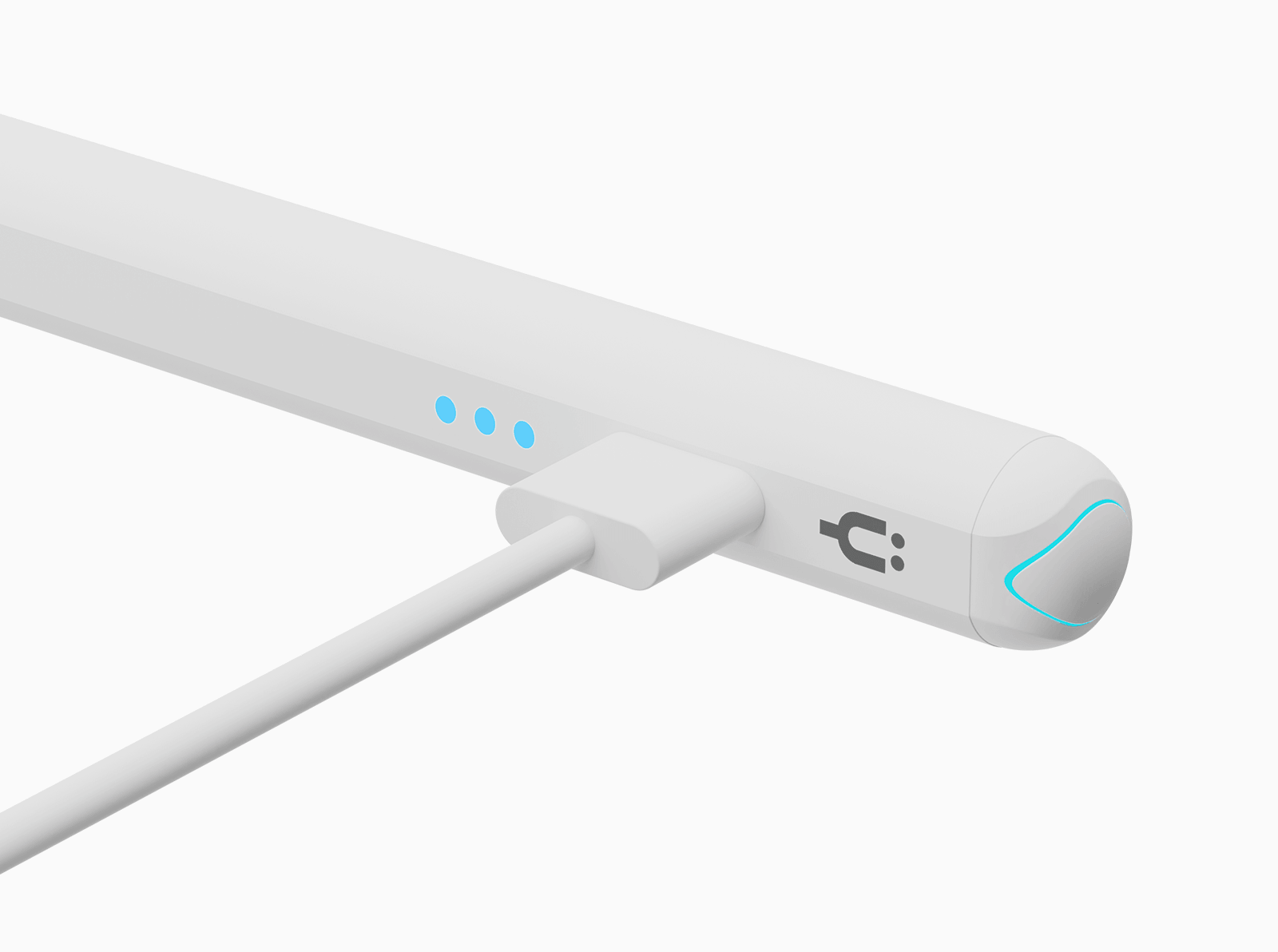
Full Charge in 20 Minutes
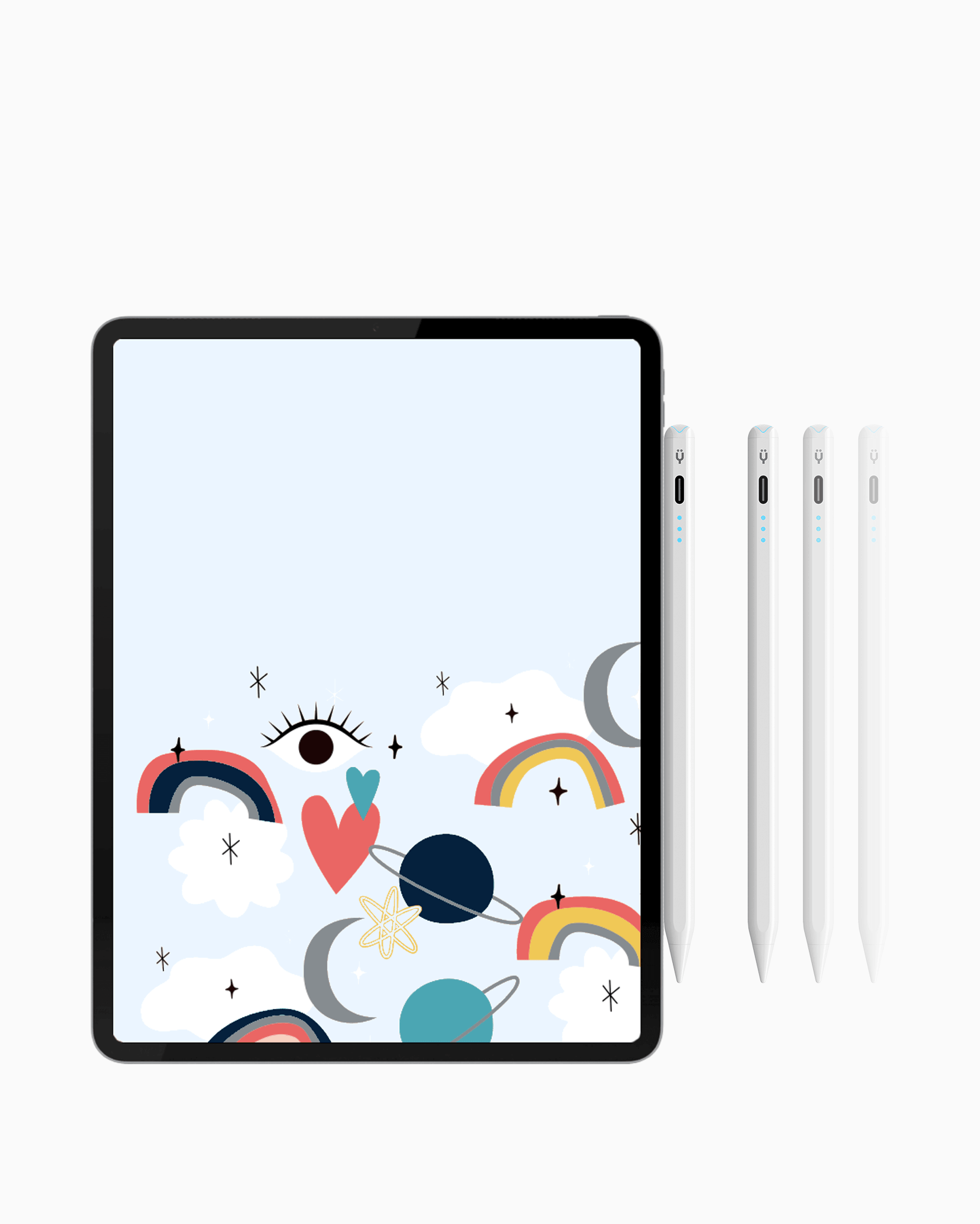
Get 10+ hours of power from a quick 20-minute charge. The 3-light battery indicator clearly shows the status of your battery level at a glance — fast, simple, and reliable every time.
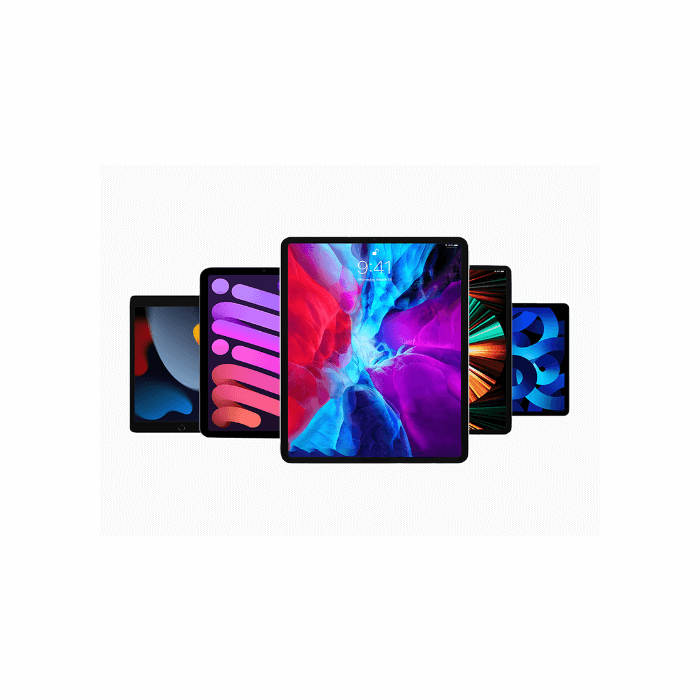
Device Compatibility
The Tinymoose Pencil Pro Lumin is compatible with iPads from 2018 and later, including iPad Pro, iPad Air, and iPad Mini. No setup required—just connect and start creating.
Product details
Compatibility
iPad 6th, 7th, 8th, 9th, 10th Generation
iPad mini 5, mini 6
iPad Air 3rd, 4th, 5th Generation, Air 11" (2024)
iPad Pro 11" (all models)
iPad Pro 12.9" (2018 and later)
Pencil Pro Lumin is made specifically for Apple iPads and works with models released in 2018 or later that support stylus input.
Description
Compatibel met iPads (2018 en nieuwer) - de Tinymoose Pencil Pro Lumin iPad Pen voegt visuele feedback toe aan je creatieve flow.
Met zijn kenmerkende 3 LED-lampjes krijg je in één oogopslag realtime updates over batterij en status - zo word je nooit verrast.
Het heeft:
• Kantelgevoeligheid voor realistische schaduwwerking en controle
• Handpalmafwijzing voor een soepele, natuurlijke schrijfervaring
• Magnetische bevestiging om snel vast te klikken en te gebruiken
Ontworpen voor prestaties:
• Geen vertraging - responsief en nauwkeurig
• 10+ uur batterijduur
• Snel opladen - 80% in slechts 15 minuten
• USB-C opladen - gemakkelijk en universeel
Voor wie is het
Studenten die aantekeningen met de hand maken. Kunstenaars die ideeën schetsen. Professionals die documenten markeren. Iedereen die een betrouwbare iPad Pen wil die er strak uitziet en nog beter presteert.
Gedurfd ontwerp. Duidelijke feedback. Geen compromissen.
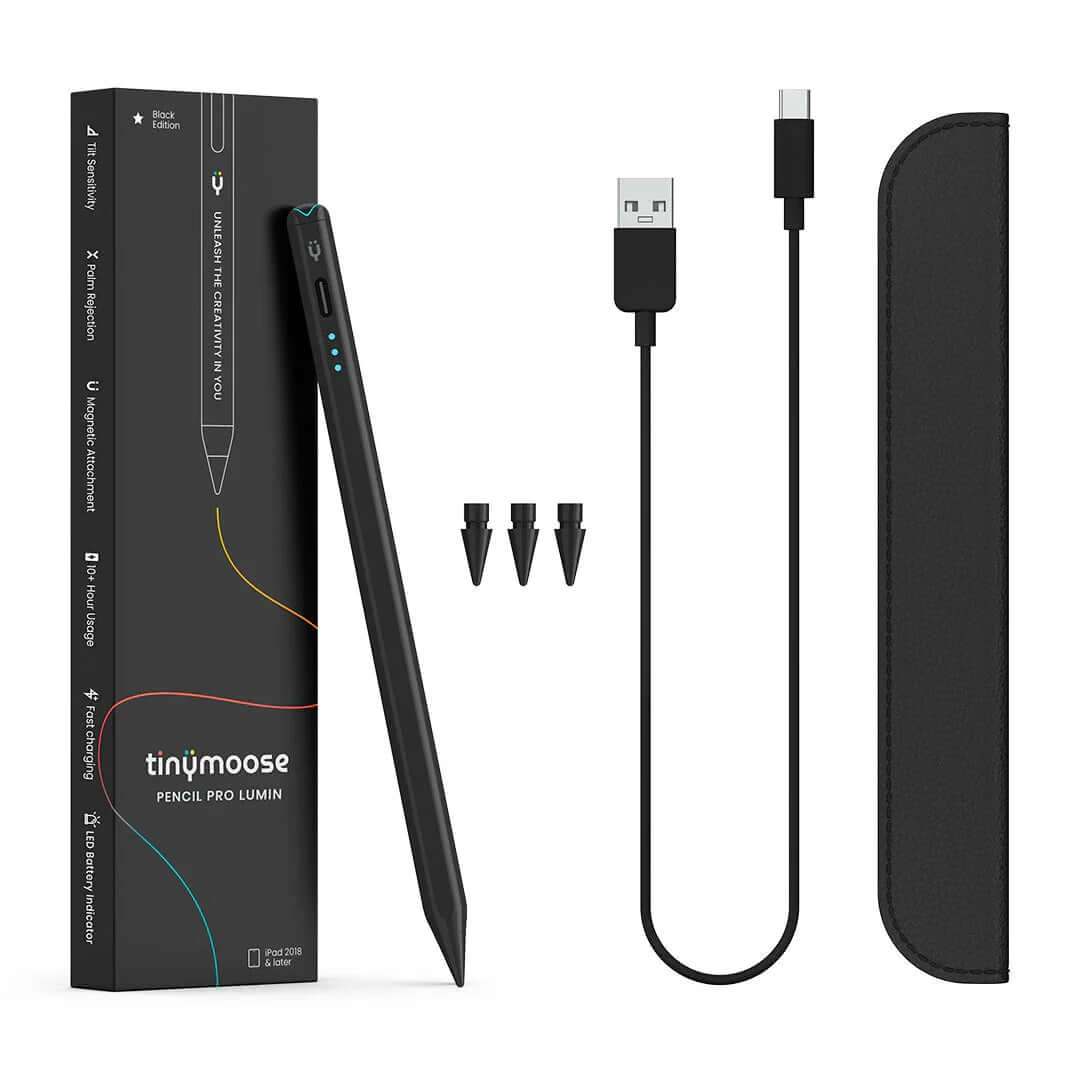
What's in the Box

Pencil Pro Lumin

3 Pencil Nibs

USB-C Cable

Leather Case


FAQs
Please read our FAQs page to find out more.
Which iPads are compatible with the Pencil Pro Lumin?
The Pencil Pro Lumin works with iPads released in 2018 or later. This includes iPad 6th–10th Gen, iPad mini 5 & 6, iPad Air (3rd–5th Gen, and 11"), and all iPad Pro models from 2018 onward.
Check the Compatibility section for the full list.
Does it support palm rejection?
Yes — the Pencil Pro Lumin supports full palm rejection, so you can rest your hand on the screen naturally while writing or drawing without any interference.
How long does the battery last?
Up to 10+ hours of continuous use on a full charge. A quick 5-minute charge gives you around 2 hours of use, and a full charge takes just 20 minutes. Fast, efficient, and ready when you are.
What’s the best way to charge it?
Use any USB-C charger rated 25W or lower — most phone and tablet chargers are safe. Avoid chargers over 25W, as they can damage the battery.
You can also charge the Pencil Pro Lumin directly from your iPad using a USB-C to USB-C cable.
Does it support tilt and pressure sensitivity, and replaceable nibs?
Yup — the Pencil Pro Lumin supports tilt functionality and tilt sensitivity, so you can shade, angle, and finesse your strokes like a pro.
Pressure sensitivity isn’t included.
And yes, the nibs are replaceable — we include extras, and swapping them takes seconds. No tools, no stress.
Do I need to connect it with Bluetooth?
Nope. No menus, no lag, no setup. Just turn it on and go. It works instantly with compatible iPads — no pairing required.
The Pencil Pro Lumin does not have Bluetooth.
What do the battery light indicators mean?
The light indicators show your battery level:
- 1 light on → 30% – 70% battery
- 2 lights on → 70% – 100% battery
- 3 lights on → 70% – 100% battery