


Product Highlights




Battery Life


Strong Magnet


Pencil X – Voor Microsoft Surface-apparaten met MPP-protocol - Zwart
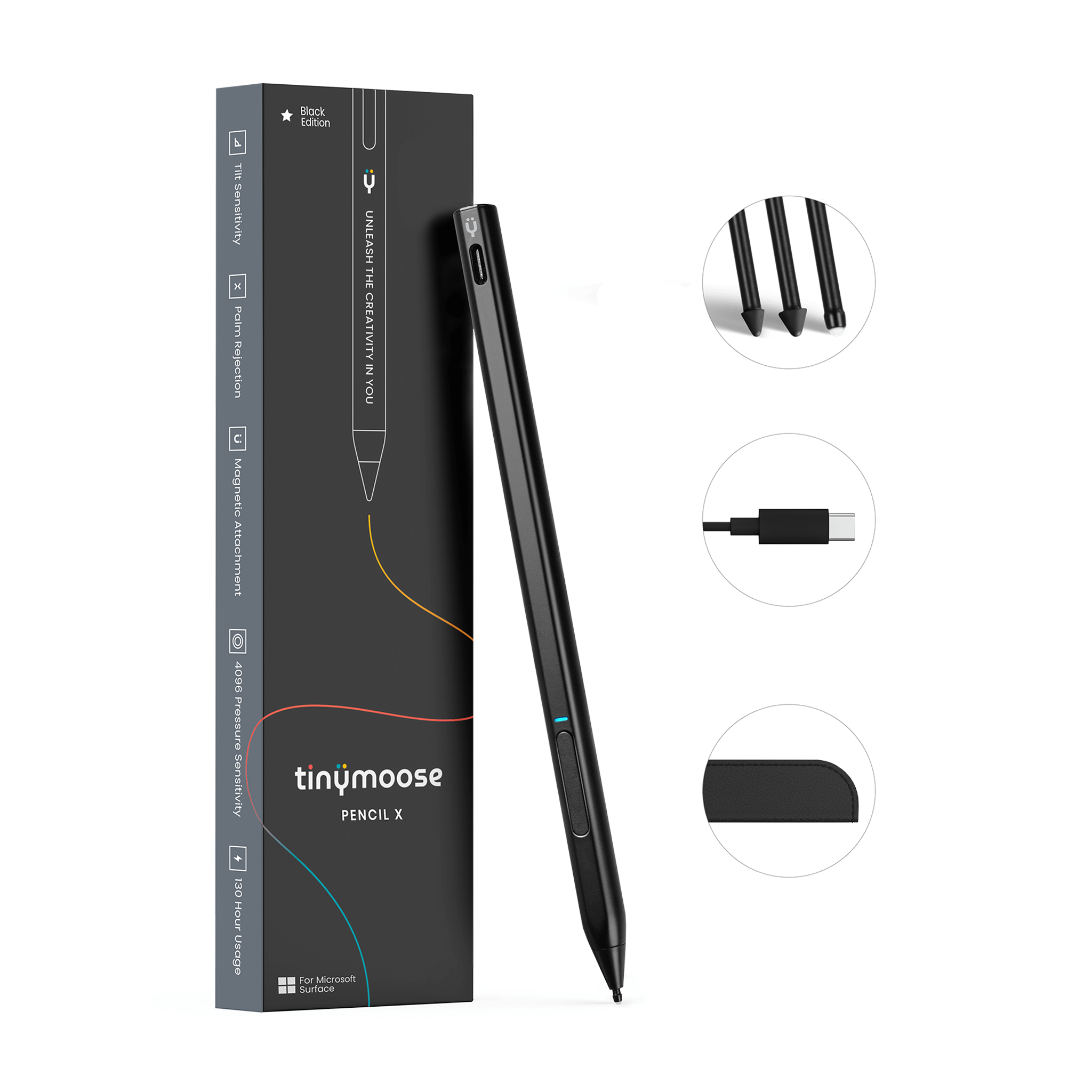
Compatibel met Microsoft Surface-apparaten die het Microsoft Pen Protocol (MPP) ondersteunen, is de Tinymoose Pencil X ontworpen voor precisie, comfort en langdurig gebruik.
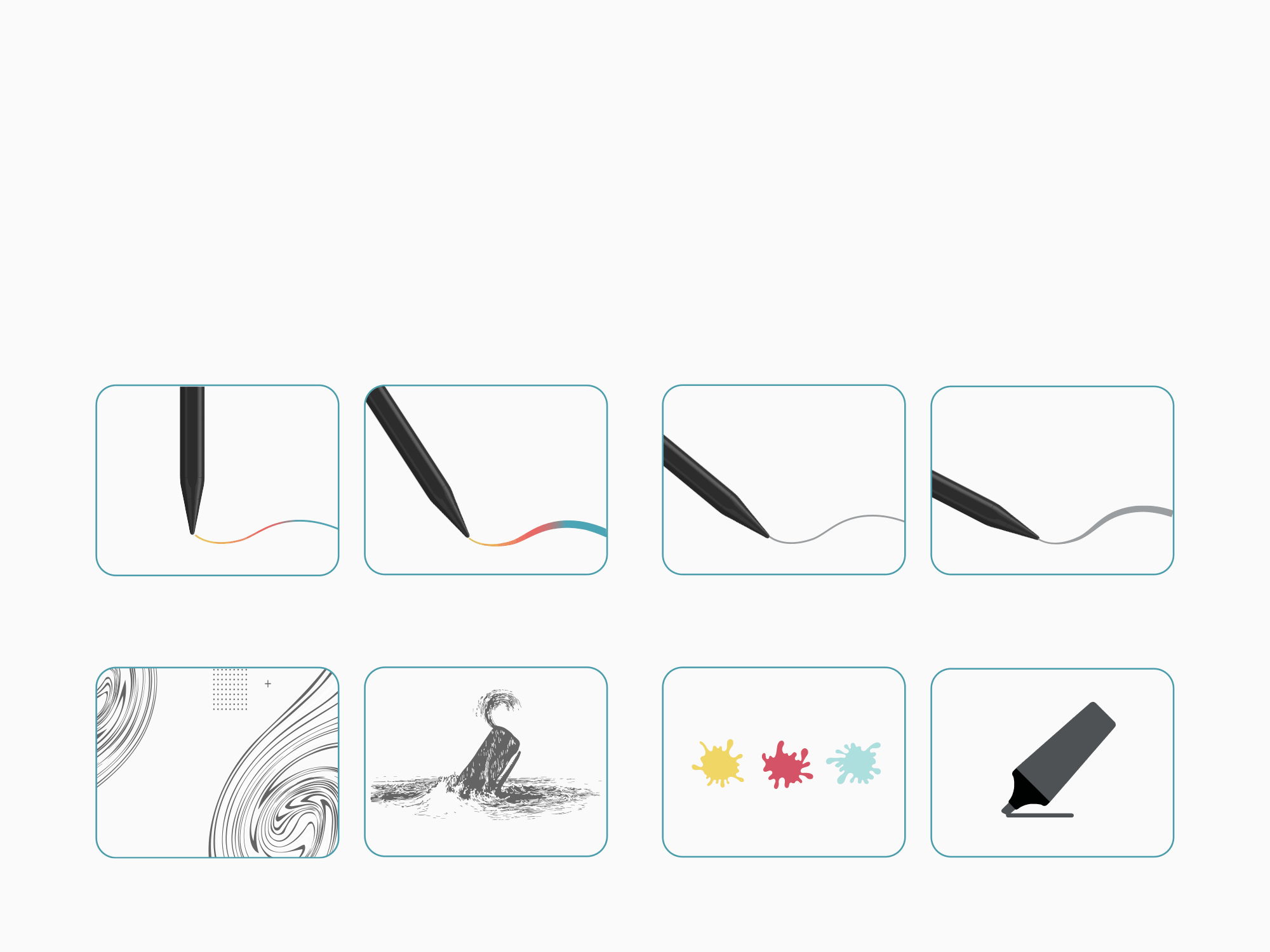
Of je nu schrijft, schetst of bewerkt, het biedt een natuurlijke, vloeiende ervaring — met geen vertraging en echte druk- + kantelingsgevoeligheid.
Het beschikt over:
• Kantelondersteuning voor schaduwwerking en schuine lijnen
• 4096 niveaus van drukgevoeligheid voor gedetailleerde controle
• Handpalmafwijzing voor soepele, ononderbroken invoer
• Ingebouwde gumknop voor intuïtief bewerken
• Magnetische bevestiging om hem veilig bij je apparaat te houden
Ontworpen voor prestaties:
• Meer dan 130 uur gebruik per lading
• USB-C snel opladen
• Geen koppeling nodig - begin gewoon met creëren
Ontworpen voor Surface-gebruikers die betrouwbaarheid en responsiviteit nodig hebben - de Pencil X is jouw duurzame precisiegereedschap.
Product Highlights
Battery Life
Strong Magnet
Pairs well with
Product Features
Product Specifications
Free Shipping
Human Support
1-Year Warranty
Secure Checkout
Pencil X – Voor Microsoft Surface-apparaten met MPP-protocol - Zwart
Meet the Pencil X.
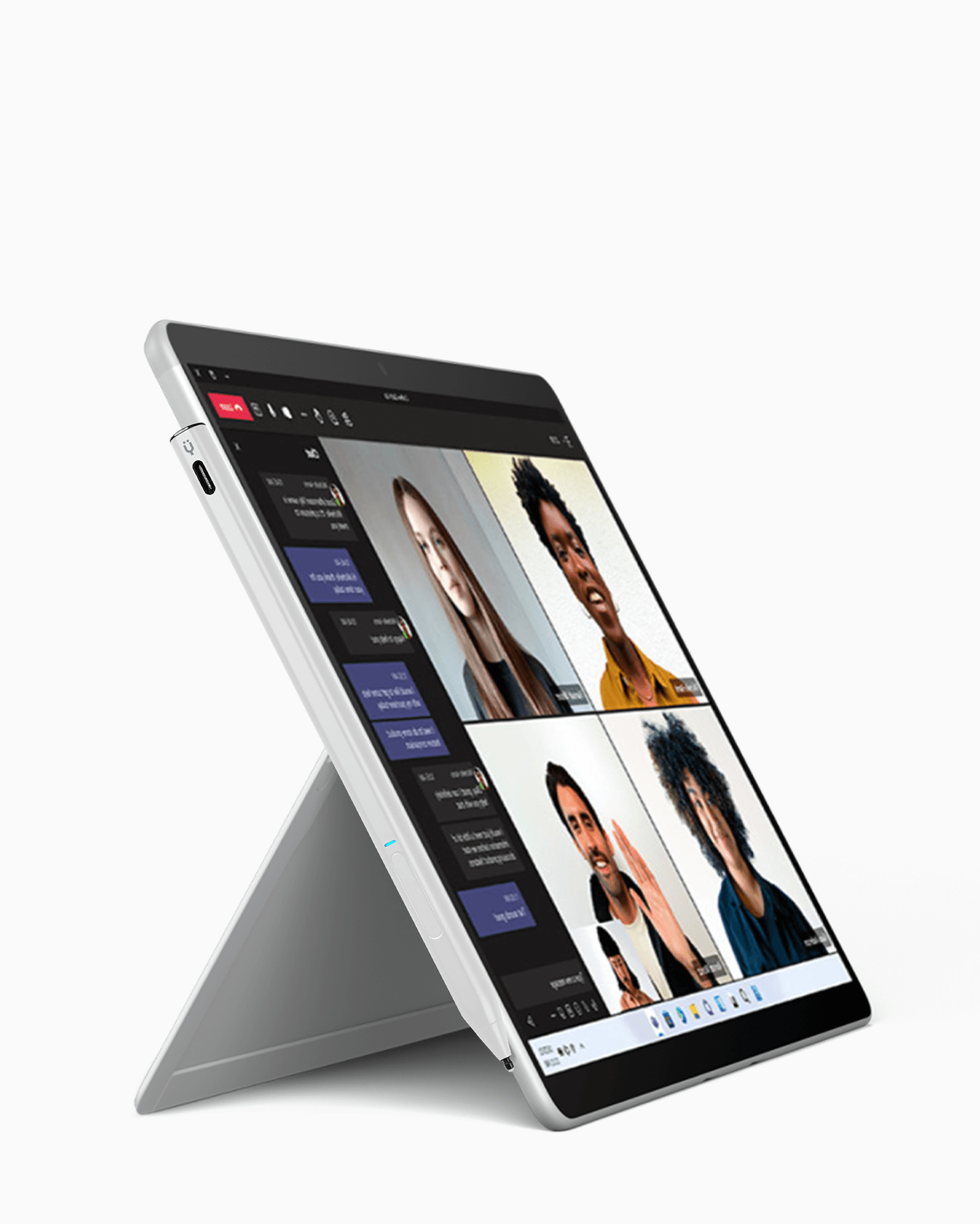
Engineered for precision, built for creativity. The TinyMoose Pencil X is your go-to stylus for Surface Pro, Surface Book, ASUS, HP, Dell, and more. Write, sketch, or edit with buttery-smooth response, tilt support, palm rejection, and a handy eraser button.
130+ hours of battery life. Fast charging. No pairing. No lag.
Just pure, uninterrupted flow—wherever your ideas take you.
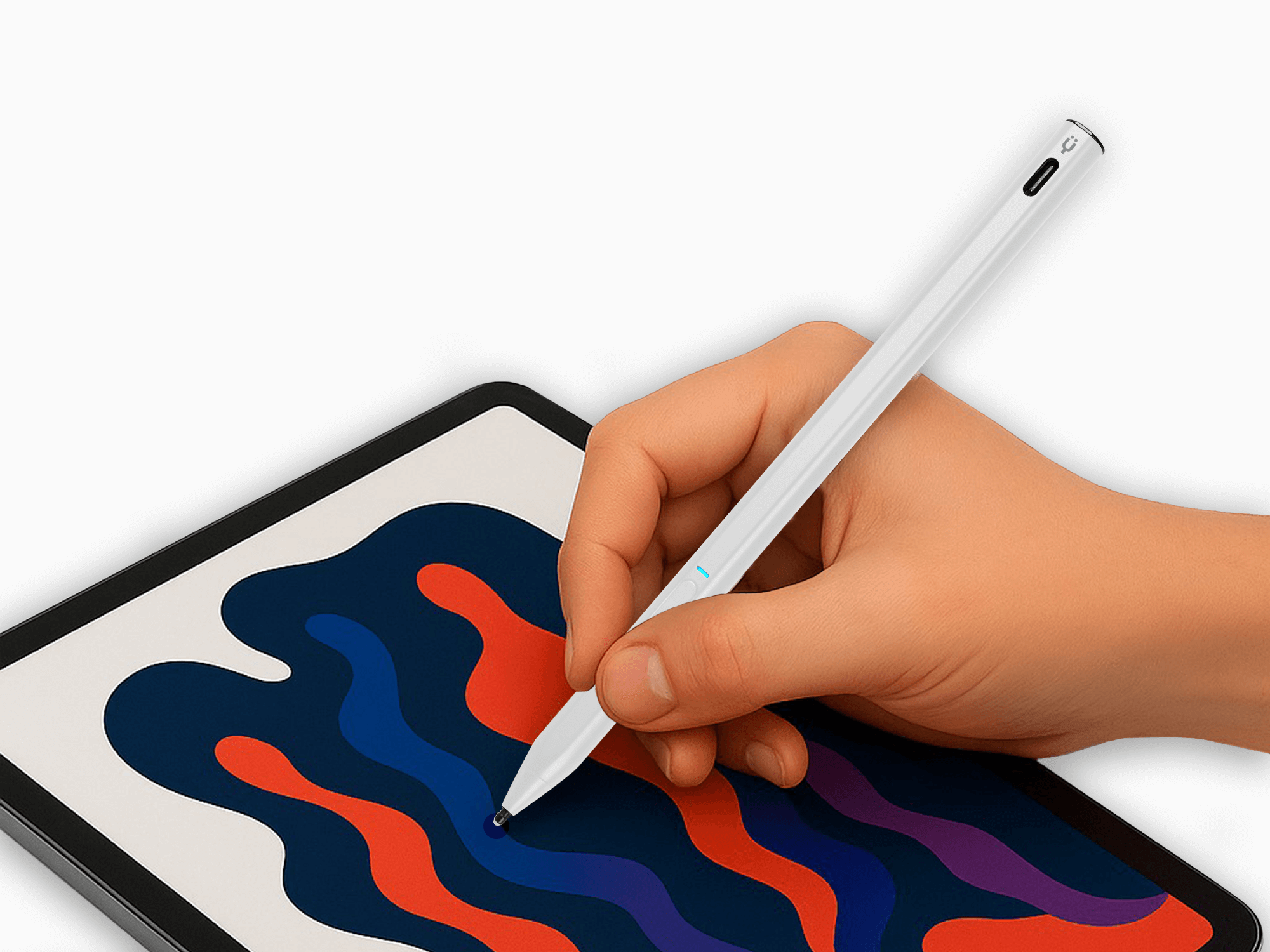
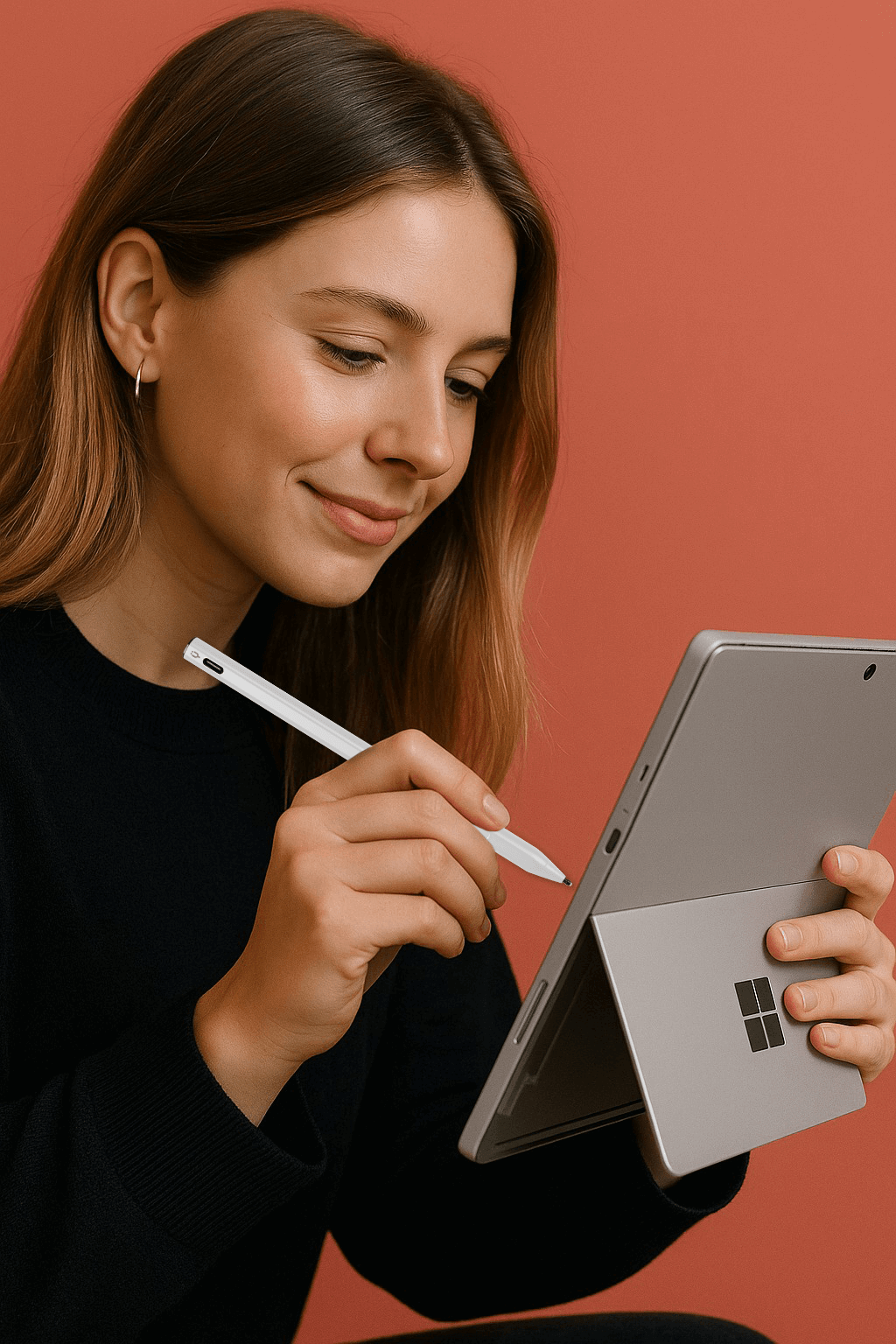
Precision in Your Palm
Write, sketch, and create with zero lag, full control, and a natural pen-on-screen feel—on Surface and beyond.
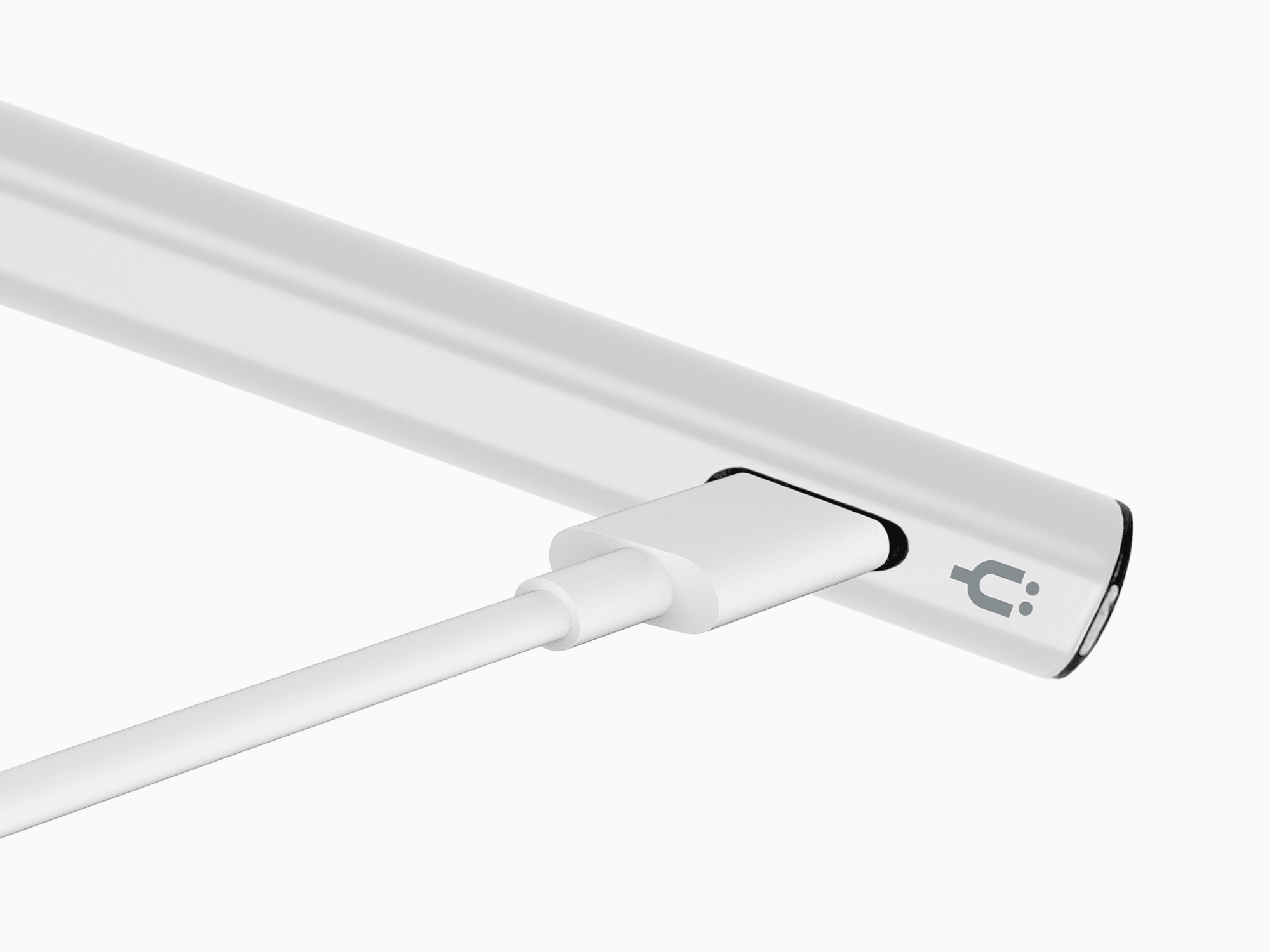
Charge Less. Create More.
130+ hours of nonstop use. Fast USB-C charging gives you 80% in 40 minutes and a full charge in just 90 minutes.
Product details
Compatibility
Microsoft
Surface Pro X
Surface Pro 3 / 4 / 5 / 6
Surface Pro 7 / 7+ / 8
Surface Go / Go 2 / Go 3
Surface Book / Book 2 / Book 3
Surface Studio (1st & 2nd Gen)
Surface Laptop 1 / 2 / 3 / 4
Surface Studio / Studio 2
ASUS
Transformer Mini
Transformer 3 / 3 Pro / Pro
ZenBook Flip S
ZenBook Flip 12
ZenBook Flip 14
HP
Envy 17-aexxx
Envy x360 15-bq0xx / 15-bp0xx
Pavilion x360 11m-ad0xx / 14m-ba0xx / 15-br0xx
Spectre x2 12-c0xx
Spectre x360 13-ac0xx / 13-ae000 / 15-bl0xx
DELL
Inspiron 13 7373
Inspiron 15 7573
SONY
VAIO Z Flip
Description
Compatibel met Microsoft Surface-apparaten die het Microsoft Pen Protocol (MPP) ondersteunen, is de Tinymoose Pencil X ontworpen voor precisie, comfort en langdurig gebruik.
Of je nu schrijft, schetst of bewerkt, het biedt een natuurlijke, vloeiende ervaring — met geen vertraging en echte druk- + kantelingsgevoeligheid.
Het beschikt over:
• Kantelondersteuning voor schaduwwerking en schuine lijnen
• 4096 niveaus van drukgevoeligheid voor gedetailleerde controle
• Handpalmafwijzing voor soepele, ononderbroken invoer
• Ingebouwde gumknop voor intuïtief bewerken
• Magnetische bevestiging om hem veilig bij je apparaat te houden
Ontworpen voor prestaties:
• Meer dan 130 uur gebruik per lading
• USB-C snel opladen
• Geen koppeling nodig - begin gewoon met creëren
Ontworpen voor Surface-gebruikers die betrouwbaarheid en responsiviteit nodig hebben - de Pencil X is jouw duurzame precisiegereedschap.
Included in the Box

Pencil X

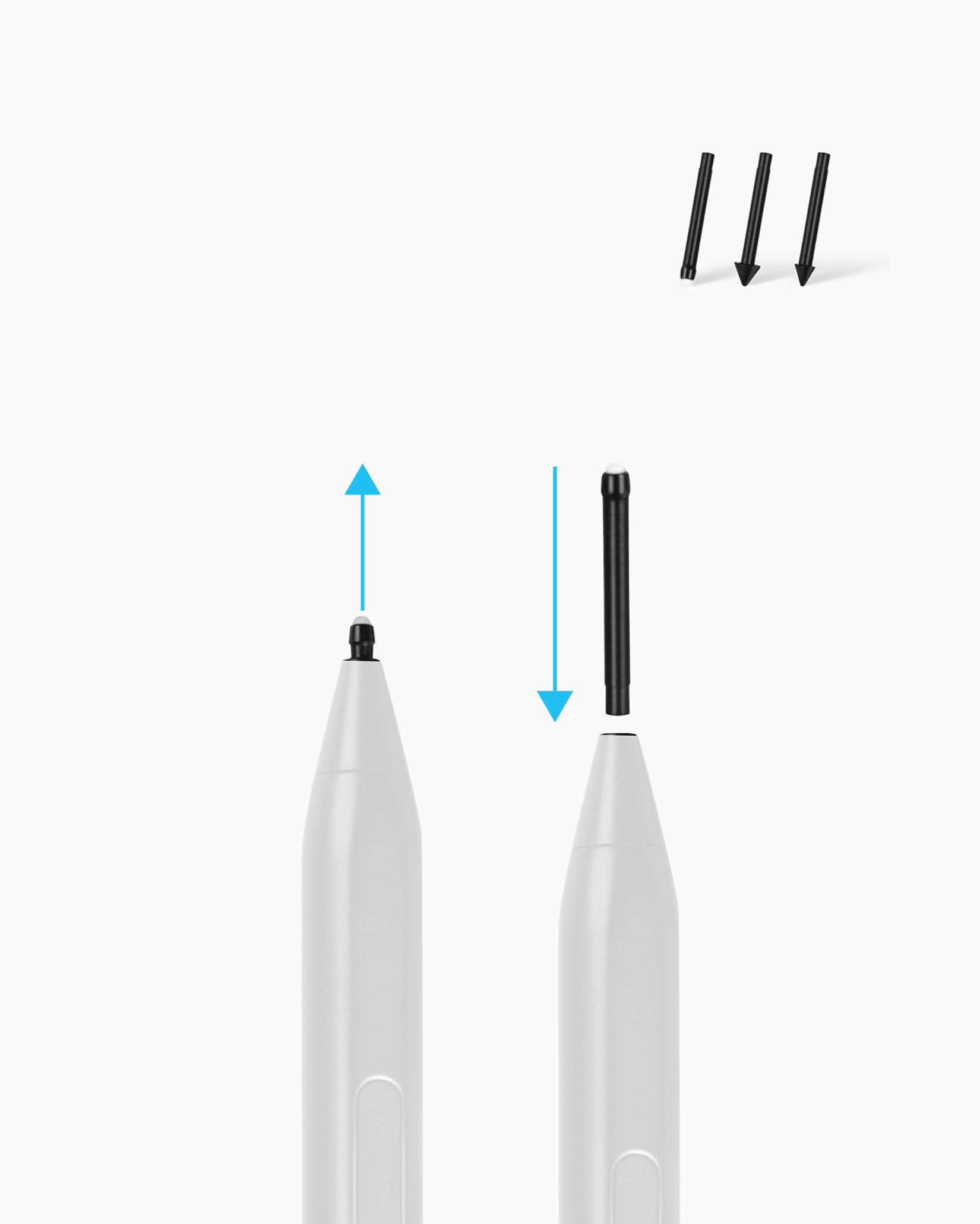
3 Pencil Nibs

USB-C Cable

Leather Case
FAQs
Please read our FAQs page to find out more.
Which devices are compatible with the Pencil X?
The Pencil X is compatible with a wide range of Microsoft Surface devices, ASUS, HP, Dell, and Sony touchscreen laptops.
For the full list of supported models, please refer to the Compatibility section.
Does it support palm rejection?
Yes — the Pencil X supports full palm rejection, so you can rest your hand on the screen naturally while writing or drawing without any interference.
How long does the battery last?
1.5 hours to charge. 130 hours to play.
Go ahead — sketch, write, scroll, repeat. You’ll run out of ideas before you run out of power.
What’s the best way to charge it?
Use any USB-C charger rated 25W or lower — most phone and tablet chargers are safe. Avoid chargers over 25W, as they can damage the battery.
You can also charge the Pencil X directly from your iPad using a USB-C to USB-C cable.
Does it support tilt and pressure sensitivity, and replaceable nibs?
Yup — the Pencil X supports tilt and packs 4096 levels of pressure sensitivity, so your lines react to every stroke, angle, and touch. And yes, the nibs are replaceable — extras are included, and swapping them takes seconds. No tools, no stress.
Do I need to connect it with Bluetooth?
Nope. No menus, no lag, no setup. Just turn it on and go. It works instantly with compatible iPads — no pairing required.
The Pencil X does not have Bluetooth.