
Der Mooseletter
- 0 Kommentare
- von Tinymoose
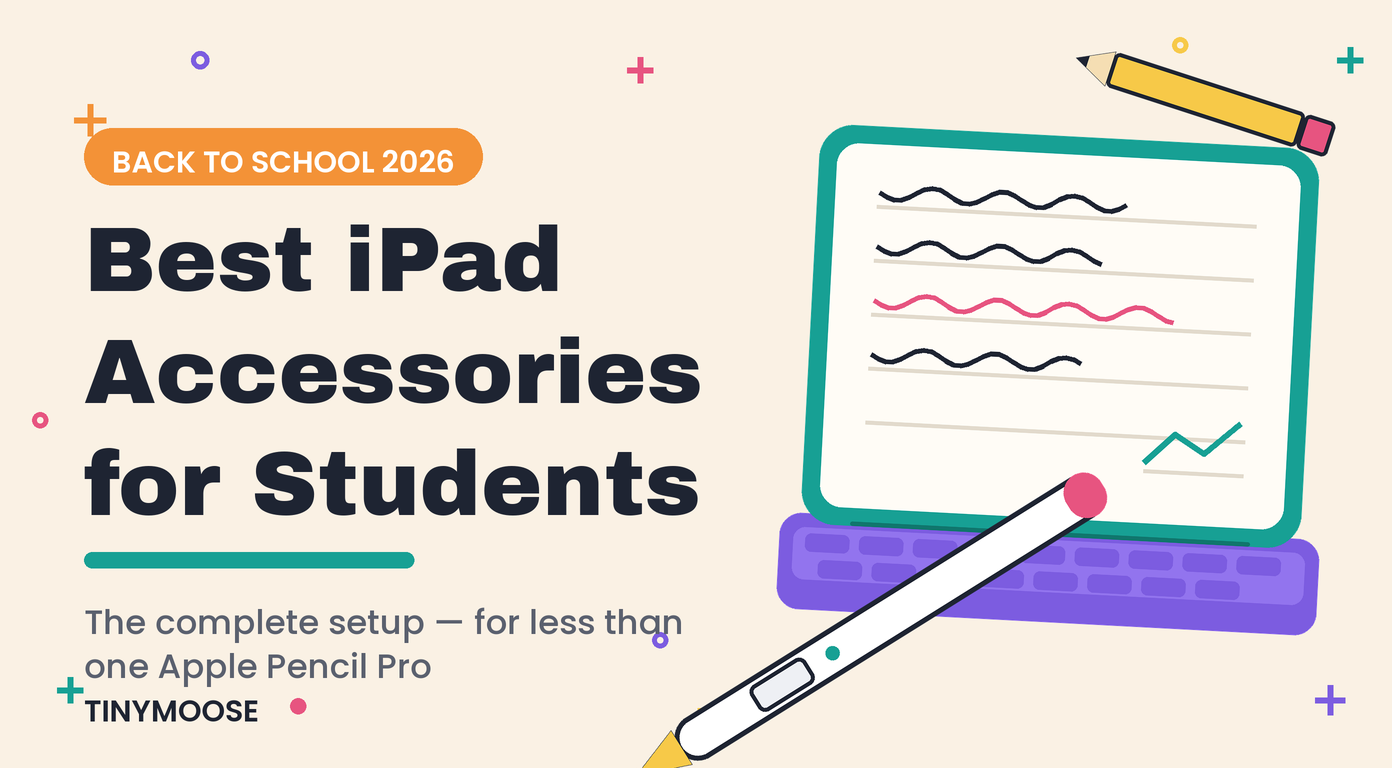
Beste iPad-Zubehörteile für Studenten 2026: Clever lernen
Entdecken Sie die besten iPad-Zubehörteile für Studenten im Jahr 2026. Steigern Sie Ihre Produktivität und erleichtern Sie das Lernen mit unverzichtbaren Stylus, Tastaturen und Hüllen.
- 0 Kommentare
- von Tinymoose LLC
Apple Pencil Verzögerungsprobleme schnell beheben
Erleben Sie Verzögerungen mit dem Apple Pencil? Unser Leitfaden für 2026 bietet einfache, schrittweise Lösungen für Software-, Einstellungs- und Hardwareprobleme. Stellen Sie jetzt eine reibungslose Leistung wieder her!
- 0 Kommentare
- von Tinymoose LLC
Wie man den Apple Pencil reinigt und wie neu hält
Erfahren Sie, wie Sie den Apple Pencil (1. und 2. Generation) sicher reinigen. Unser Leitfaden erklärt, wie Sie Schmutz entfernen, die Spitze säubern und was Sie vermeiden sollten, damit Ihr Pencil wie neu funktioniert.
- 0 Kommentare
- von Tinymoose LLC
Magnetische Tastatur für iPad: Ein Leitfaden für Studenten und Profis (2026)
Entdecken Sie das volle Potenzial Ihres iPads. Unser Leitfaden erklärt die Magie einer magnetischen Tastatur für das iPad, welche Funktionen wichtig sind und wie Sie die perfekte Tastatur auswählen.
- 0 Kommentare
- von Tinymoose LLC
Kauf eines generalüberholten iPads: Ein praktischer Leitfaden für 2026
Ihr vollständiger Leitfaden zum Kauf eines generalüberholten iPads. Erfahren Sie, wo Sie sicher kaufen können, worauf Sie vor der Zahlung achten sollten und wie Sie die besten Angebote für ein neuwertiges Gerät finden.
- 0 Kommentare
- von Tinymoose LLC
Beste Apple Pencil Alternativen: Entdecken Sie das wahre Potenzial Ihres iPads
Entdecken Sie die besten Apple Pencil Alternativen für das iPad in unserem kompakten Ratgeber. Vergleichen Sie die besten Stylus-Stifte nach Gefühl, Funktionen und Preis.
- 0 Kommentare
- von Tinymoose LLC
Beste iPad Pro Zubehör: Ein praktischer Leitfaden für 2026
Finden Sie die besten iPad Pro Zubehörteile für Ihren Arbeitsablauf. Unser Guide 2026 umfasst Stylus, Tastaturen, Hüllen und mehr für Studenten, Künstler und Remote-Arbeiter.

- 0 Kommentare
- von Tinymoose LLC
Die besten Technikgeschenke unter 100 Euro für alle auf deiner Liste (2026)
Entdecken Sie die besten Technikgeschenke unter 100, die praktisch und hochwertig sind. Unser Guide 2026 umfasst topbewertete Gadgets für Studenten, Remote-Arbeiter und mehr.
- 0 Kommentare
- von Tinymoose LLC
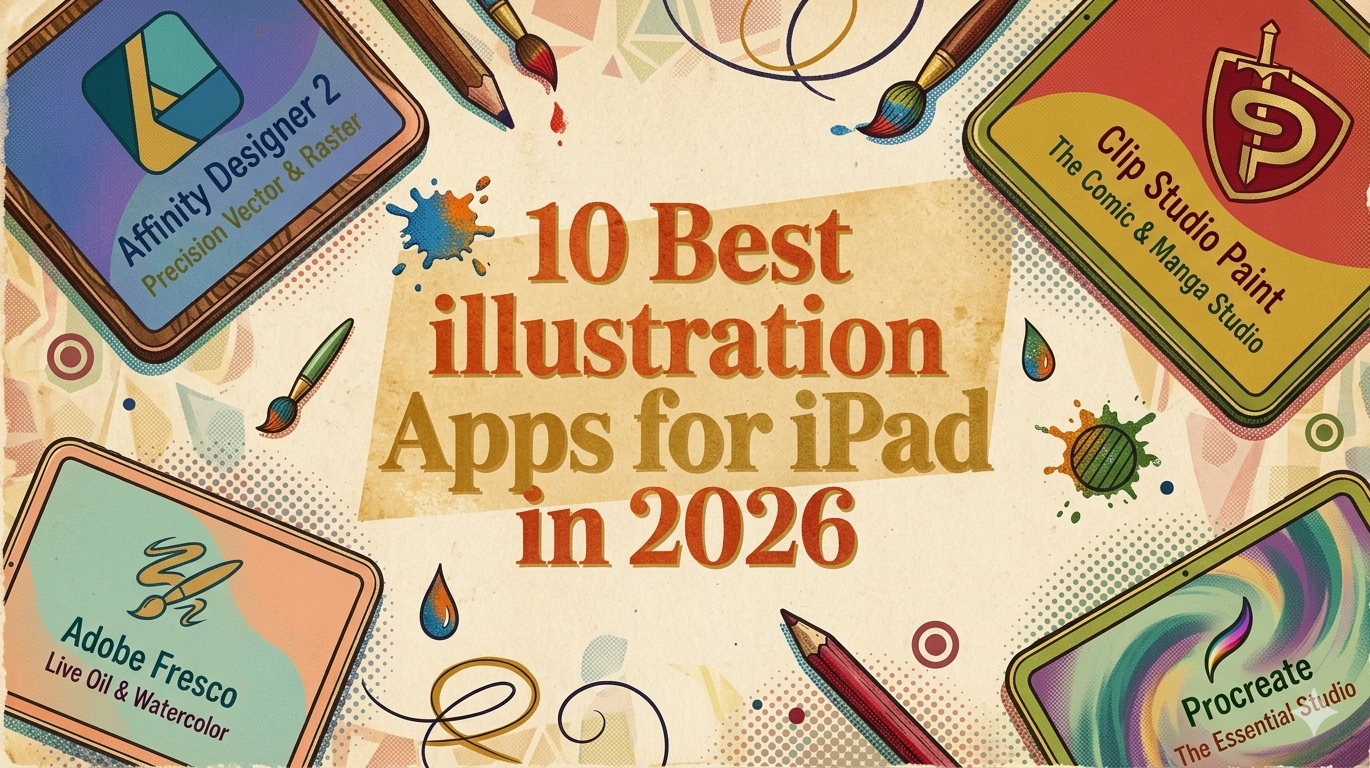
Die 10 besten Illustrations-Apps für das iPad im Jahr 2026
Finden Sie die besten Illustrations-Apps für das iPad, um Ihre Kreativität zu entfesseln. Unser Guide 2026 bewertet Procreate, Fresco und weitere Apps für Profis, Anfänger und Animator:innen.