




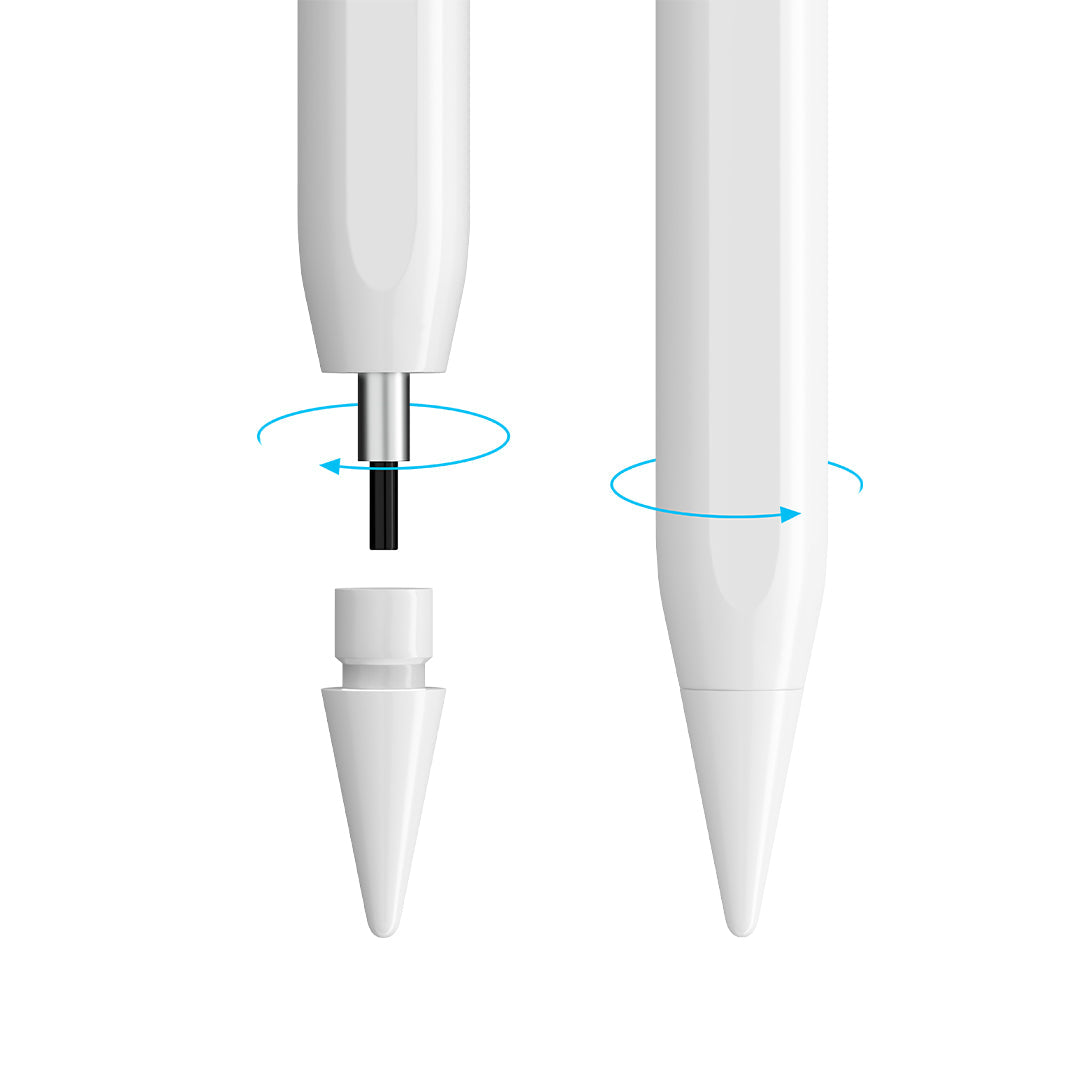
Stylus Pen for iPad & Stylus Pen for Android - The Best Stylus Pen Collection
Apple Pencil performance. A fraction of the price.
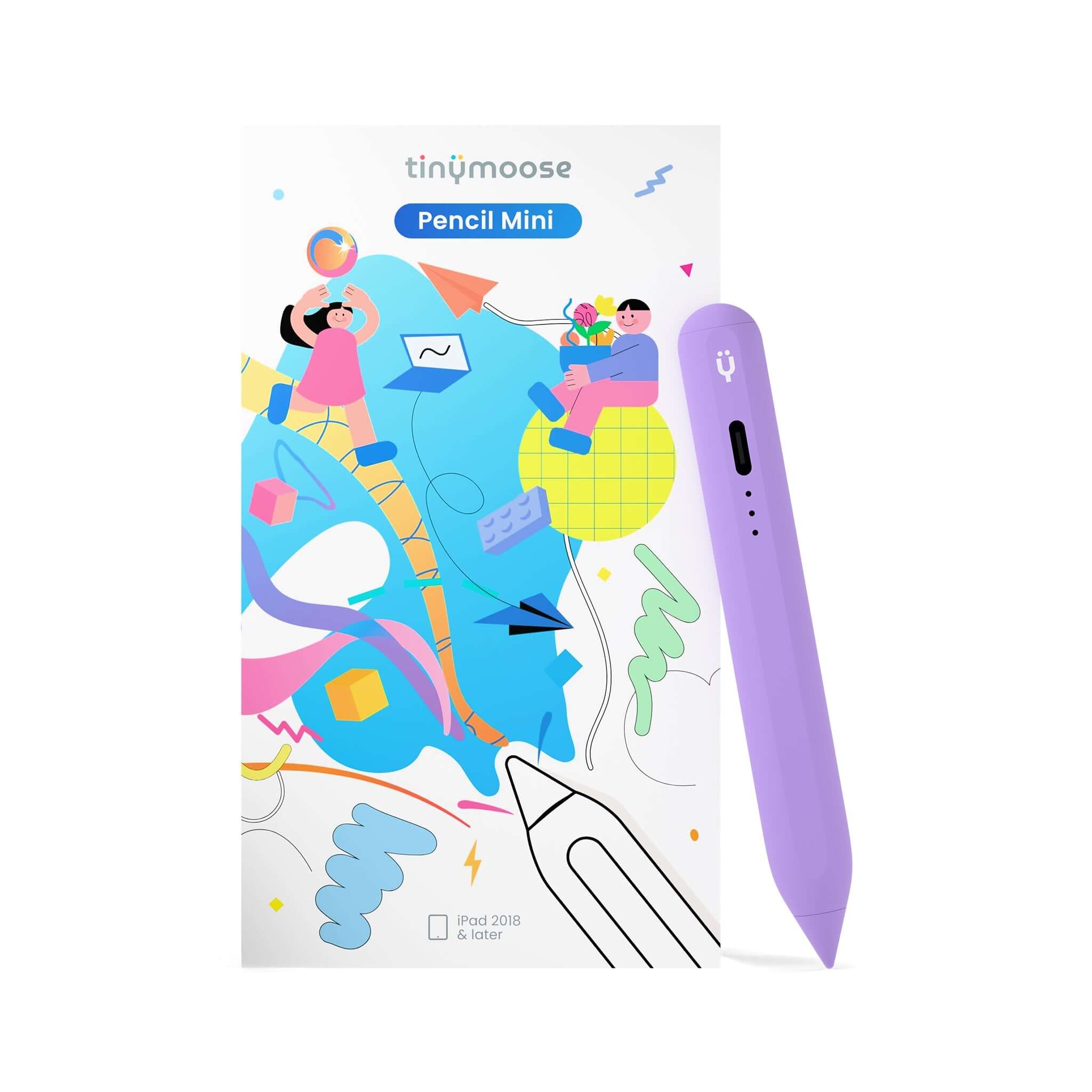
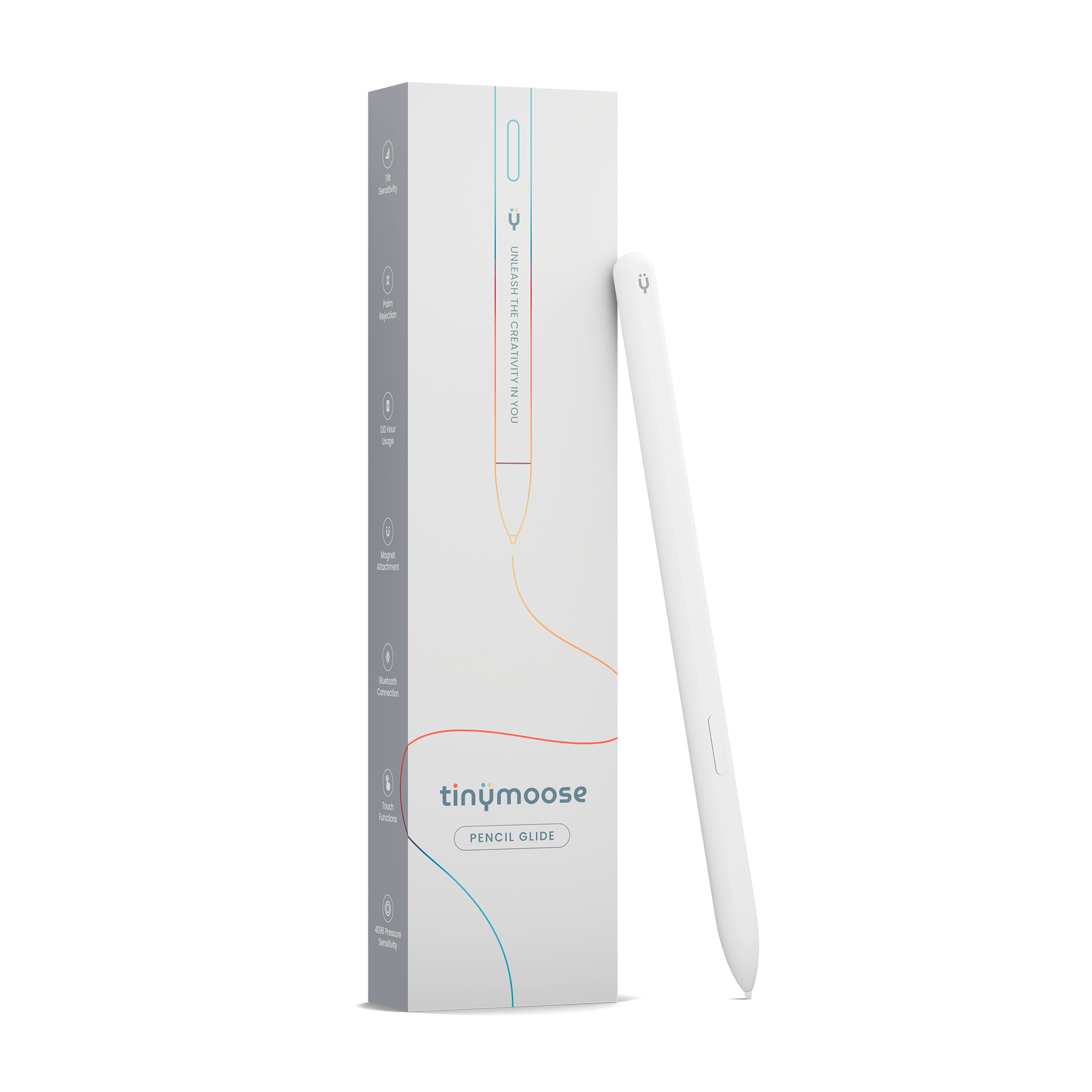
The Apple Pencil costs up to $129 — and it only works with certain iPads. The Tinymoose Pencil Pro lineup is the best stylus pen for anyone who wants a precision stylus pen for iPad without overpaying. Every model features palm rejection, pixel-perfect accuracy, and tilt sensitivity. Most start under $40.
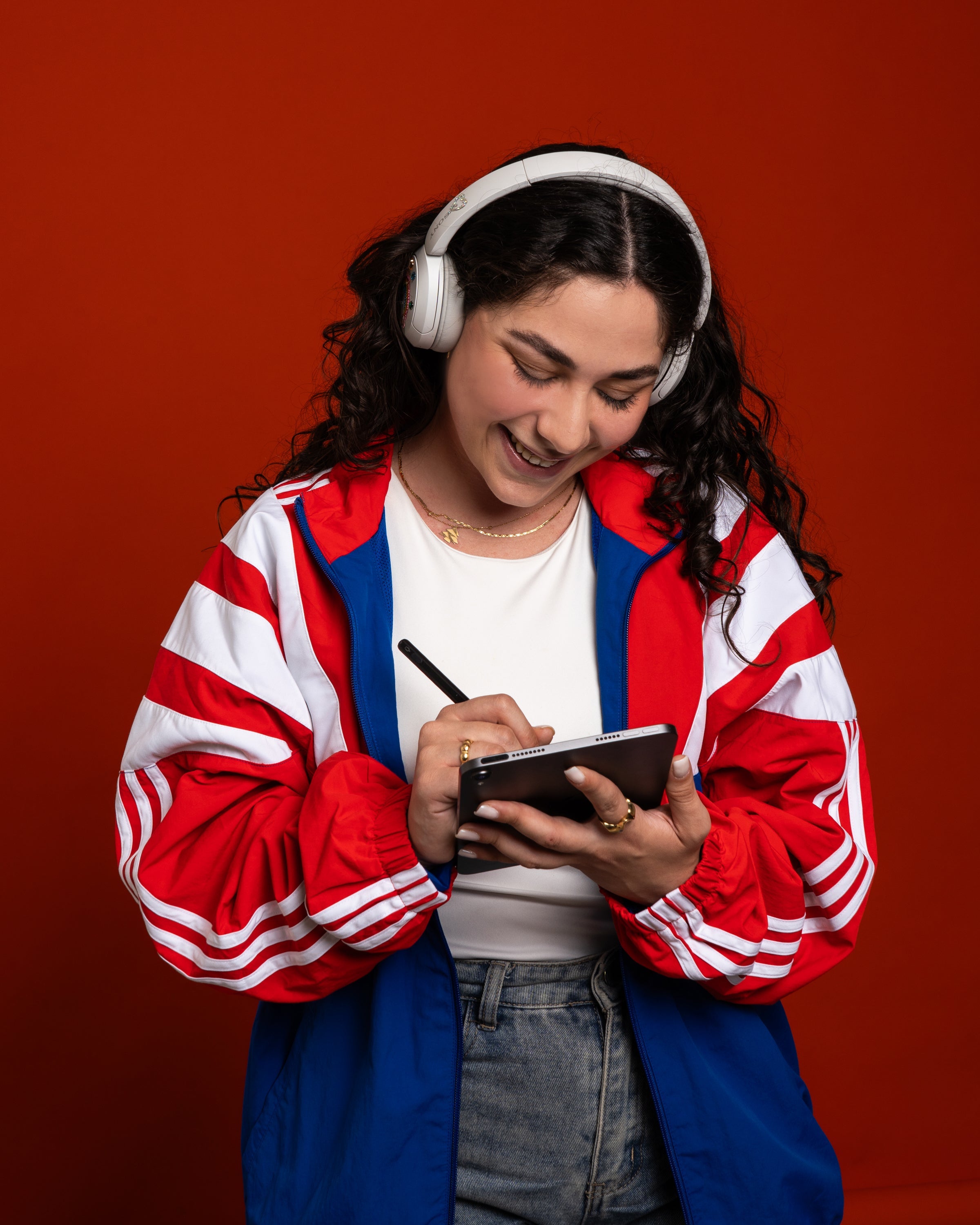
Whether you're sketching in Procreate, taking handwritten notes in GoodNotes, or annotating documents for work, our stylus pen for ipad deliver the same fluid writing and drawing experience as Apple's own — with broader compatibility, faster charging, and features Apple doesn't offer at any price.
Check out the Best Stylus for iPad Tested & Ranked here
Why Switch from Apple Pencil to a Tinymoose iPad Pen?
The Apple Pencil is a good product. But it's not a good value. Apple charges premium prices, locks you into specific iPad models, and still doesn't include basic features like a USB-C port on some versions. Our stylus pen for ipad have closed the gap entirely — and in several areas, they've pulled ahead. If you want a stylus pen for ipad, and a stylus pen for Android, we have one that works natively with both. Check out the Pencil Pro Ultra.
Here's what you actually get when you choose Tinymoose as your iPad stylus:
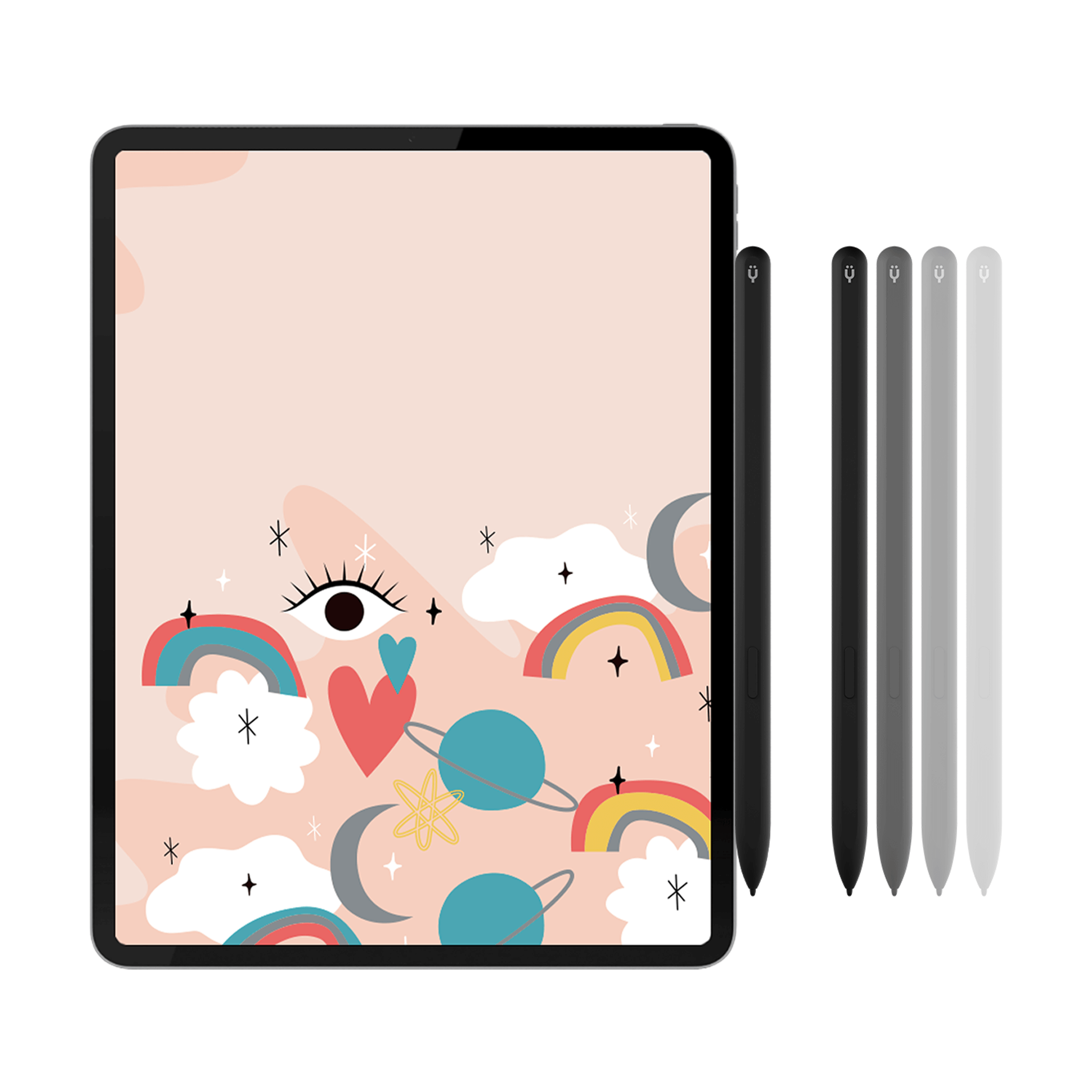
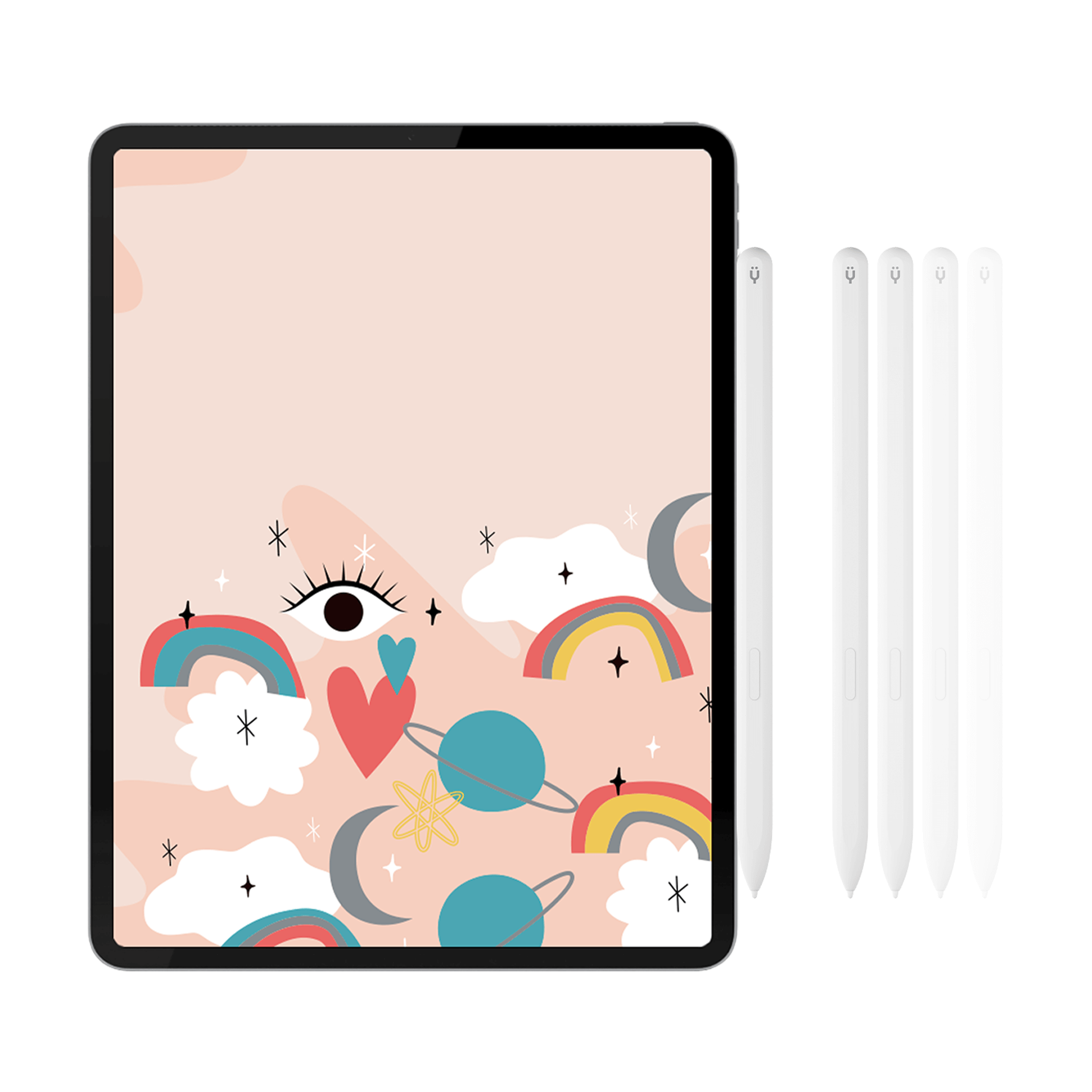
Broader iPad compatibility. Our stylus for iPad works with every Apple Pencil-compatible iPad — including iPad Pro 11, iPad Pro 12.9, iPad Air, iPad mini, and the standard iPad. One pen, every model. No guessing which generation matches which pencil.
USB-C fast charging on every model. No proprietary charging. No awkward Lightning adapter sticking out of your iPad. Plug in the same cable you use for everything else. A full charge delivers 10+ hours of continuous use.
Features Apple doesn't offer. Depending on the model, you get wireless magnetic charging, Smart Switch gesture controls, or tool-switching shortcuts — none of which exist on any Apple Pencil at any price point.
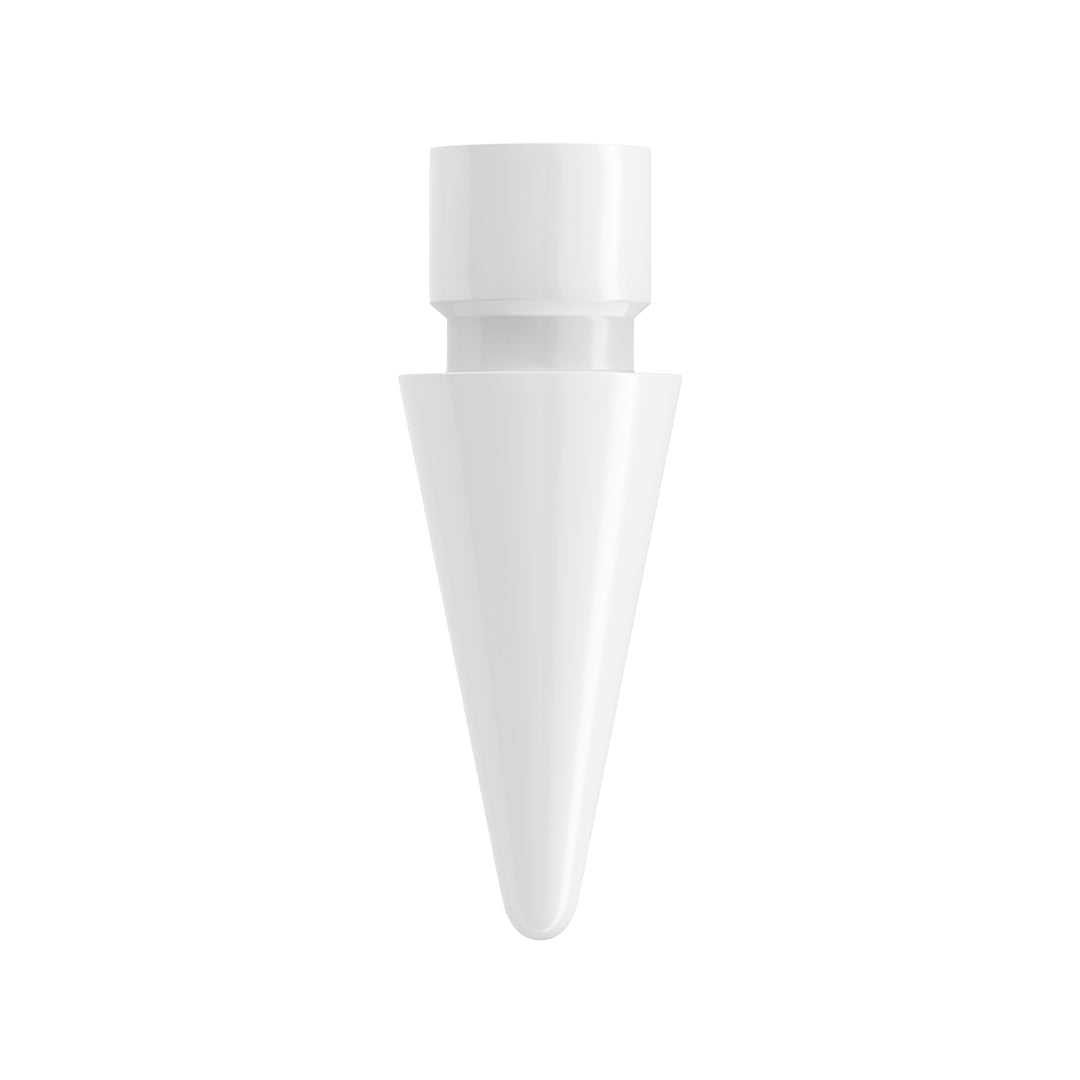
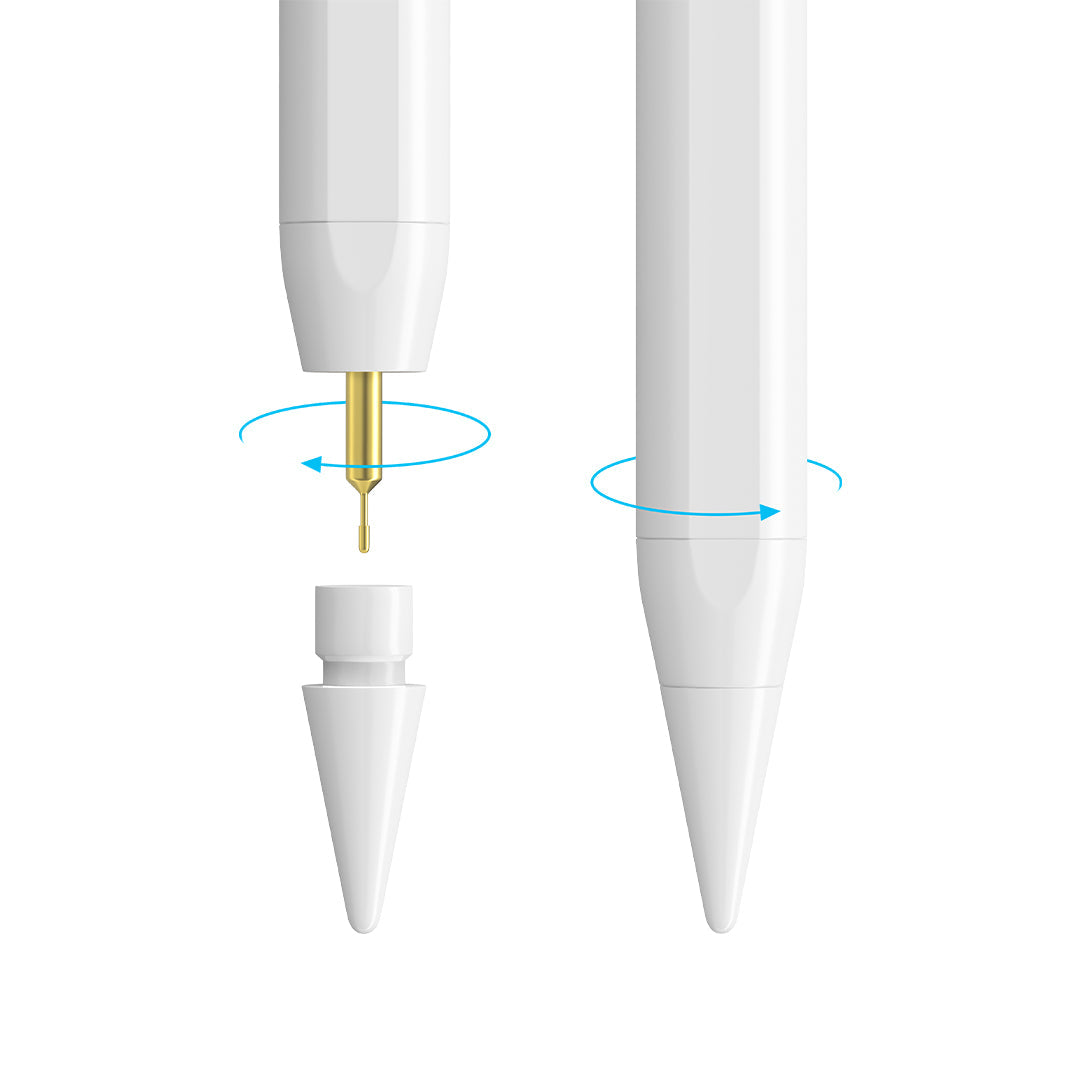
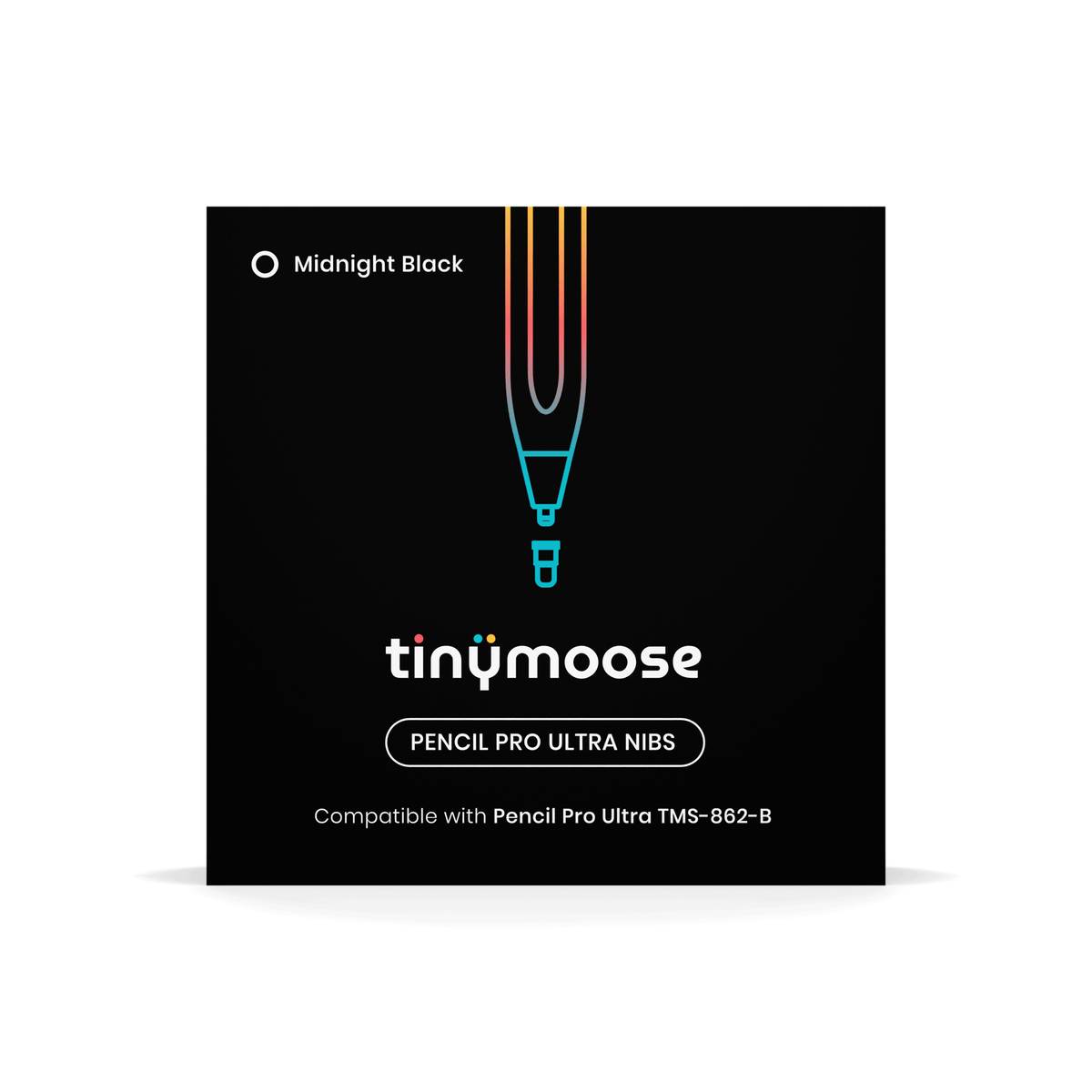
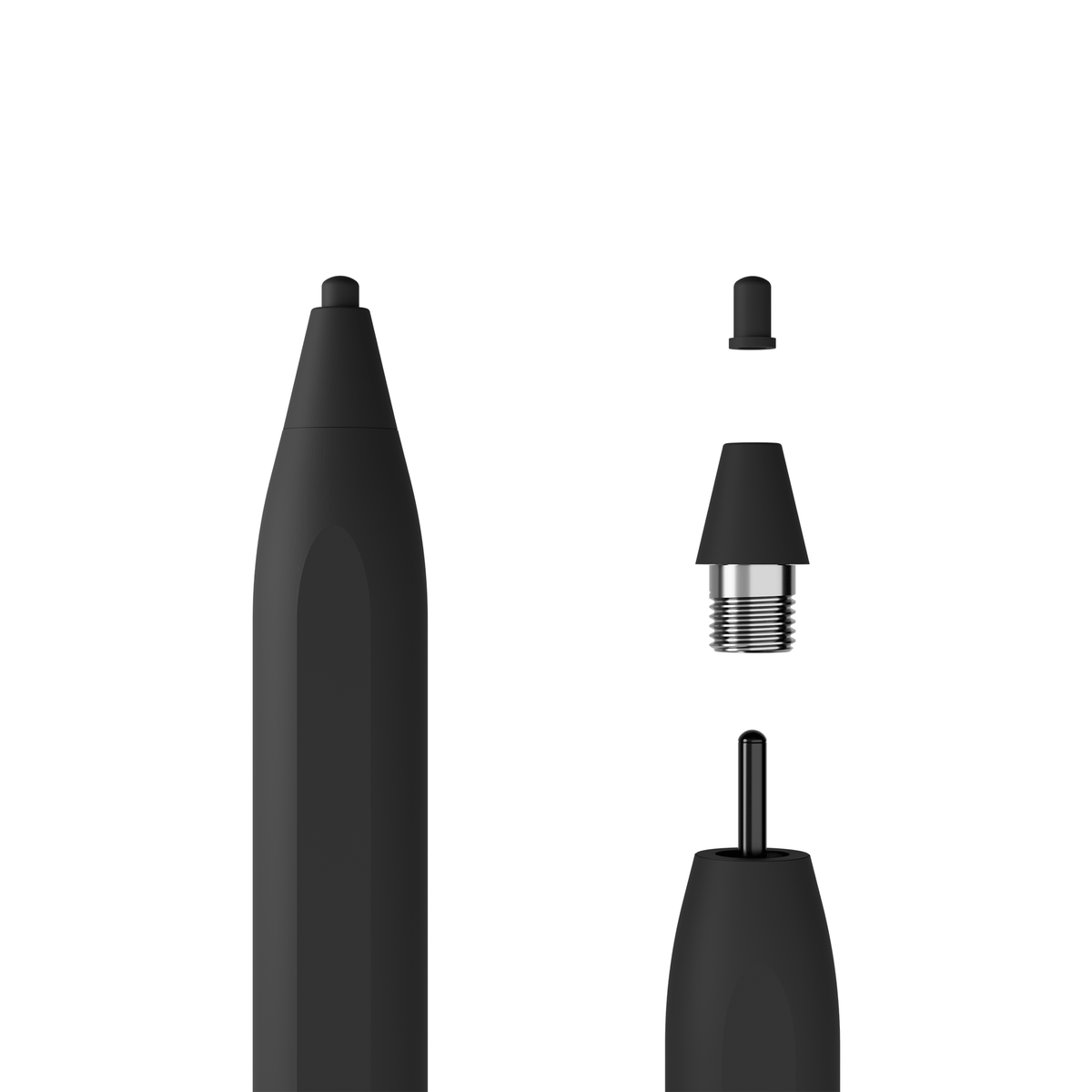
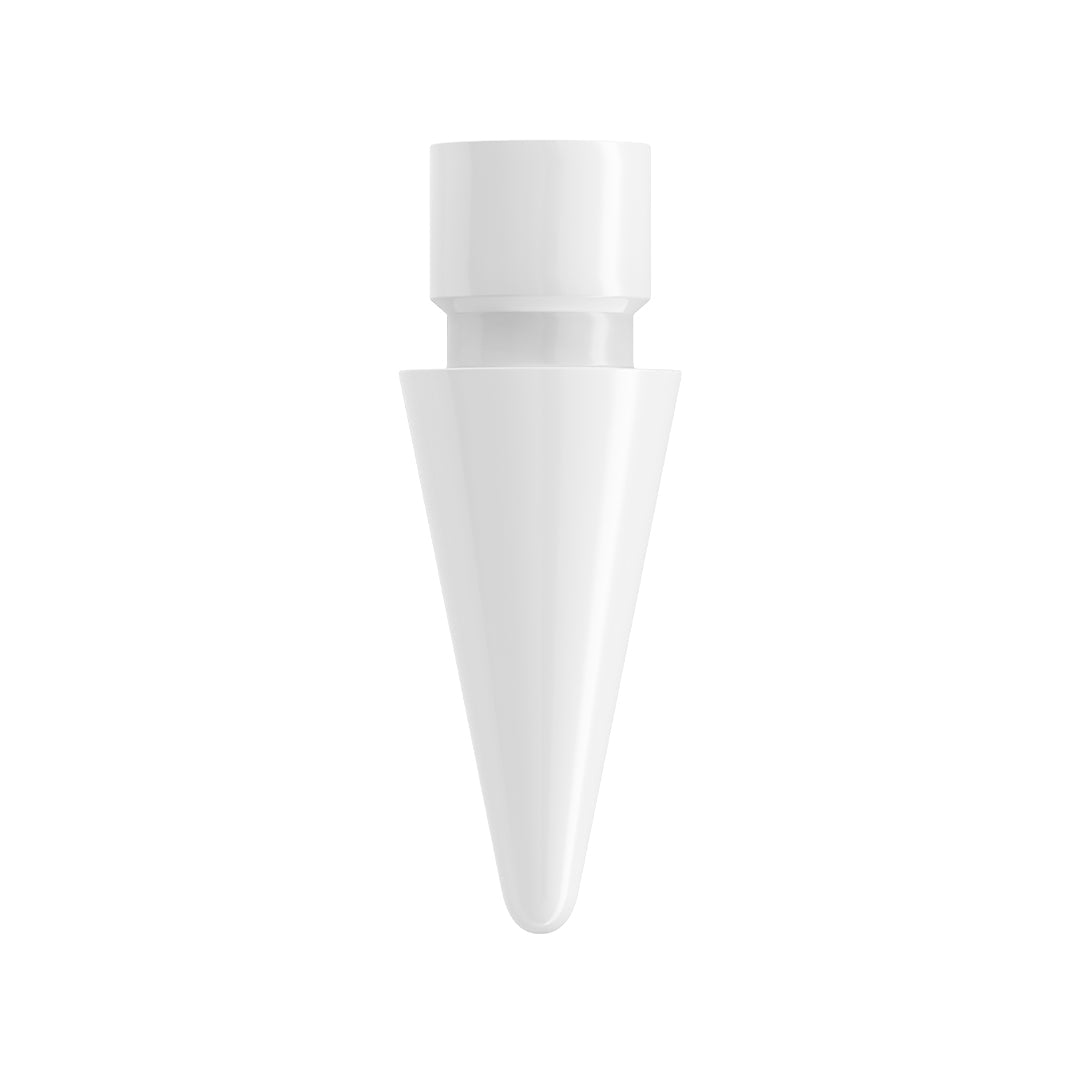
Half the price (or less). The best stylus for iPad shouldn't cost $129. Our entire Pencil Pro range sits between $30 and $70, and every model includes replacement nibs in the box.
The Pencil Pro Lineup: Which iPad Stylus Pen Is Right for You?
Every Tinymoose stylus is built for precision drawing and note-taking on iPad. The difference between models comes down to how you charge and what extra controls you want.
Pencil Pro — The Essential iPad Pen
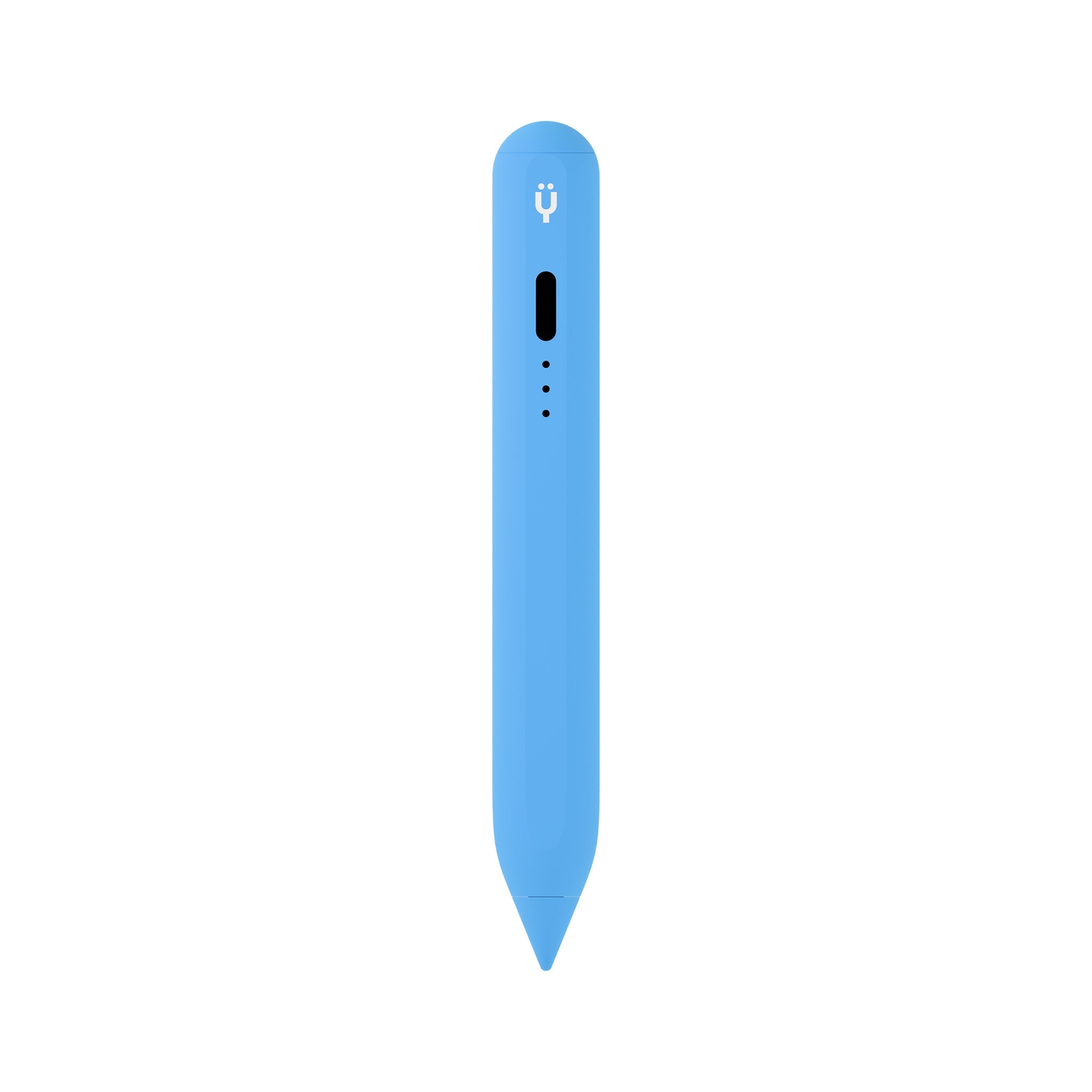
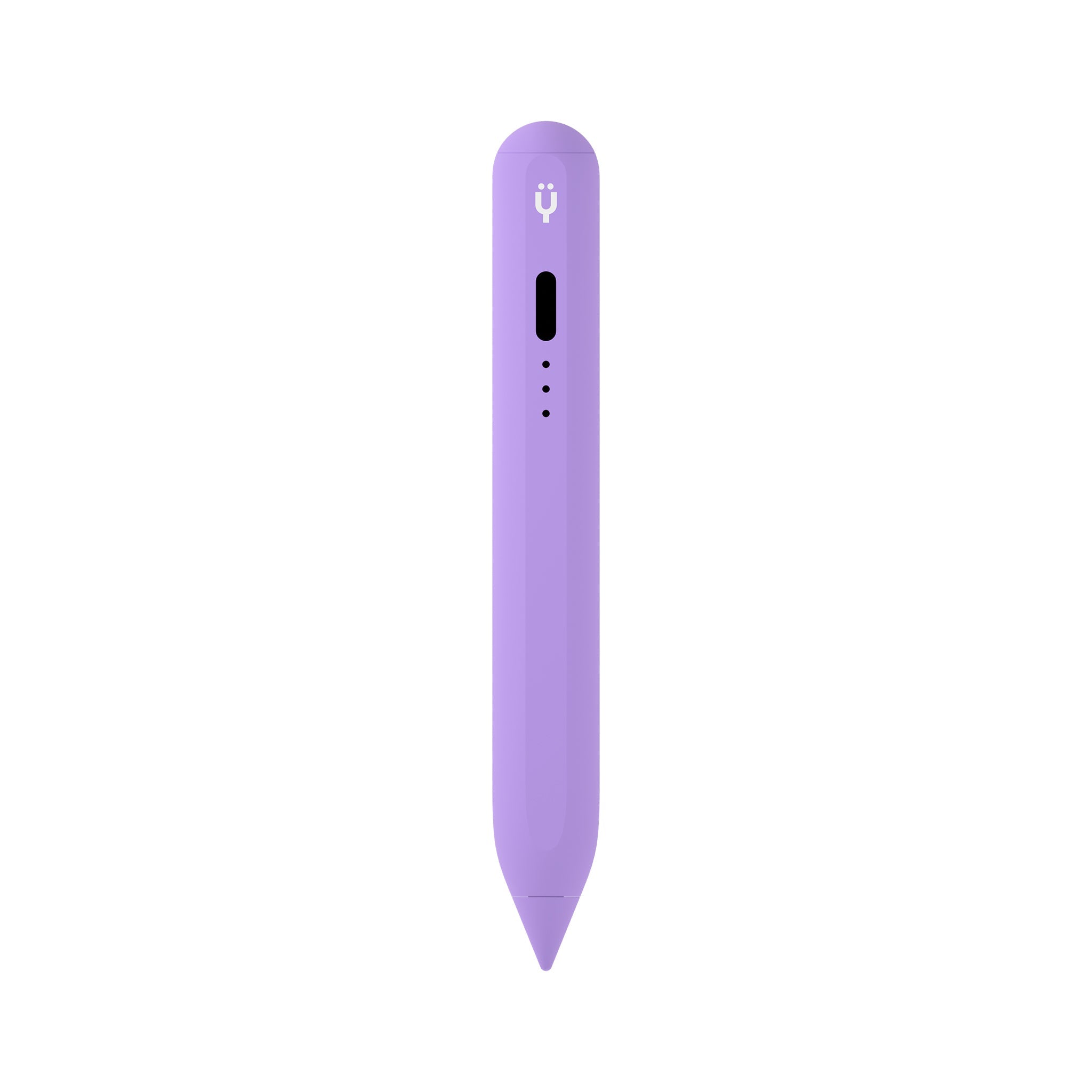
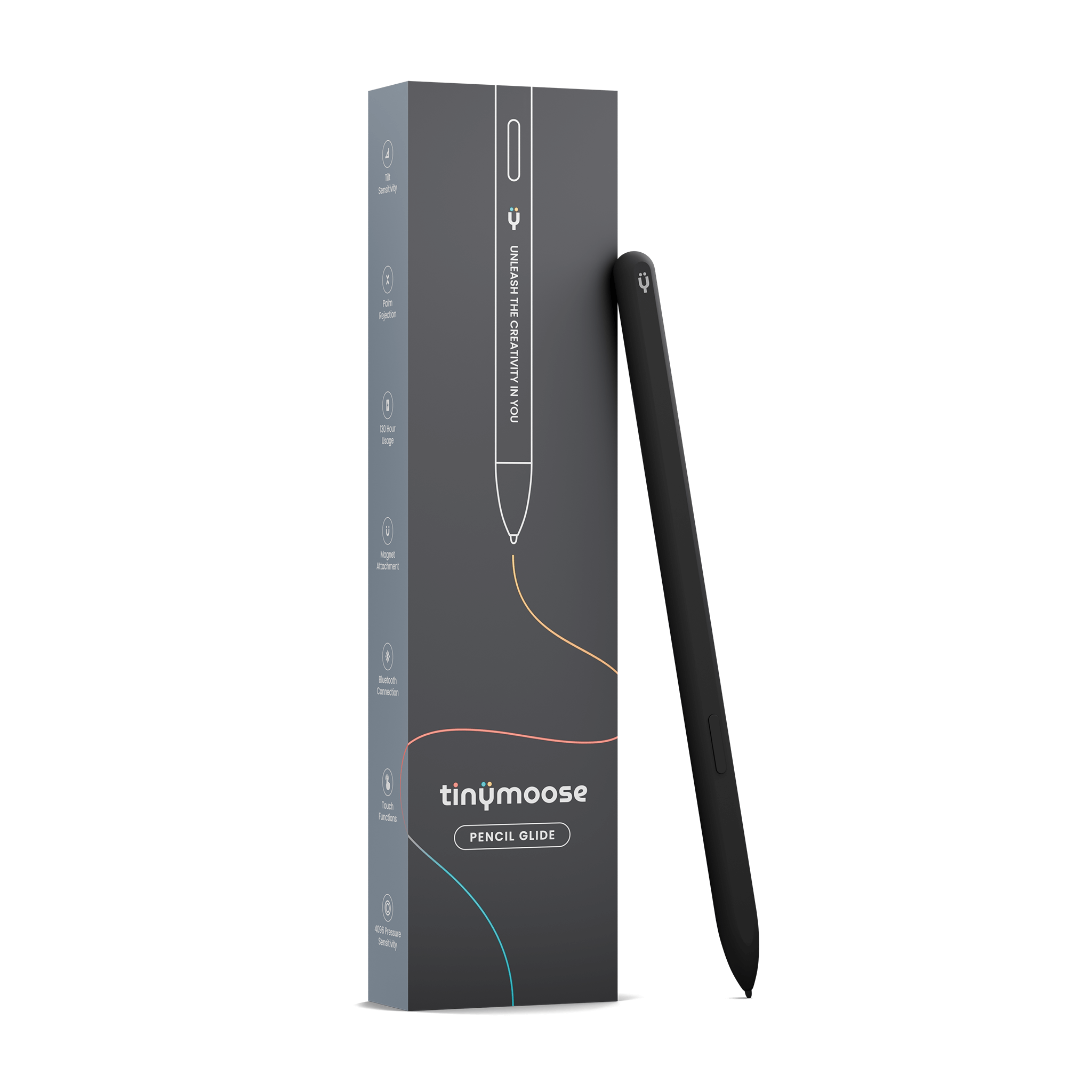
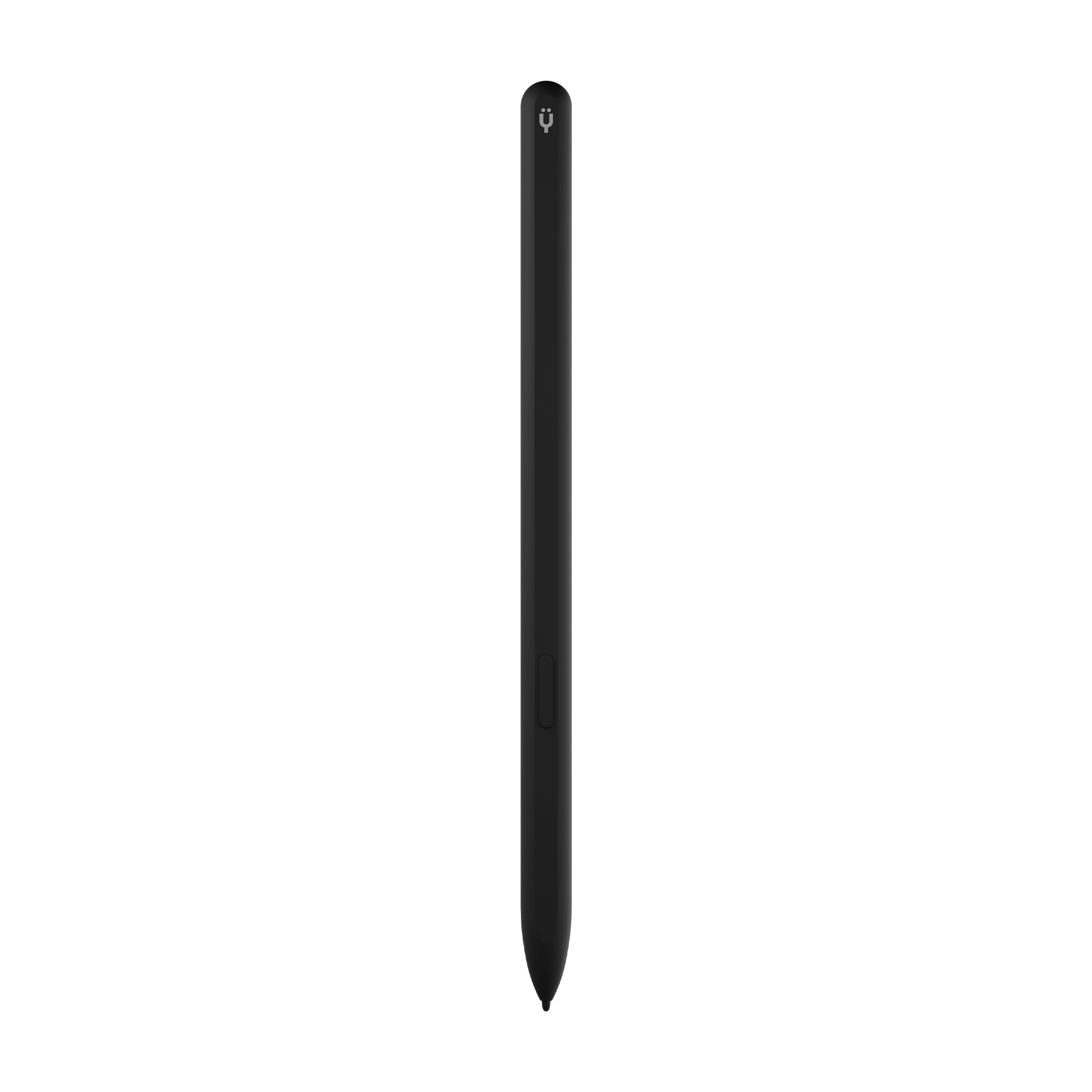
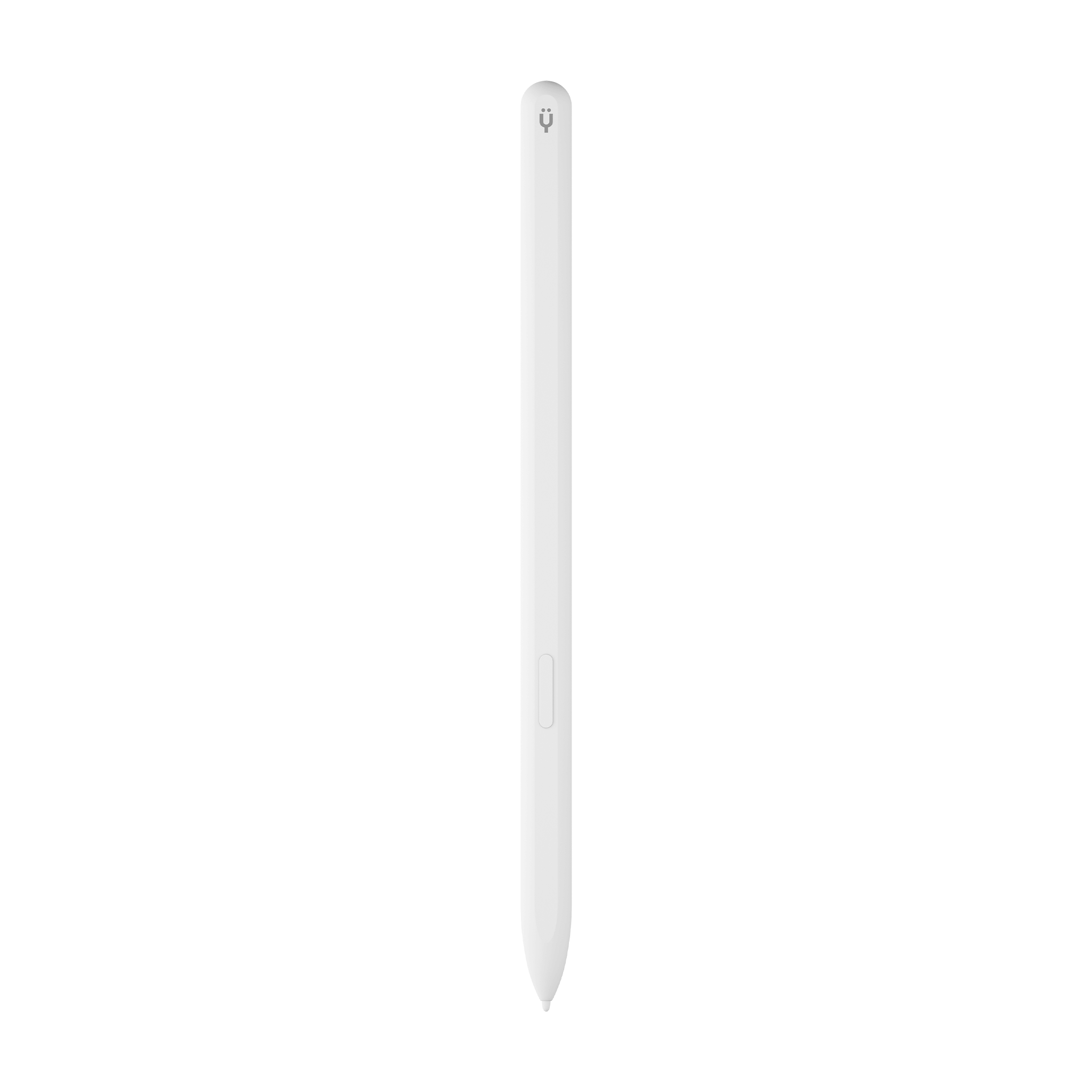
The Pencil Pro is our core iPad stylus pen. It does exactly what you need: pixel-perfect precision, palm rejection, tilt sensitivity, and a natural pen-on-paper feel. It charges via USB-C, weighs just 13 grams, and comes in Black or Pearl White. If you want a reliable, affordable stylus pen for iPad without any extras, this is it.
Best for: Students, note-takers, casual sketchers, and anyone who wants an Apple Pencil alternative that just works.
Pencil Pro Plus — Wireless Charging iPad Stylus
Everything in the Pencil Pro, plus magnetic wireless charging. Set it on the side of your iPad and it charges — no cables, no fuss. If you're tired of plugging things in, the Plus makes your iPad pen experience completely wireless. A stylus pen for ipad that just works
Best for: iPad Pro and iPad Air users who want the convenience of magnetic wireless charging.
Pencil Pro Ultra — Smart Switch Technology
The Ultra adds Smart Switch — a touch-sensitive area near the tip that lets you switch tools, undo strokes, or trigger custom shortcuts with a tap. The LED indicator changes color to confirm your mode. It's the most advanced iPad stylus pen in our lineup and the best Apple Pencil alternative for serious digital artists and power users.
Best for: Digital artists, Procreate users, designers, and anyone who wants gesture controls without lifting their stylus from the screen. Also works as a stylus pen for iPhone, as well as a stylus pen for android devices.
Pencil Pro 2 — Latest Generation
Our newest iPad pen with refined gesture controls, improved tip responsiveness, and an even more natural writing feel. The Pencil Pro 2 represents the latest generation of Tinymoose stylus technology — building on everything we've learned from thousands of artists, students, and professionals using our pens daily.
Best for: Anyone who wants the latest and most refined Tinymoose stylus for iPad experience.
Pencil Pro Lumin & Pencil Pro Sketch
Specialized models tuned for specific use cases. The Lumin is a stylus pen for ipad optimized for note-taking and everyday writing with a slightly softer nib feel, while the Sketch is built for drawing with enhanced pressure response for finer line control. Both feature USB-C charging, palm rejection, and full iPad compatibility.
Best for: Users who know exactly how they'll use their iPad pen and want a stylus fine-tuned for that purpose.
iPad Stylus Pen for Drawing vs. Note-Taking — Do You Need Different Pens?
One of the most common questions we get: can you use the same iPad pen for drawing and note-taking? The answer is yes. Every Pencil Pro model handles both tasks well. The tilt sensitivity adjusts line weight naturally whether you're writing lecture notes or sketching a portrait.
That said, if you primarily draw, the Pencil Pro Ultra or Pencil Pro Sketch gives you the fastest workflow with gesture shortcuts and optimized pressure curves. If you primarily write and annotate, the Pencil Pro or Pencil Pro Lumin keeps things simple and distraction-free. For students who need an iPad for drawing with pen and note-taking in the same session, the Pencil Pro Plus hits the sweet spot — versatile enough for both, with wireless charging to keep it topped up between classes.
Which iPads Work with Tinymoose Stylus Pens?
Our iPad compatible stylus pens work with every iPad model that supports Apple Pencil. That includes:
iPad Pro: 11-inch (all generations), 12.9-inch (3rd generation and later), and 13-inch M4/M5. Whether you have an iPad Pro 3rd generation, 4th generation, 5th generation, or the latest M-series chip, our iPad Pro stylus works out of the box.
iPad Air: 4th generation and later, including the M1, M2, M3, and M4 models. The iPad Air pencil experience with Tinymoose is identical to what you'd get with an Apple Pencil.
iPad mini: 6th generation and later. Our iPad mini stylus delivers the same precision on the smaller screen — ideal for portable sketching and note-taking.
iPad (standard): 6th generation through the current A16 model. If you're wondering about iPad A16 pencil compatibility — yes, every Pencil Pro model works perfectly with the latest standard iPad.
No confusing compatibility charts. No "which Apple Pencil generation do I need?" headaches. One Tinymoose stylus pen for iPad covers them all.
How Tinymoose Compares to Apple Pencil
| Feature | Apple Pencil (2nd Gen) | Apple Pencil Pro | Tinymoose Pencil Pro Ultra |
|---|---|---|---|
| Price | $129 | $129 | ~$70 |
| Palm Rejection | Yes | Yes | Yes |
| Tilt Sensitivity | Yes | Yes | Yes |
| USB-C Charging | No | No | Yes |
| Works as iPhone Stylus | No | No | Yes |
| Gesture Controls | Double-tap only | Squeeze + barrel roll | Smart Switch (tap sensor) |
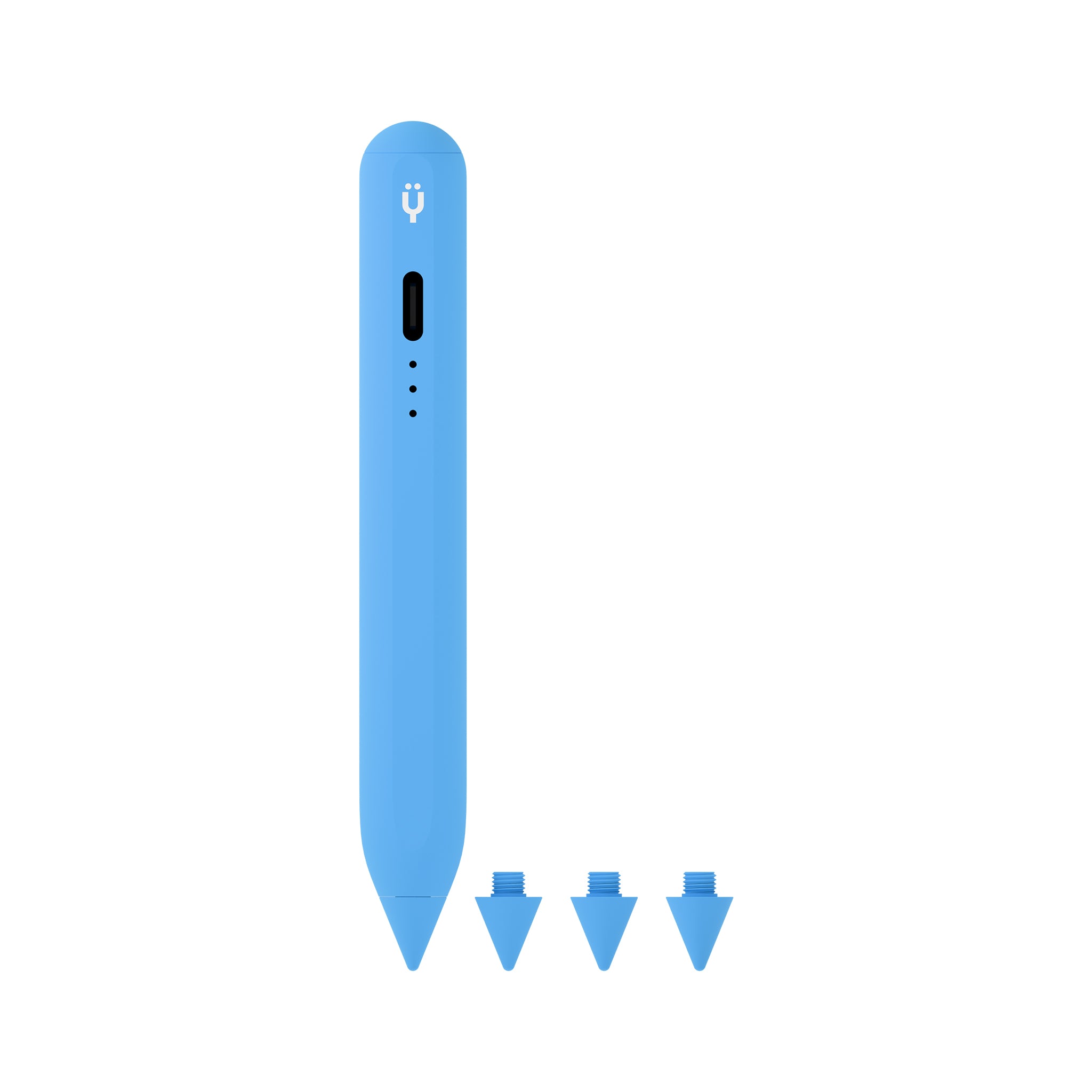
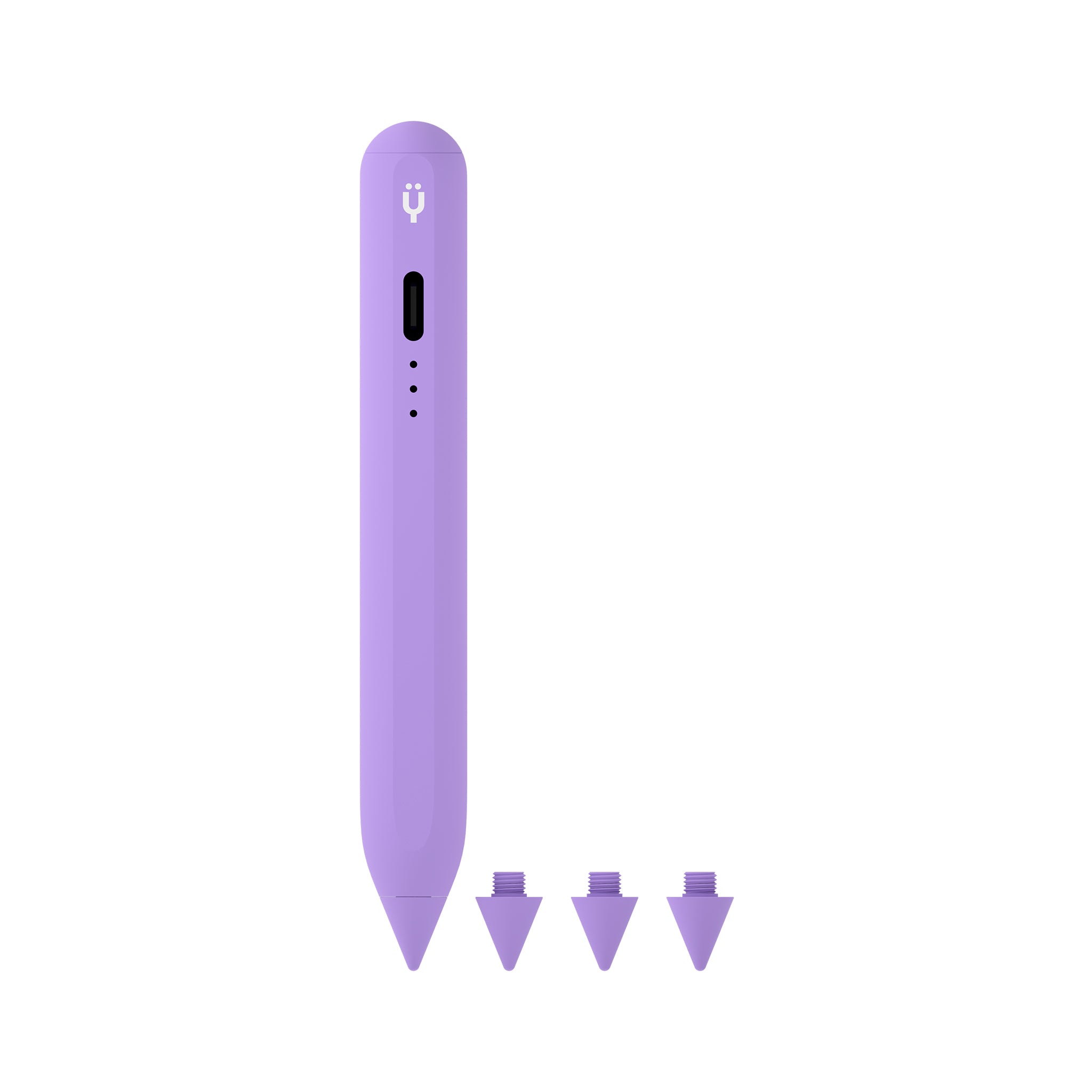
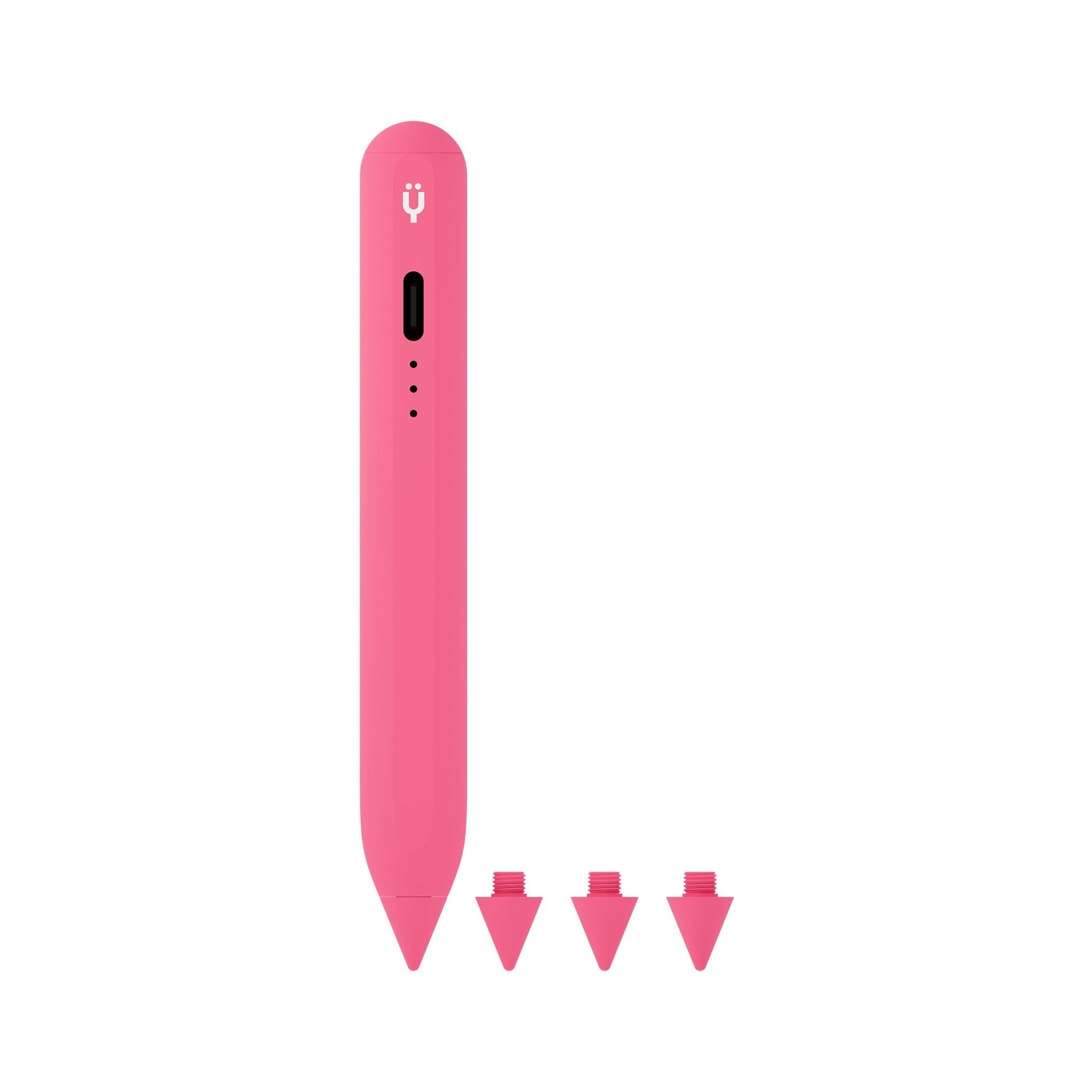
| Replacement Nibs Included | No (sold separately) | No (sold separately) | Yes (3 included) |
| iPad Compatibility | Select models only | M4/M5 iPads only | All Apple Pencil-compatible iPads |
| Android/Surface Support | No | No | Yes |
Works Beyond iPad: iPhone Stylus & More
Unlike the Apple Pencil, certain Tinymoose models double as an iPhone stylus pen. The Pencil Pro Ultra's capacitive mode lets you use it as a stylus for iPhone for basic navigation, annotation, and quick sketches. It also works with Android tablets and Microsoft Surface devices — making it a true universal stylus pen rather than a single-ecosystem accessory.
If you've been searching for the best stylus for iPhone or a pen that works across all your devices, the Pencil Pro Ultra is the only stylus you need to buy.
What Real Users Say
Thousands of students, artists, and professionals have switched from Apple Pencil to Tinymoose. Our Pencil Pro Ultra was featured by Cult of Mac as a standout Apple Pencil alternative, and our products maintain 4.5+ star ratings across thousands of reviews. The most common feedback? "I can't believe I paid $129 for the Apple Pencil when this exists."
Frequently Asked Questions
Is a third-party stylus pen for iPad as good as Apple Pencil?
For the vast majority of users, yes. Modern iPad stylus pens like the Tinymoose Pencil Pro series offer the same palm rejection, tilt sensitivity, and pixel-perfect precision as the Apple Pencil. The main difference is pressure sensitivity — Apple Pencil uses a proprietary pressure API that third-party styluses cannot access. However, all Tinymoose models support tilt-based line variation, which achieves a very similar effect for drawing and writing. Most users cannot tell the difference in daily use.
Which is the best Apple Pencil alternative for drawing?
The Tinymoose Pencil Pro Ultra is the best Apple Pencil alternative for digital artists. Its Smart Switch gesture controls let you switch between brush and eraser, undo strokes, and trigger shortcuts without lifting your stylus from the screen. For pure drawing on iPad with pen, the Pencil Pro Sketch is also tuned with a finer nib response for detailed line work. Both are used daily by professional Procreate and Illustrator artists.
Do Tinymoose stylus pens work with all iPads?
Yes. Every Tinymoose iPad pen works with all Apple Pencil-compatible iPads. That includes iPad Pro 11-inch and 12.9-inch (3rd generation and later), iPad Air (4th generation and later), iPad mini (6th generation and later), and standard iPad (6th generation through the A16 model). No need to check iPad pencil compatibility charts — if your iPad supports Apple Pencil, it supports Tinymoose.
Can I use a Tinymoose pen as an iPhone stylus?
Certain models, yes. The Pencil Pro Ultra works as an iPhone stylus pen in capacitive mode, giving you basic touch input for navigation and annotation. Note that active features like palm rejection are iPad-only — this is an Apple hardware limitation, not a Tinymoose limitation. For full-featured stylus use, iPad remains the best platform.
How long does the battery last?
All Pencil Pro models deliver 10+ hours of continuous active use on a single charge. Standby time extends well beyond that. A quick 15-minute USB-C charge gives you several hours of writing or drawing — perfect for topping up between classes or meetings.
What's the difference between Pencil Pro, Plus, Ultra, and 2?
The Pencil Pro is the essential model with USB-C charging. The Pencil Pro Plus adds wireless magnetic charging. The Pencil Pro Ultra adds Smart Switch gesture controls and iPhone/Android compatibility. The Pencil Pro 2 is our latest generation with refined gesture controls and improved tip responsiveness. All four share the same core precision, palm rejection, and tilt sensitivity.
Is a cheap Apple Pencil alternative worth it?
It depends on the alternative. Many budget iPad stylus pens under $20 lack tilt sensitivity and use poor-quality nibs that scratch your screen. Tinymoose sits in the sweet spot: affordable enough to save you $60–$90 versus Apple Pencil, but built with the same aluminum body, replaceable nibs, and precision technology you'd expect from a premium iPad pen. We include replacement nibs in the box because we expect you to use this stylus every day for years.
Do I need a pressure-sensitive stylus for iPad?
True pressure sensitivity (measuring how hard you press the nib) is locked behind Apple's proprietary API and only available on Apple Pencil. However, tilt sensitivity — which every Tinymoose stylus supports — achieves a very similar line-variation effect by adjusting width and opacity based on pen angle. For note-taking, it's indistinguishable. For professional illustration, most artists adapt to tilt-based control within a few sessions and report no meaningful difference in their workflow.
How do I connect a stylus pen to my iPad?
Tinymoose stylus pens connect via Bluetooth. Turn on the pen, open your iPad's Bluetooth settings, and tap the pen name to pair. The entire process takes about 10 seconds. Once paired, your iPad remembers the connection — just turn the pen on and start writing. No app required.
Do you ship internationally?
Yes. Tinymoose offers free worldwide shipping on all stylus pens. Orders ship from our warehouse and typically arrive within 5–12 business days depending on your location.