
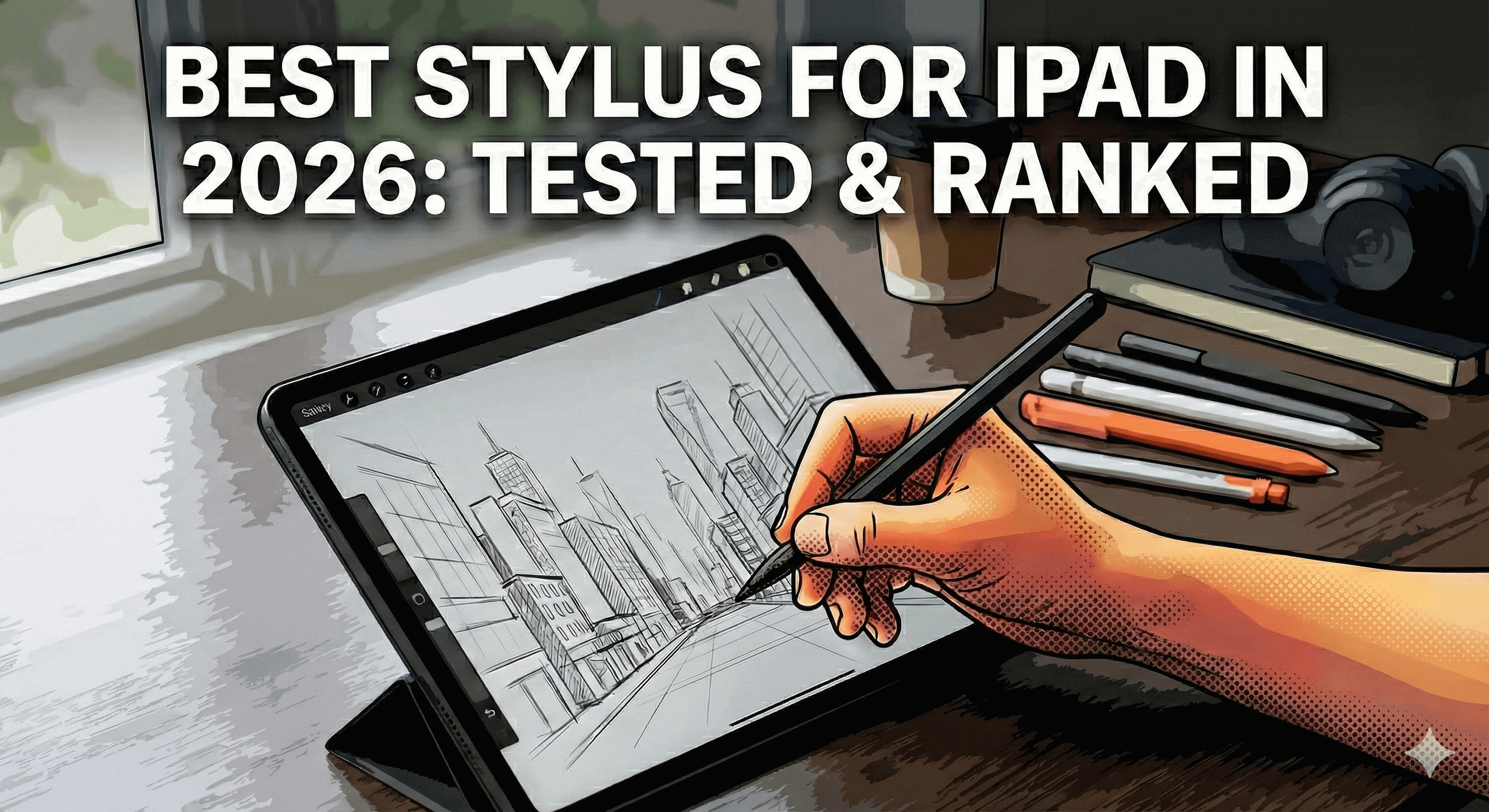
Best Stylus for iPad in 2026: Tested & Ranked
You're about to drop $100+ on an iPad stylus. But here's the problem: half the "reviews" online are paid promotions, and the other half are written by people who've never actually used the pens they're recommending.
We tested 5 of the most popular iPad stylus pens over three months—from the $129 Apple Pencil Pro to budget options under $50. Real drawing sessions, real note-taking marathons, real palm rejection fails.
The result? Most styluses aren't worth the box they ship in. But a few actually deliver.
Here's what works, what doesn't, and which stylus deserves your money in 2026.
Quick Comparison: Top 5 iPad Styluses
| Stylus | Price | Palm Rejection | Tilt Support | Charging | Battery Life | Best For |
|---|---|---|---|---|---|---|
| Tinymoose Pencil Pro Ultra | $49.99 | ✅ Excellent | ✅ Yes | USB-C | 10+ hours | Artists, Students, Pros |
| Apple Pencil Pro | $129 | ✅ Excellent | ✅ Yes | Wireless | 12 hours | Apple Ecosystem Users |
| Tinymoose Pencil Pro Plus | $45.99 | ✅ Excellent | ✅ Yes | Wireless | 10+ hours | Budget-Conscious Buyers |
| Logitech Crayon | $79 | ⚠️ Good | ❌ No | USB-C | 7 hours | Casual Note-Takers |
| Tinymoose Pencil Pro | $29.99 | ✅ Excellent | ✅ Yes | USB-C | 10+ hours | Best Value |
What Actually Matters in an iPad Stylus
Before we rank the iPad styluses, let's cut through the marketing BS. Here's what you actually need:
1. Palm Rejection (Non-Negotiable)
If you can't rest your hand on the screen without triggering unwanted marks, the stylus is useless. This should be standard, but somehow it's not.
2. Tilt Sensitivity (For Artists)
This lets you shade by angling the pen, just like a real pencil. If you're drawing or sketching, this is essential. For note-taking? Nice to have, not required.
3. Battery Life That Actually Lasts
A stylus that dies mid-lecture or mid-drawing session is worse than no stylus at all. Look for 8+ hours minimum.
4. Fast Charging
When your pen does die, it should charge fast. 20 minutes should get you hours of use.
5. Compatibility with Your iPad
Not every stylus works with every iPad. Check compatibility before you buy. We'll cover this below.
6. Shortcut Buttons (Bonus)
Double-tap to switch tools, press to undo—these shortcuts save time. Not essential, but once you have them, you won't want to go back.
The Rankings: Best iPad Styluses Tested
🏆 #1 Best Overall: Tinymoose Pencil Pro Ultra
Price: Roughly half the Apple Pencil Pro
Why it wins: It's the only stylus that works with iPads, iPhone, AND Android phones/tablets. Plus Smart Switch gesture technology, an LED mode indicator, and all the core features the Apple Pencil Pro has—for a fraction of the cost.
What we loved:
- Palm rejection works flawlessly (tested on iPad Air M2, iPad Pro 11", iPad 10th gen)
- Tilt sensitivity for shading is smooth and responsive
- Triple compatibility means one pen for all your devices—iPad, iPhone, and Android
- Shortcut buttons actually feel useful (double-tap to screenshot, press to exit apps)
- 20-minute charge = 10+ hours of use
- Comes with 3 replacement nibs and a leather case
Best for: Artists, students, and professionals who want premium features without the Apple tax. If you also have an iPhone or Android device, this is a no-brainer—it's the best stylus pen for iPad we've tested that doesn't lock you to one ecosystem.
Compatibility: iPad 6th gen and newer, iPad Mini 5 & 6, iPad Air 3/4/5, iPad Pro 11" & 12.9" (2018+), plus iPhone and Android devices
👉 Get the best stylus pen for iPad →
🥈 #2 Best Premium Option: Apple Pencil Pro
Price: $129
Why it's here: It's the Apple Pencil. It works perfectly. But you're paying a premium for the logo.
What we loved:
- Pixel-perfect precision
- Squeeze gesture for tool switching (actually useful)
- Hover feature shows where you'll draw before touching the screen
- Deep integration with iPadOS
- Wireless charging on compatible iPads
What could be better:
- Costs $129 for features you can get for far less elsewhere
- Only works with iPad Pro 11" (M4), iPad Pro 13" (M4), iPad Air 11" (M2), iPad Air 13" (M2)
- Doesn't work with iPhone at all
- Battery life is good but not better than alternatives
Best for: People who want the "official" Apple product and don't mind paying extra for it. Or if you specifically need the squeeze gesture and hover features.
The reality: It's excellent. But unless you're in the Apple ecosystem deep enough to care about those exclusive features, you're overpaying.
🥉 #3 Best Value: Tinymoose Pencil Pro Plus
Price: Half the cost of Apple Pencil 2
Why it's here: Wireless charging, tilt sensitivity, palm rejection, and shortcut buttons—all for less than the Logitech Crayon that doesn't even have tilt support.
What we loved:
- Wireless charging (magnetically attaches to iPad like Apple Pencil)
- All the core features of Apple Pencil 2 for half the price
- Feels premium—aluminum body, balanced weight
- Works perfectly for drawing and note-taking
- Included leather case and replacement nibs
What could be better:
- No pressure sensitivity (but honestly, tilt does most of what you need)
Best for: Anyone who wants the convenience of a wireless charging iPad stylus without spending $129 on an Apple Pencil.
Compatibility: iPad Pro, iPad Air, and iPad mini released in 2024 and earlier. Apple changed the wireless charging coil position on iPads released after 2024, so newer models aren't compatible with the Plus. If you have a current-gen iPad (post-2024), the Pencil Pro Ultra or standard Pencil Pro is the right choice.
👉 Shop Tinymoose Pencil Pro Plus →
#4 Best Budget Pick: Tinymoose Pencil Pro
Price: Under $30
Why it's here: If you need a reliable iPad stylus and don't want to spend much, this is it. Full stop.
What we loved:
- Tilt sensitivity and palm rejection at a budget price
- USB-C charging (works with your existing phone charger)
- Magnetically attaches to iPad
- Comes with replacement nibs
- 10+ hour battery life
What could be better:
- Charges via USB-C instead of wirelessly (not a dealbreaker, charges in 20 minutes)
Best for: Students, note-takers, and anyone who wants a solid budget iPad pen without overspending.
Compatibility: iPad 6th gen and newer, iPad Mini 5 & 6, iPad Air 3/4/5, iPad Pro 11" & 12.9" (2018+)
#5 Runner-Up: Logitech Crayon
Price: $79
Why it's here: It's Logitech. It works. But it's missing features that Tinymoose styluses have.
What we loved:
- Built by a reputable brand
- Works across multiple iPad models
- Good for basic note-taking
What could be better:
- No tilt sensitivity (seriously?)
- No pressure sensitivity
- Costs more than better options
- Shorter battery life than competitors
Best for: People who really trust the Logitech brand and only need basic functionality.
The reality: You can get more features for less money with Tinymoose. Hard to recommend unless you're brand-loyal.
New in the Tinymoose Lineup for 2026
Since this guide was first published, Tinymoose has expanded the Pencil Pro range with three additional models worth knowing about:
- Pencil Pro 2 — The latest generation with refined gesture controls and improved tip responsiveness. Builds on everything we've learned about what artists and students actually use day to day.
- Pencil Pro Lumin — Tuned for note-taking and everyday writing with a slightly softer nib feel and an LED indicator that tells you charge status at a glance.
- Pencil Pro Sketch — Built students in mind, looks awesome with enhanced response for finer line control. The choice if note taking is your primary use case.
All three include palm rejection, tilt sensitivity, and full iPad compatibility.
How to Choose the Right Stylus for YOUR iPad
Not sure which one to get? Here's how to decide:
If You're an Artist or Designer
Get: Tinymoose Pencil Pro Ultra or Pencil Pro Sketch
Why: Tilt sensitivity, palm rejection, and (for Ultra) dual device compatibility. You need precision and flexibility—either delivers both. The Sketch is tuned for finer line work in Procreate.
If You're a Student
Get: Tinymoose Pencil Pro or Pencil Pro Lumin
Why: Everything you need for note-taking, annotations, and studying. Save the extra cash for textbooks.
If You Want Wireless Charging
Get: Tinymoose Pencil Pro Plus
Why: Wireless charging without the Apple price tag. Magnetic attachment, premium build, half the cost of Apple Pencil.
If You Also Use iPhone or Android Devices
Get: Tinymoose Pencil Pro Ultra
Why: It's the only stylus on this list that works seamlessly across iPad, iPhone, and Android. One pen, all your devices. Apple Pencil doesn't work on iPhone at all.
If Money Isn't a Concern and You Want the "Official" Apple Product
Get: Apple Pencil Pro
Why: You'll get exclusive features like squeeze gestures and hover. But know you're paying a premium for the logo.

Common Questions About iPad Styluses
Do I really need an iPad stylus?
If you're taking notes, drawing, sketching, editing photos, or signing documents on your iPad—yes. Using your finger is like trying to write with a hotdog. A stylus pen for iPad gives you precision and control.
What's the difference between active and passive styluses?
Active iPad styluses (like all the ones we tested) connect to your iPad and offer features like palm rejection, pressure sensitivity, and tilt. Passive styluses are just rubber-tipped sticks. Don't waste your money on passive styluses.
Do cheap styluses work as well as expensive ones?
Sometimes, yes. The Tinymoose Pencil Pro performs just as well as the Apple Pencil for 90% of users. You're paying for brand and a few niche features with the expensive options.
Can I use Apple Pencil alternatives with Procreate?
Yes. Procreate works with any active stylus pen for iPad that supports tilt and pressure (where available). We tested all our top picks with Procreate, Notability and GoodNotes—they all work perfectly.
How long do iPad styluses last?
With normal use, 2-3 years minimum. The nibs wear out faster (6-12 months depending on use), but they're replaceable. Tinymoose styluses come with 3 replacement nibs included.
Can I use an iPad stylus as an iPhone stylus too?
Most can't—including the Apple Pencil. But the Tinymoose Pencil Pro Ultra is one of the only options that works as both an iPad pen and an iPhone stylus. If you want a single pen that follows you across devices, that's the one.
The Verdict
Best overall: Tinymoose Pencil Pro Ultra—premium features, triple compatibility (iPad, iPhone, Android), far cheaper than Apple Pencil Pro.
Best value: Tinymoose Pencil Pro—everything you need for under $30.
Best for wireless charging fans: Tinymoose Pencil Pro Plus—Apple Pencil 2 features for half the price.
The Apple Pencil Pro is excellent if you're deep in the Apple ecosystem and want exclusive features like squeeze gestures. But for most people, you're paying a premium for a logo.
Skip the overpriced options. Shop the full Pencil Pro lineup →
Last updated: May 2026
Share:
Best Smartwatch for Health Tracking (2026 Guide)
How Wireless Charging Works: The Ultimate Guide to Cable-Free Convenience