




Best Sellers
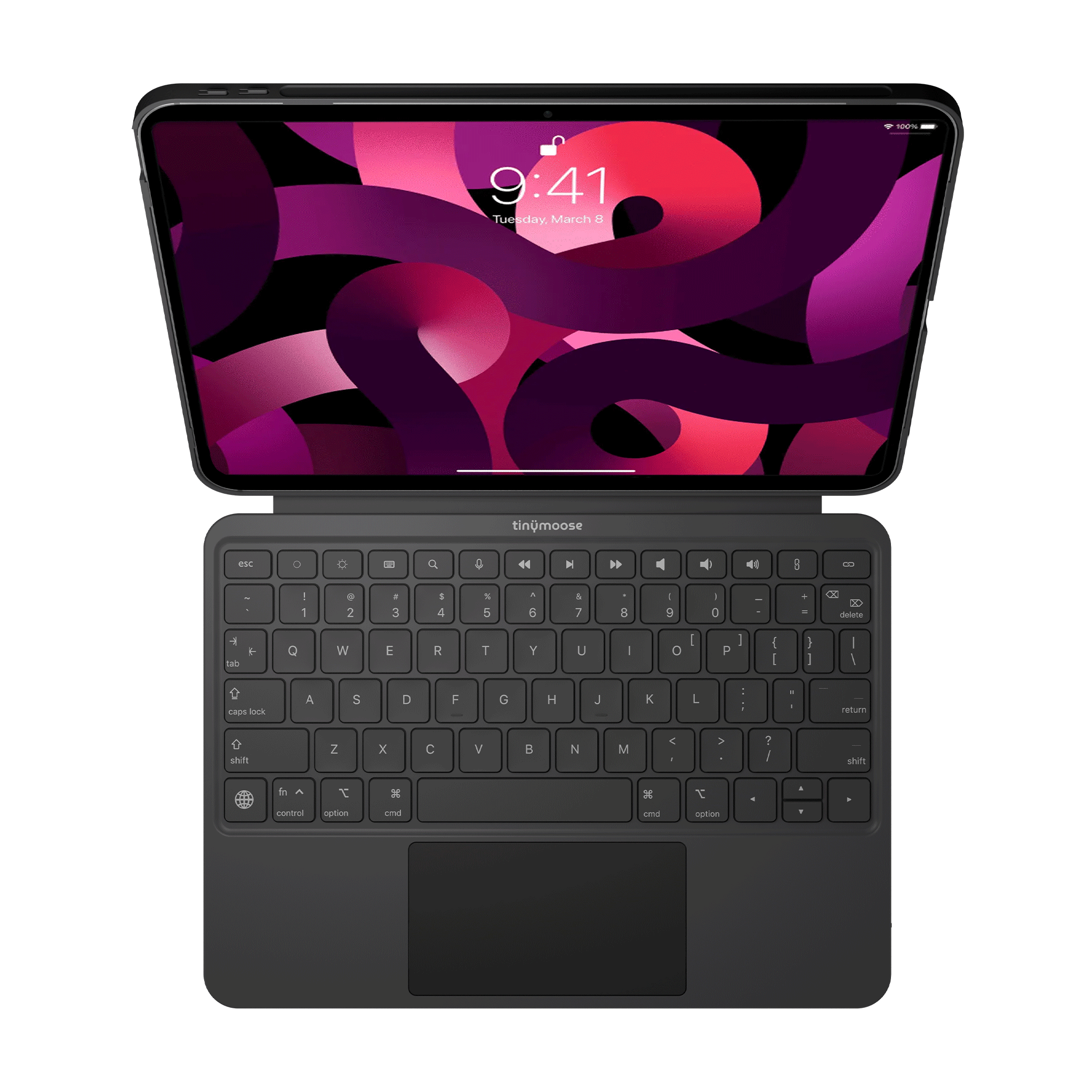
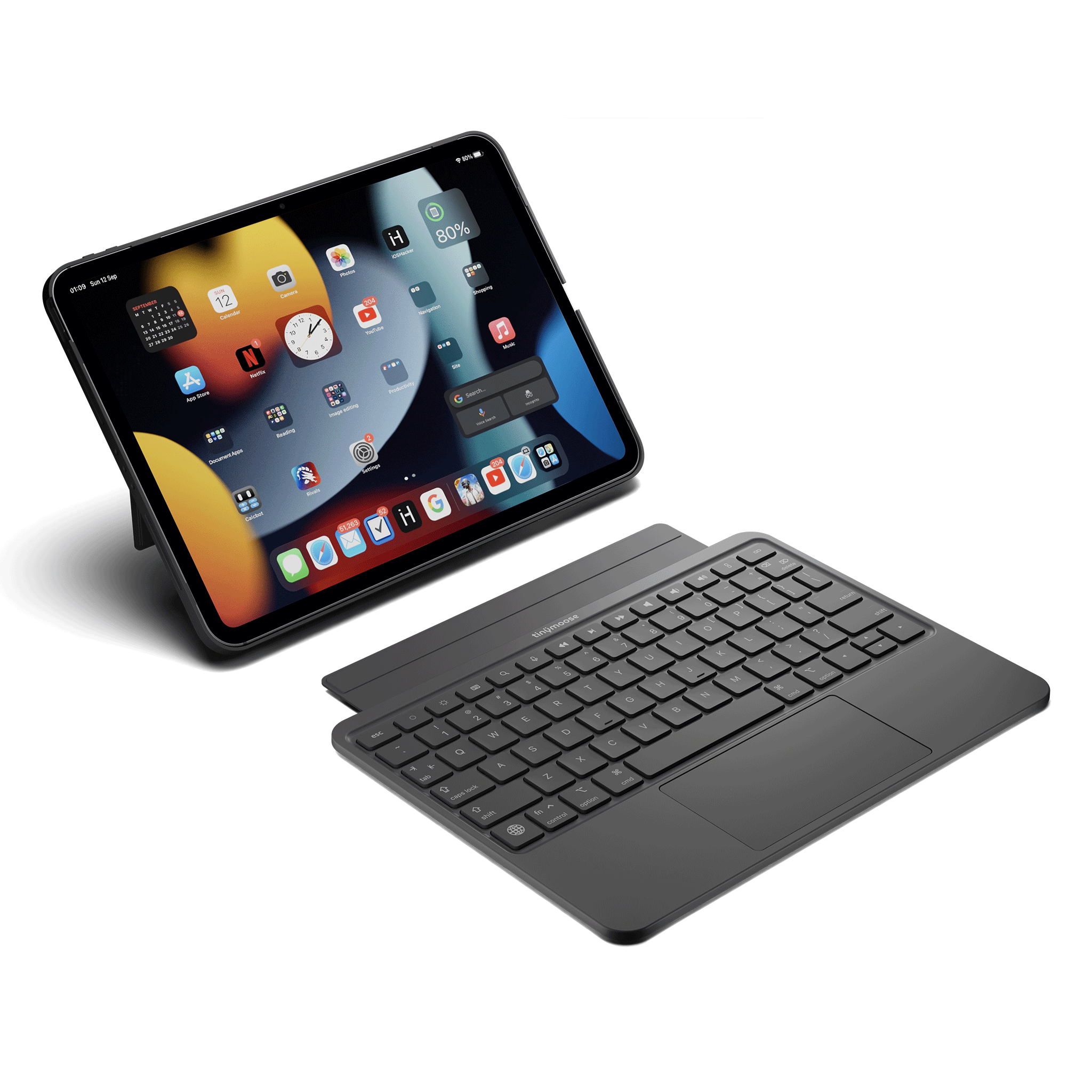

7-color backlit keys with adjustable brightness for comfortable typing in any lighting.


Smooth cursor control with gestures for scrolling, swiping, and precise navigation.

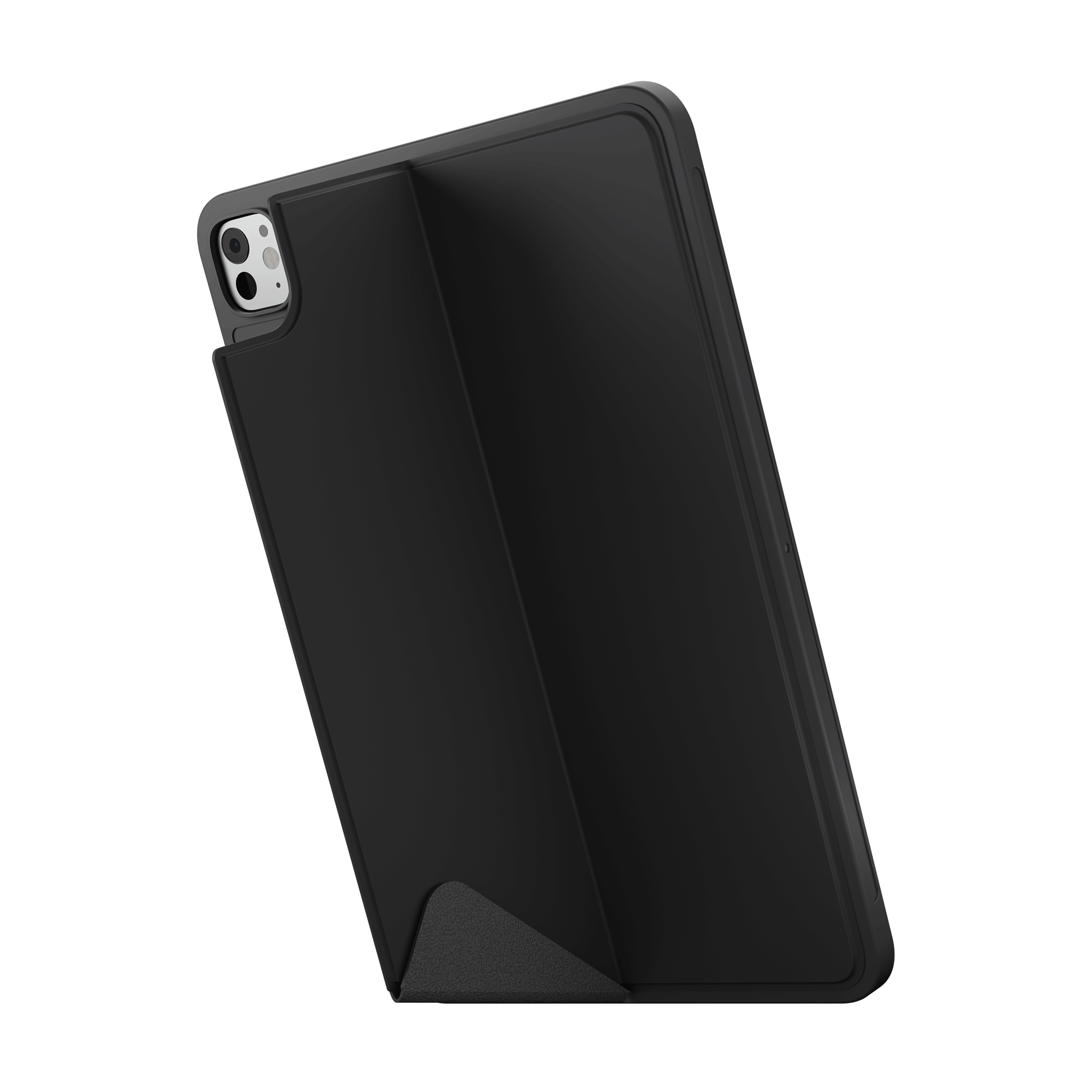
Multiple viewing angles for typing, browsing, and watching comfortably.
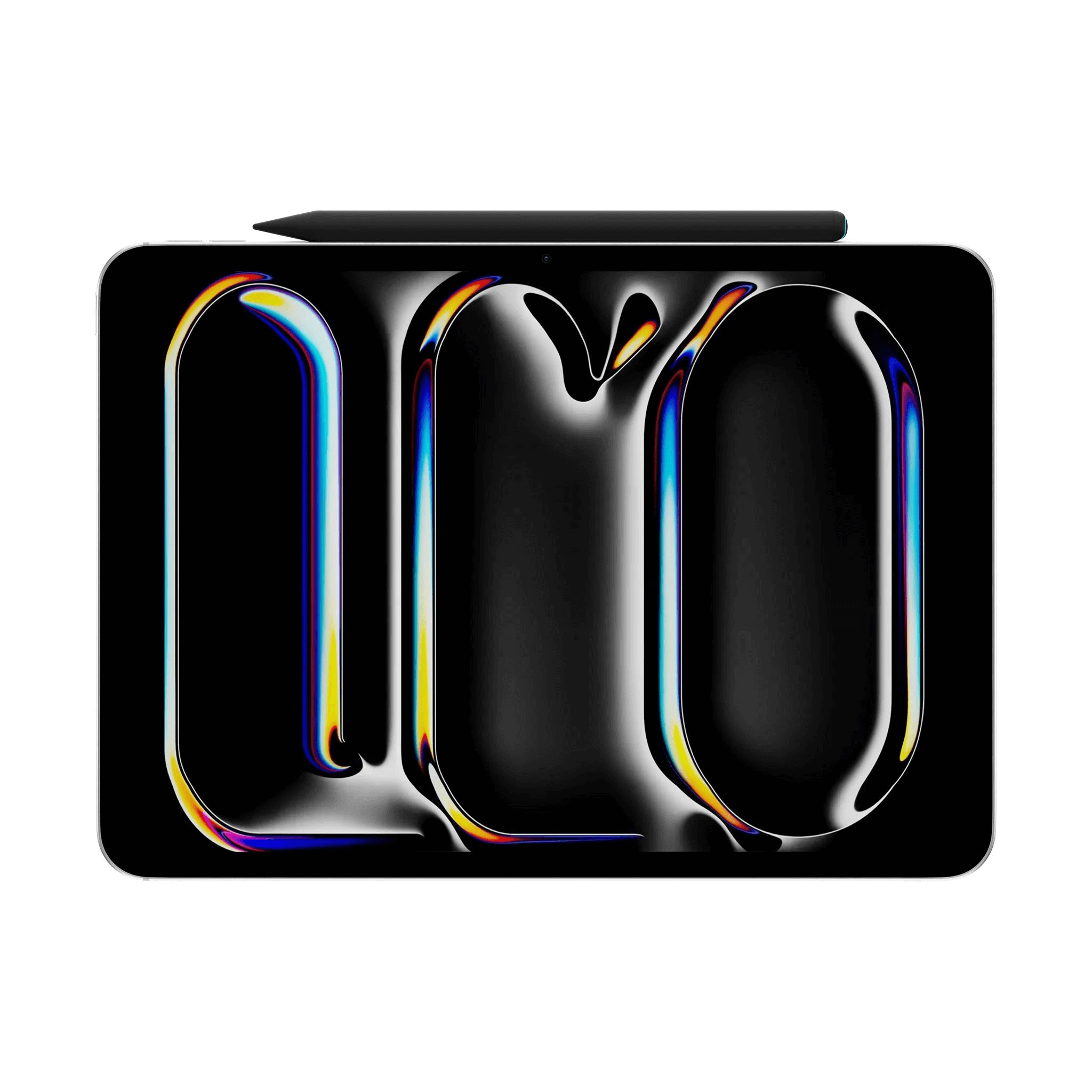




Strong Magnet


Strong Magnet

Tools for a digital era
Stylus Pens, Smartwatches & iPad Accessories that Deliver.
We don’t just make accessories. We make gear that replaces overpriced nonsense — styluses that feel like pens, smartwatches that last longer than your phone, and keyboards Apple should’ve made themselves. Tinymoose. No fluff. Just function.
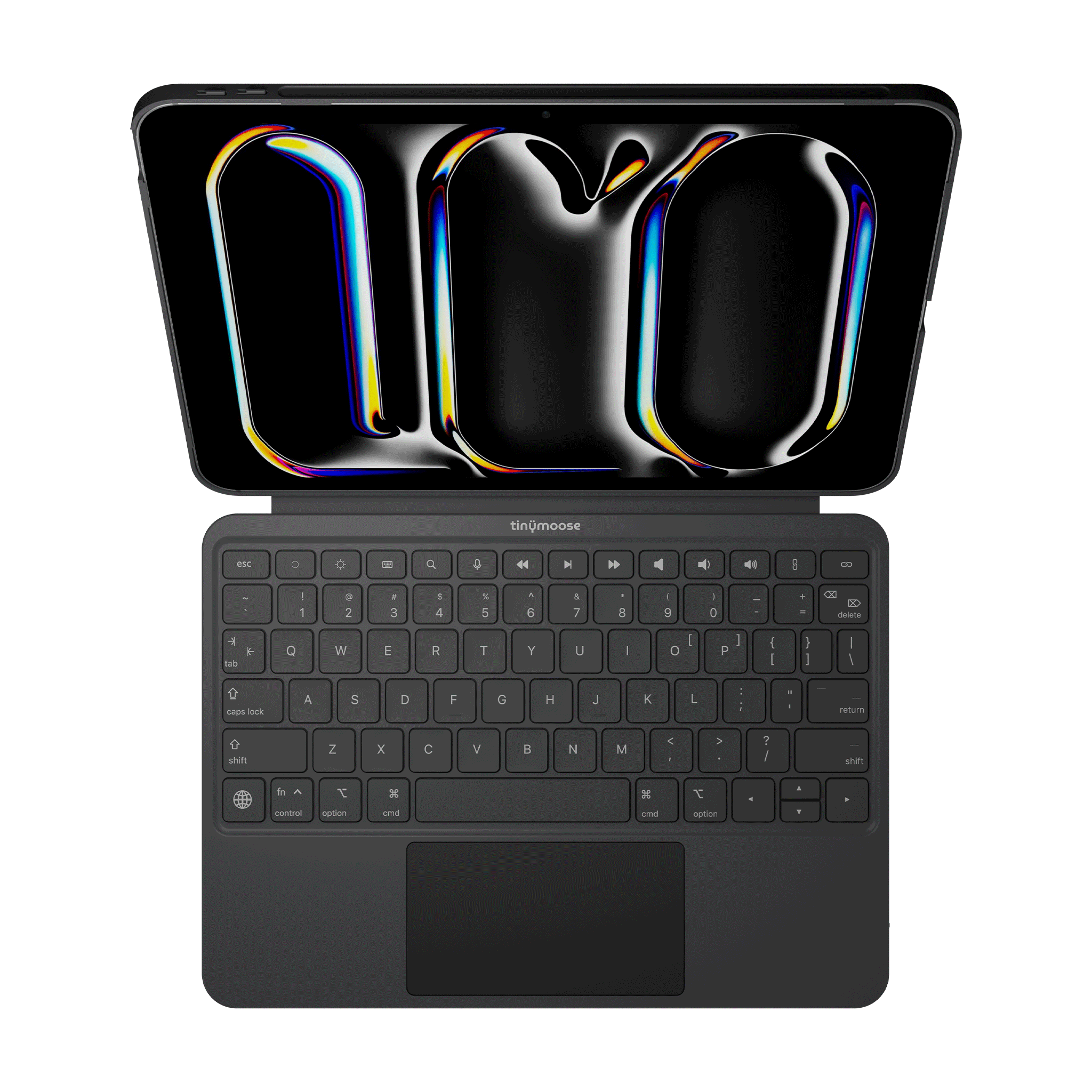
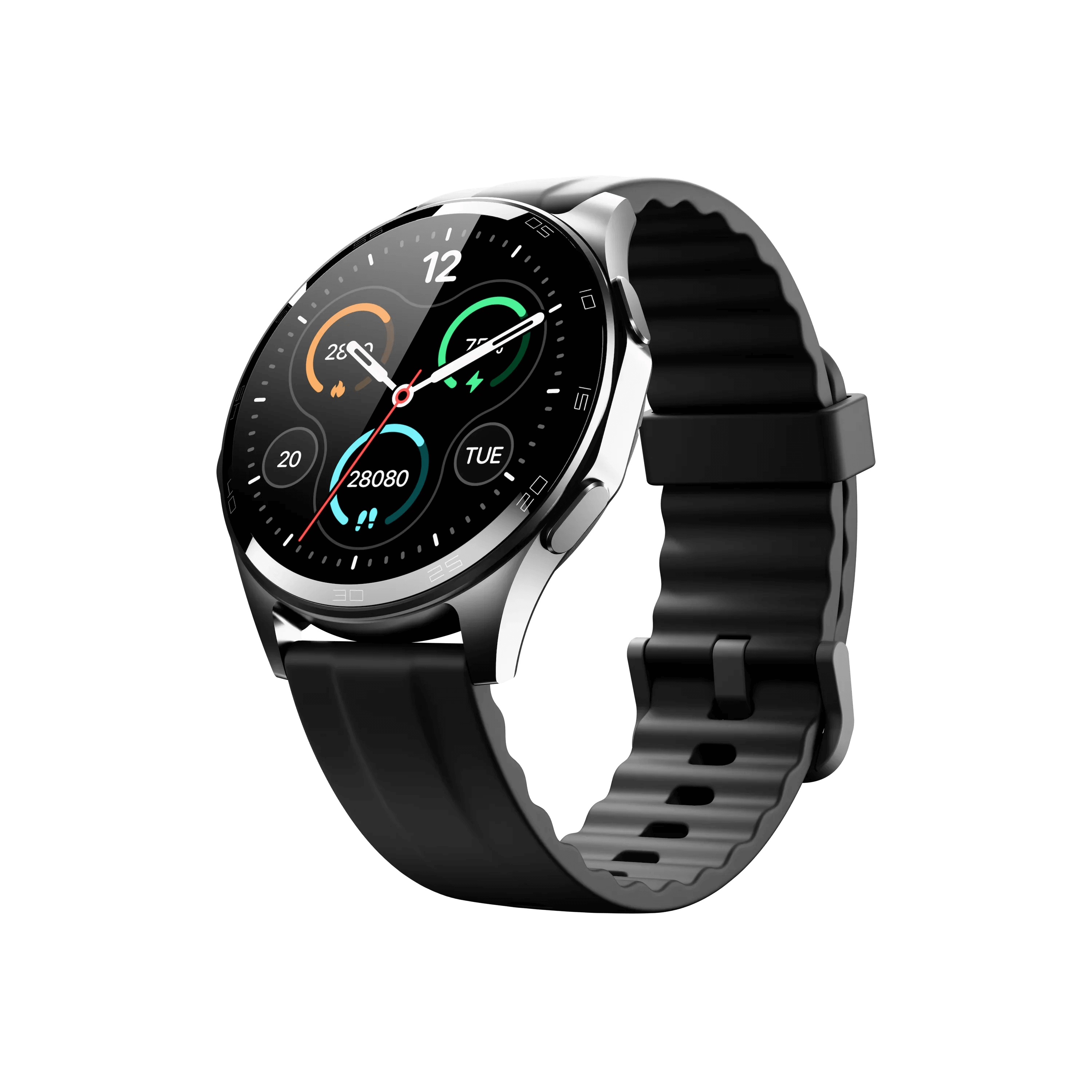
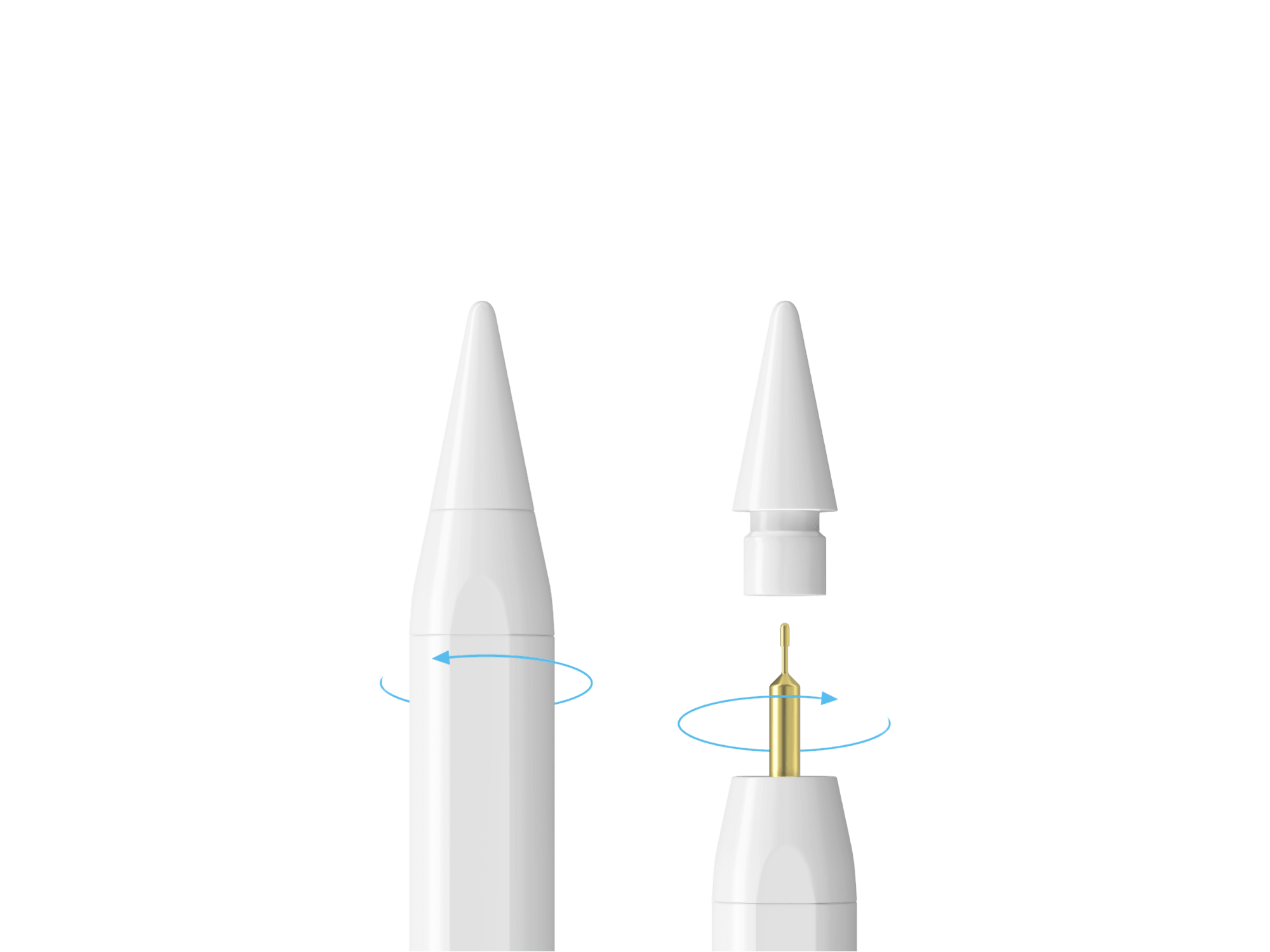


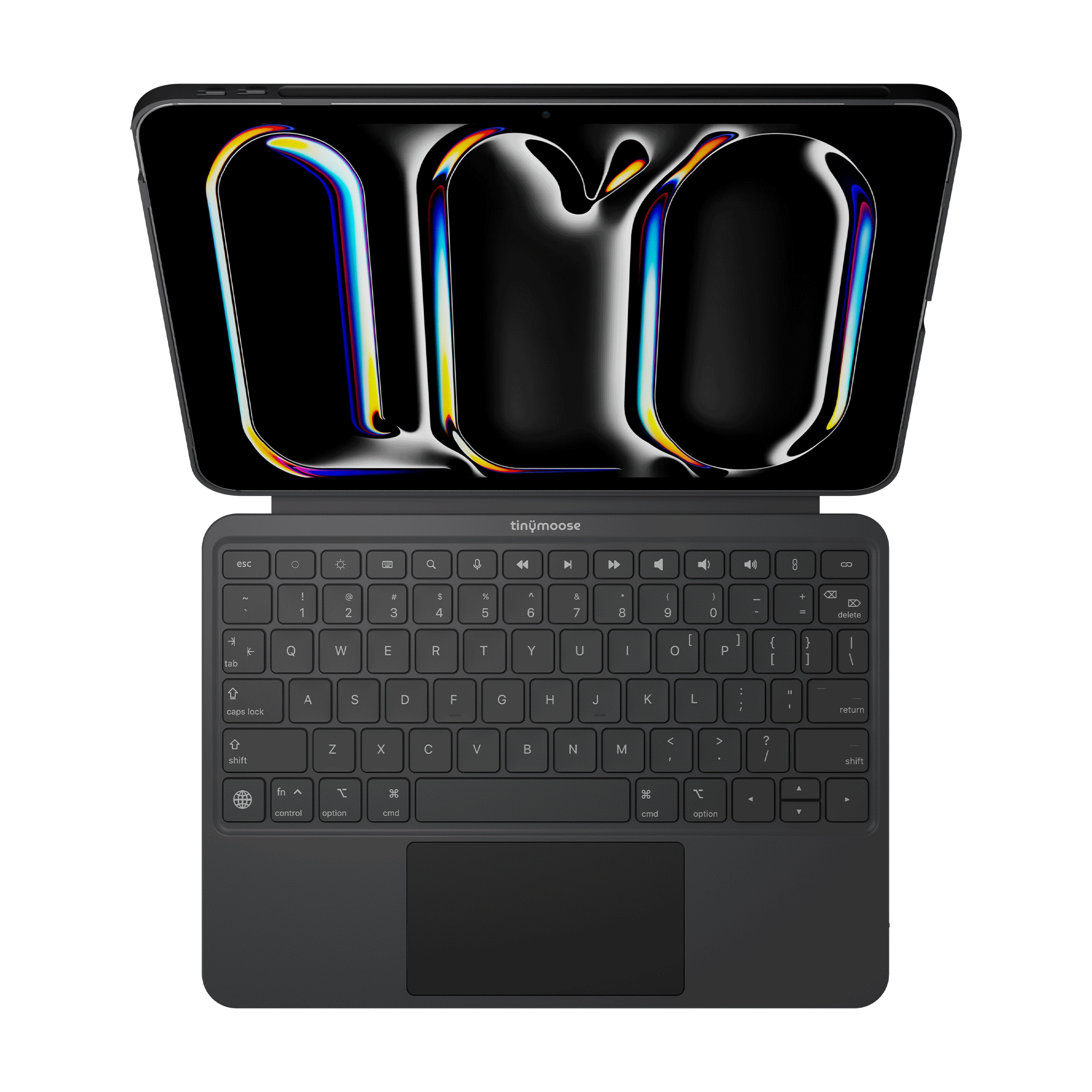
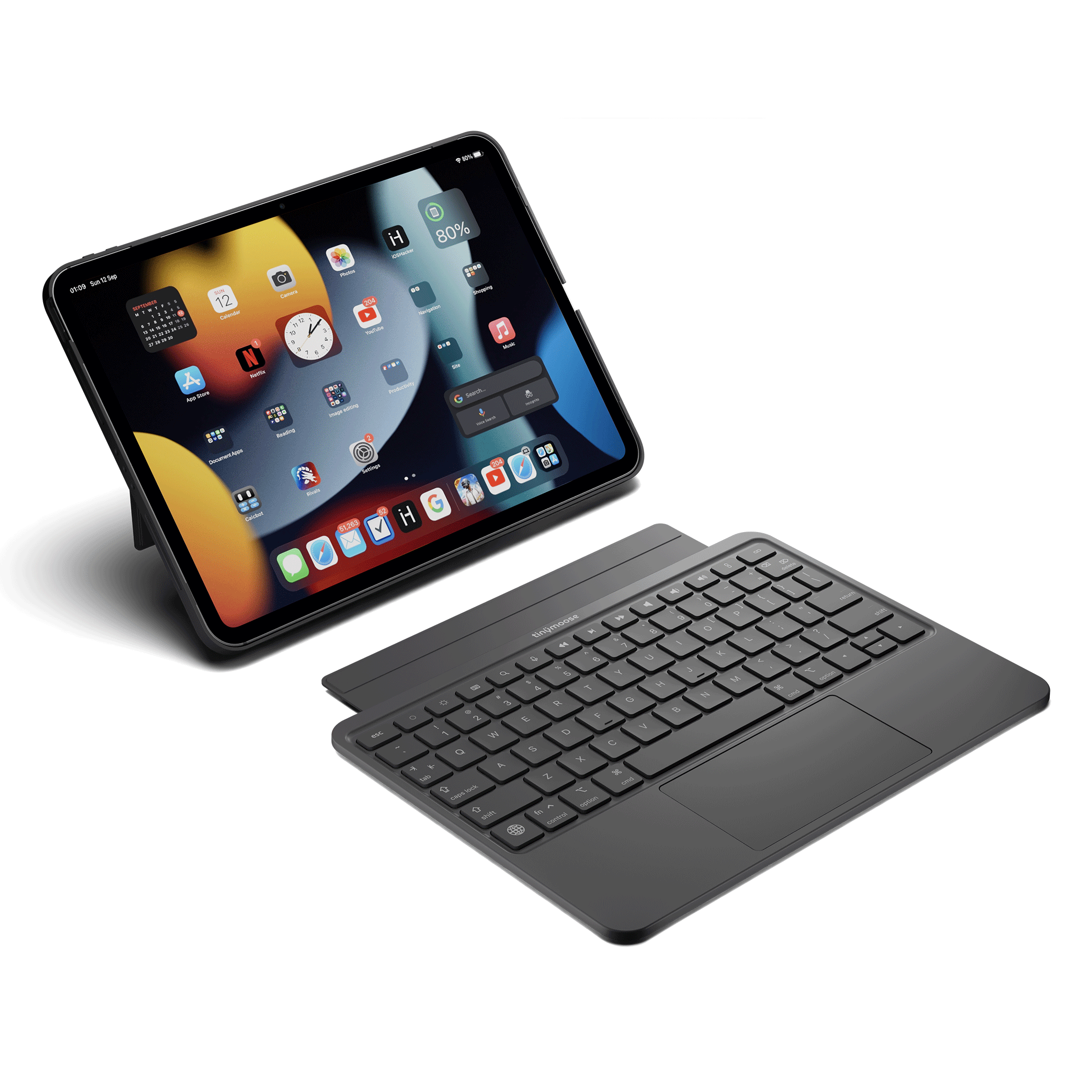
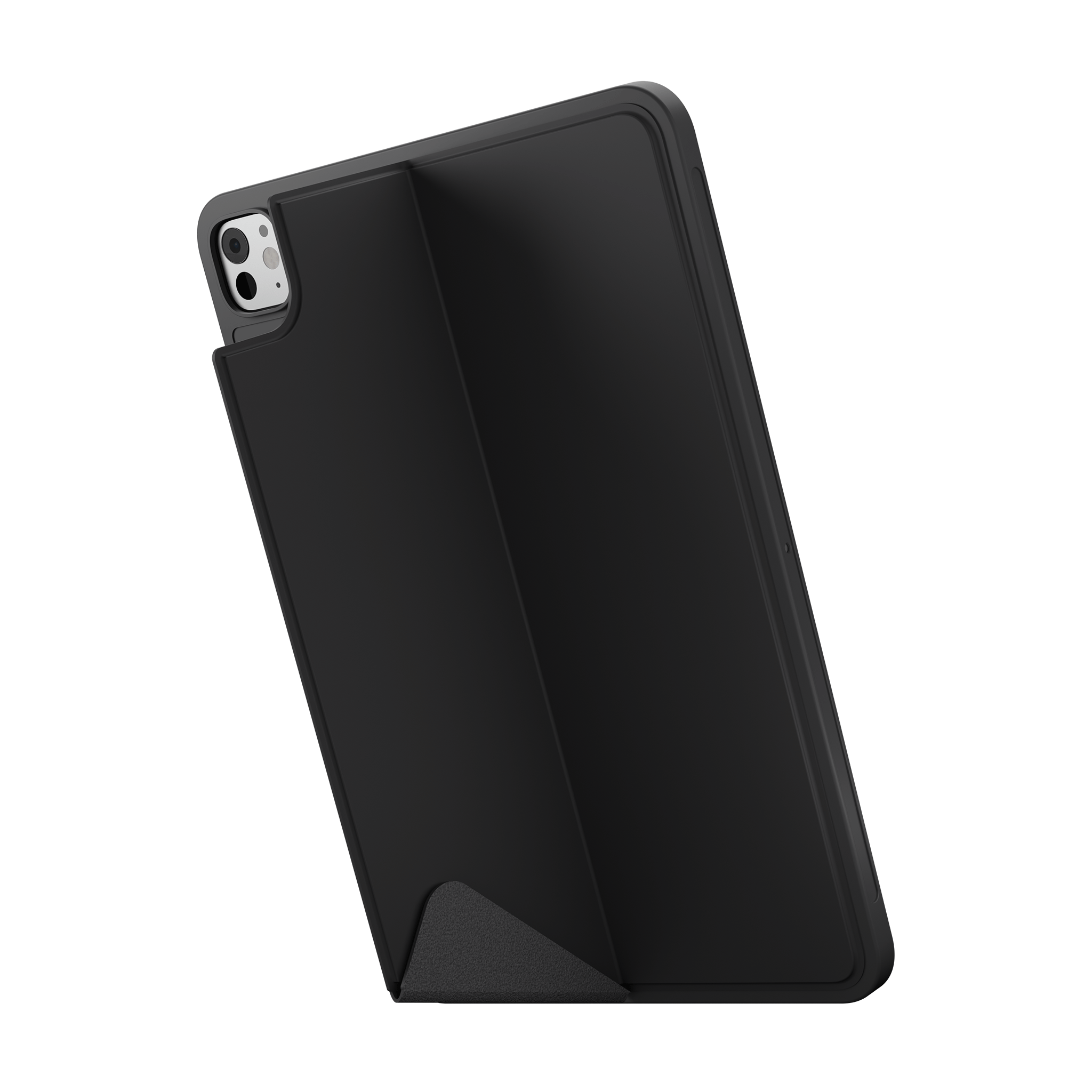
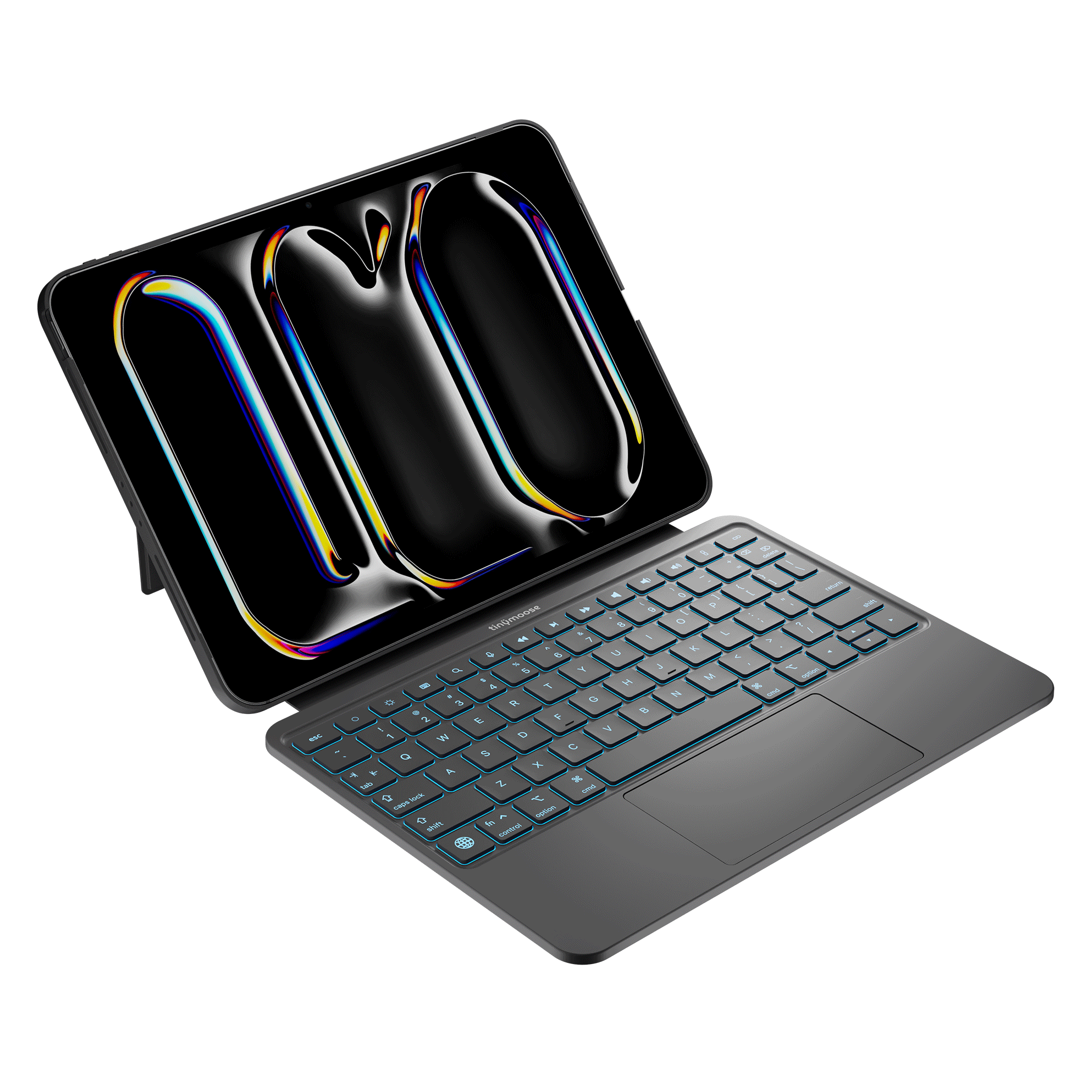
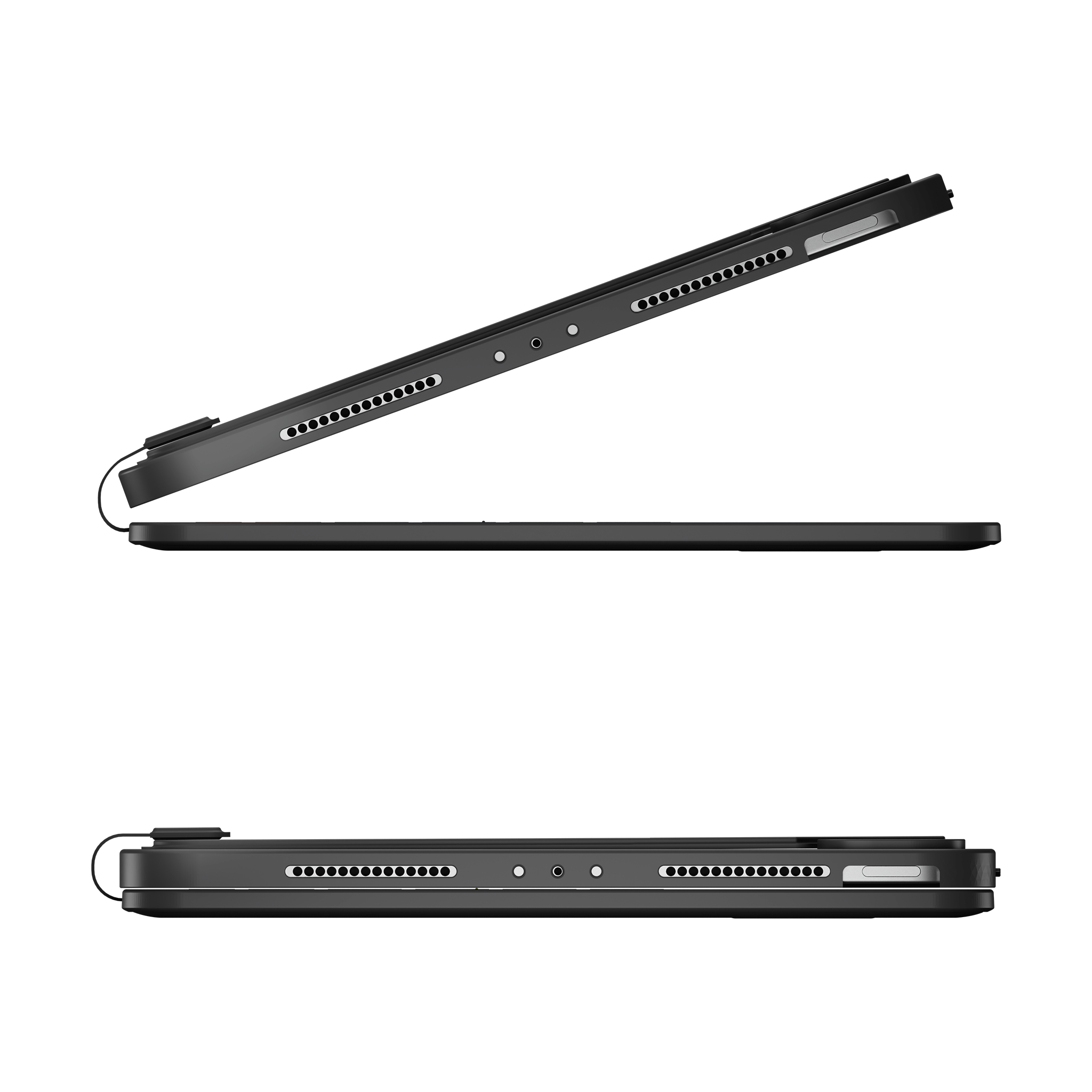
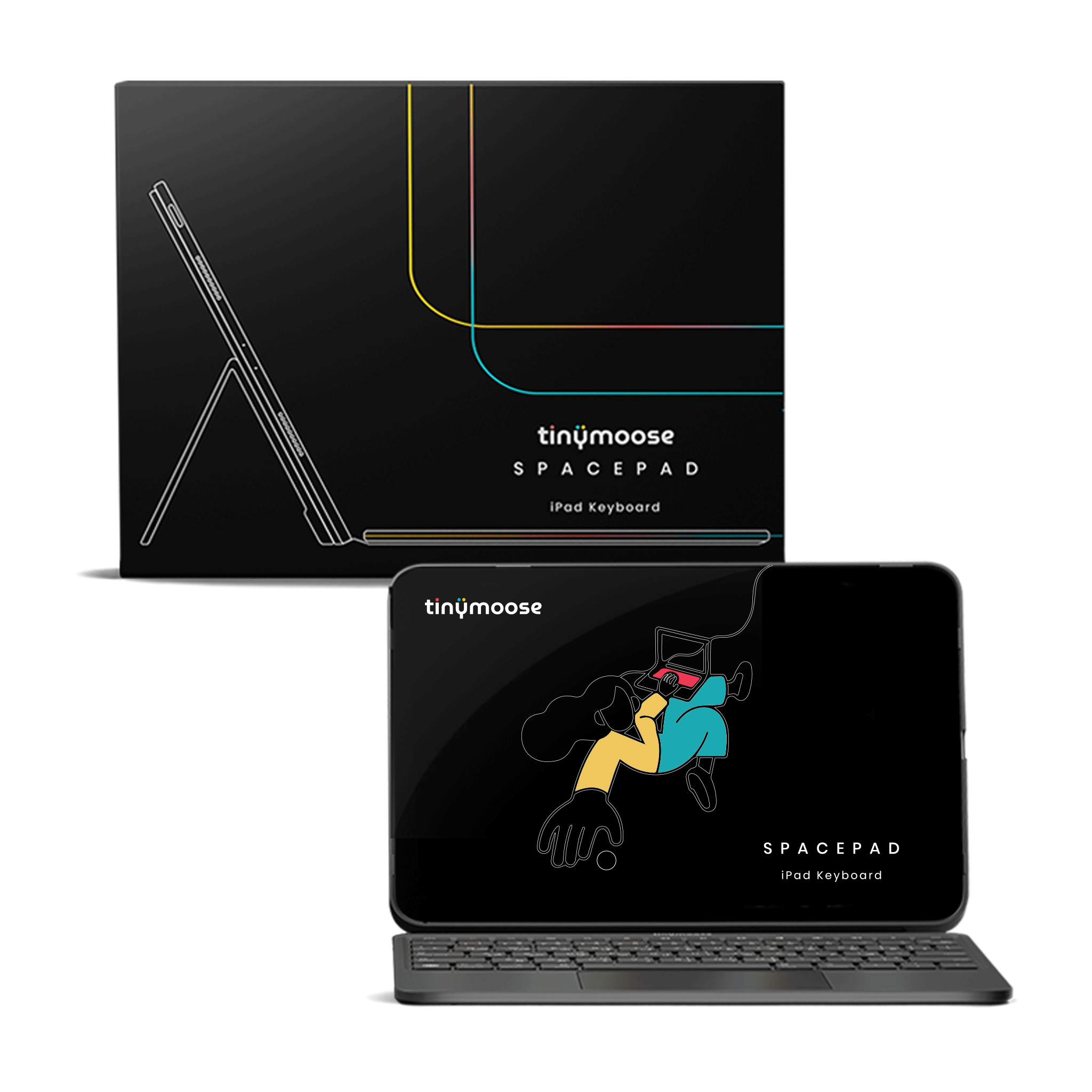
SpacePad iPad Keyboard - Black - (iPad Air 13 / Pro 12.9)
Please select your exact iPad model from the options above to ensure the correct fit.
Compatible with iPad Air 13″ (2024–2025) & iPad Pro 12.9″ (2018–2022) — the Tinymoose SpacePad iPad Keyboard is one of the best iPad keyboards for users who want a powerful, laptop-style experience from their tablet.
Designed as a premium iPad keyboard case, SpacePad combines fast typing, a responsive trackpad, and a detachable magnetic design — making it an ideal keyboard for iPad Air and iPad Pro models for work, study, and everyday productivity.
It features:
• 3-Way Multi-Touch Trackpad for smooth cursor control, scrolling, and gestures
• Detachable magnetic keyboard to switch easily between tablet mode and laptop mode
• RGB backlit keyboard for working comfortably in low-light environments
Built for performance:
• Scissor-switch keys for quiet, accurate typing
• Stable Bluetooth connection for a reliable wireless iPad keyboard experience
• Up to 200 hours of working time on a single charge
• Slim, lightweight design for portability and travel
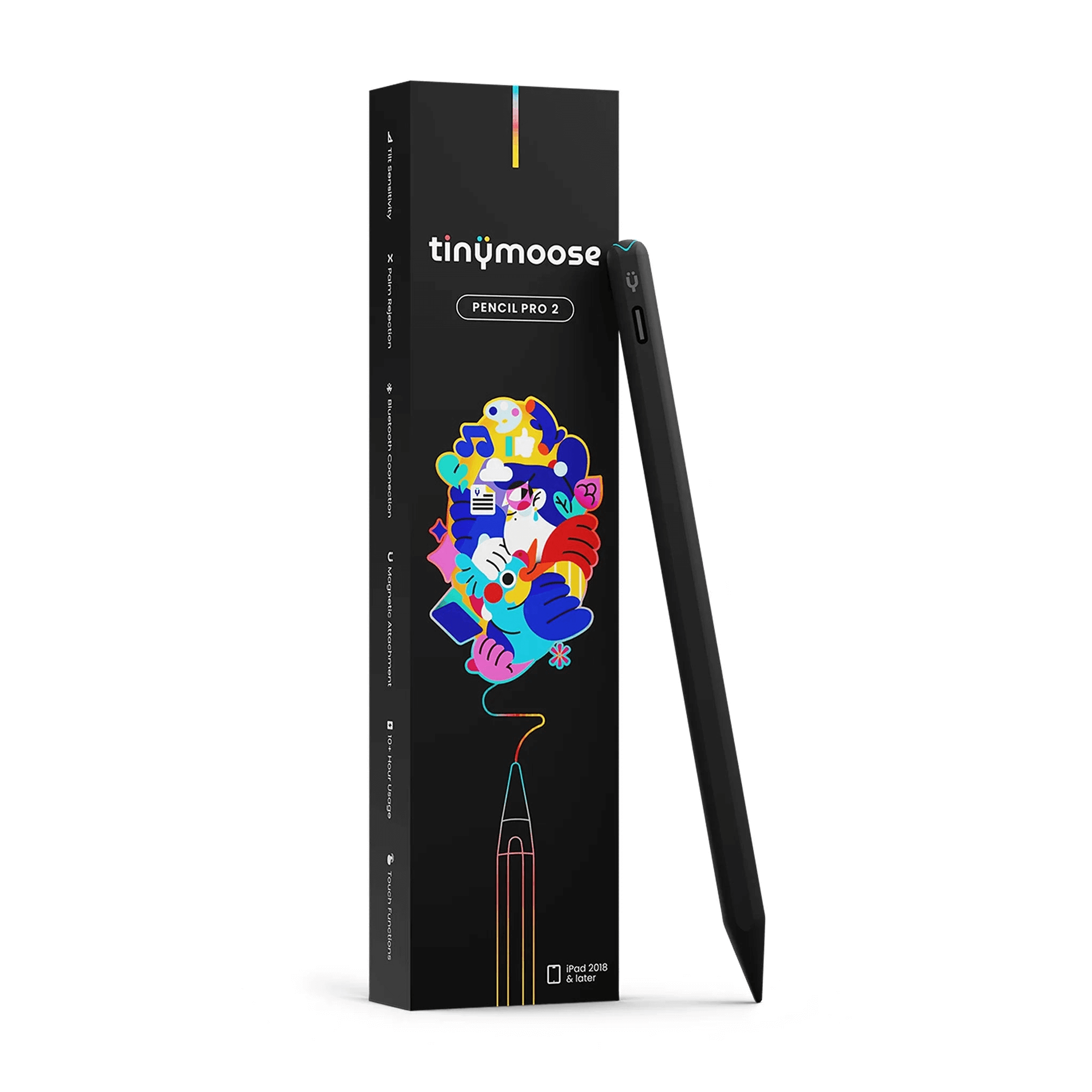
Premium Stylus Pens



Blog posts

Apple Pencil Alternative: What to Compare Before You Buy
Pink Stylus Pen for iPad: How to Choose the Right One
Stylus Pen for Samsung Tablet: A Practical Buyer's Guide
Best Stylus for iPhone for Precision and Comfort
Best Stylus for Digital Art on iPad: A Practical Guide
iPad Accessories for Drawing That Actually Make Life Easier