
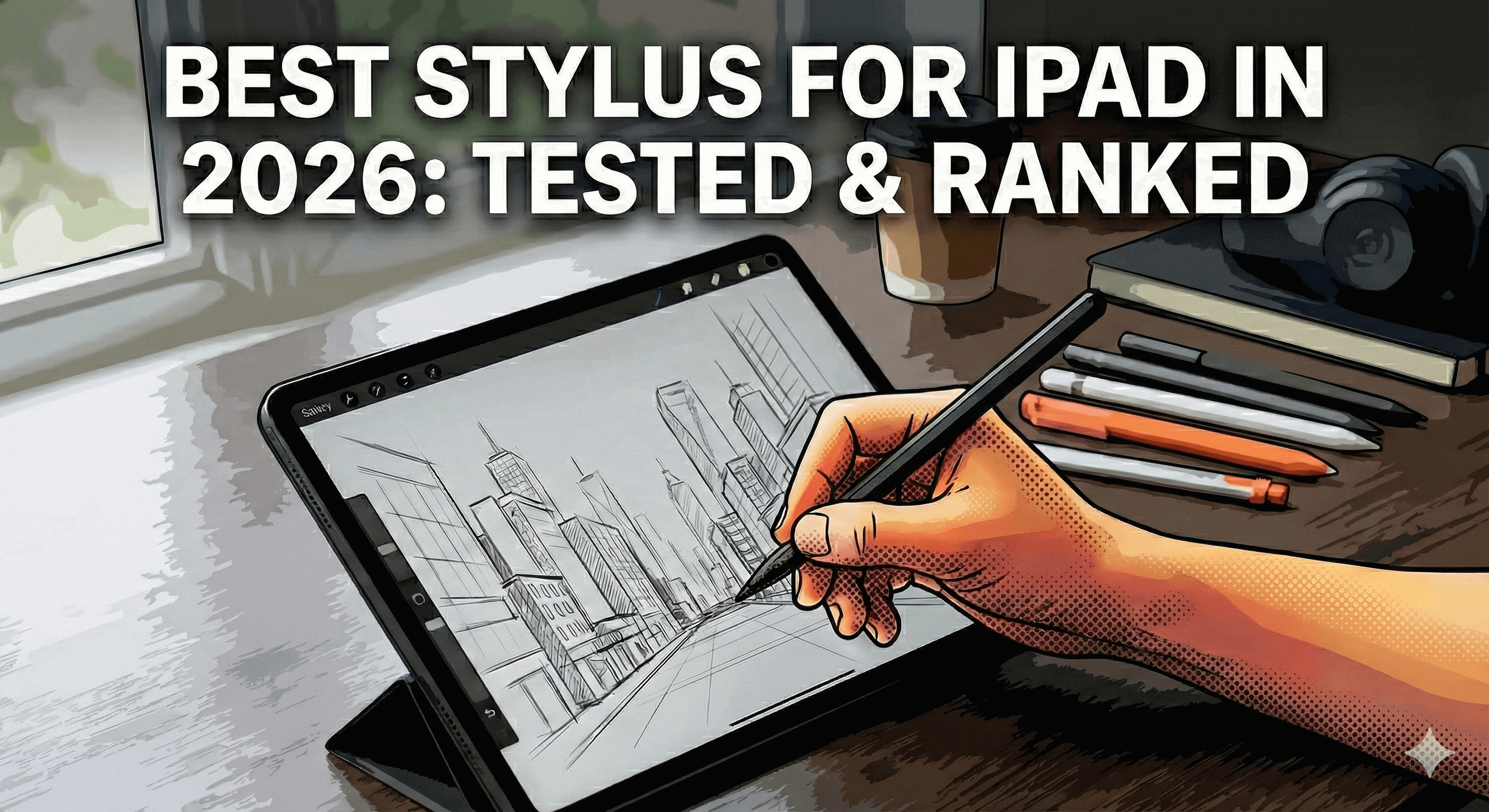
Bästa stylus för iPad 2026: Testad och rankad
Du är på väg att spendera över $100 på en iPad-stylus. Men här är problemet: hälften av "recensionerna" online är betalda annonser, och den andra hälften är skrivna av personer som aldrig faktiskt använt pennorna de rekommenderar.
Vi testade 5 av de mest populära iPad-styluspennorna under tre månader – från $129 Apple Pencil Pro till budgetalternativ under $50. Riktiga ritpass, riktiga anteckningsmaraton, riktiga misslyckanden med handflatsavvisning.
Resultatet? De flesta stylusar är inte värda kartongen de levereras i. Men några levererar faktiskt.
Här är vad som fungerar, vad som inte gör det och vilken stylus som förtjänar dina pengar 2026.
Snabb jämförelse: Topp 5 iPad-stylusar
| Stylus | Pris | Handflatsavvisning | Lutningsstöd | Laddning | Batteritid | Bäst för |
|---|---|---|---|---|---|---|
| Tinymoose Pencil Pro Ultra | $49.99 | ✅ Utmärkt | ✅ Ja | USB-C | 10+ timmar | Konstnärer, studenter, proffs |
| Apple Pencil Pro | $129 | ✅ Utmärkt | ✅ Ja | Trådlös | 12 timmar | Användare i Apple-ekosystemet |
| Tinymoose Pencil Pro Plus | $45.99 | ✅ Utmärkt | ✅ Ja | Trådlös | 10+ timmar | Budgetmedvetna köpare |
| Logitech Crayon | $79 | ⚠️ Bra | ❌ Nej | USB-C | 7 timmar | Avslappnade antecknare |
| Tinymoose Pencil Pro | $29.99 | ✅ Utmärkt | ✅ Ja | USB-C | 10+ timmar | Bästa värde |
Vad som verkligen betyder något i en iPad-stylus
Innan vi rankar iPad-stylusar, låt oss skära igenom marknadsföringssnacket. Här är vad du faktiskt behöver:
1. Handflatsavvisning (obligatoriskt)
Om du inte kan vila handen på skärmen utan att oavsiktligt göra märken är stylusen värdelös. Detta borde vara standard, men det är det inte.
2. Lutningskänslighet (för konstnärer)
Detta låter dig skugga genom att vinkla pennan, precis som en riktig penna. Om du ritar eller skissar är detta nödvändigt. För anteckningar? Trevligt att ha, men inte ett krav.
3. Batteritid som verkligen räcker
En stylus som dör mitt under en föreläsning eller ritstund är värre än ingen stylus alls. Leta efter minst 8 timmars batteritid.
4. Snabbladdning
När din penna dör bör den laddas snabbt. 20 minuter bör ge dig flera timmars användning.
5. Kompatibilitet med din iPad
Inte alla stylusar fungerar med alla iPads. Kontrollera kompatibilitet innan du köper. Vi tar upp detta nedan.
6. Genvägsknappar (Bonus)
Dubbelklicka för att byta verktyg, tryck för att ångra – dessa genvägar sparar tid. Inte nödvändigt, men när du väl har dem vill du inte gå tillbaka.
Rankningarna: Bästa iPad-stylusar testade
🏆 #1 Bäst totalt: Tinymoose Pencil Pro Ultra
Pris: Ungefär hälften av Apple Pencil Pro
Varför den vinner: Det är den enda styluspennan som fungerar med iPads, iPhone OCH Android-telefoner/surfplattor. Plus Smart Switch-gestteknik, en LED-lägesindikator och alla kärnfunktioner som Apple Pencil Pro har – till en bråkdel av priset.
Vad vi älskade:
- Handflatesavvisning fungerar felfritt (testad på iPad Air M2, iPad Pro 11", iPad 10:e gen)
- Lutningskänslighet för skuggning är mjuk och responsiv
- Trippelkompatibilitet betyder en penna för alla dina enheter – iPad, iPhone och Android
- Genvägsknappar känns verkligen användbara (dubbeltryck för skärmdump, tryck för att avsluta appar)
- 20 minuters laddning = över 10 timmars användning
- Levereras med 3 utbytbara spetsar och ett läderfodral
Bäst för: Konstnärer, studenter och yrkesverksamma som vill ha premiumfunktioner utan Apple-skatt. Om du också har en iPhone eller Android-enhet är detta ett självklart val – det är den bästa styluspennan för iPad vi testat som inte låser dig till ett enda ekosystem.
Kompatibilitet: iPad 6:e generationen och nyare, iPad Mini 5 & 6, iPad Air 3/4/5, iPad Pro 11" & 12,9" (2018+), plus iPhone och Android-enheter
👉 Få den bästa styluspennan för iPad →
🥈 #2 Bästa premiumval: Apple Pencil Pro
Pris: 129 dollar
Varför den finns här: Det är Apple Pencil. Den fungerar perfekt. Men du betalar en premie för logotypen.
Vad vi älskade:
- Pixelperfekt precision
- Klämgest för verktygsbyte (verkligen användbart)
- Hover-funktionen visar var du kommer att rita innan du rör vid skärmen
- Djup integration med iPadOS
- Trådlös laddning på kompatibla iPads
Vad som kunde vara bättre:
- Kostar 129 dollar för funktioner du kan få mycket billigare någon annanstans
- Fungerar endast med iPad Pro 11" (M4), iPad Pro 13" (M4), iPad Air 11" (M2), iPad Air 13" (M2)
- Fungerar inte alls med iPhone
- Batteritiden är bra men inte bättre än alternativen
Bäst för: Personer som vill ha den "officiella" Apple-produkten och inte har något emot att betala extra för den. Eller om du specifikt behöver klämgesten och hover-funktionerna.
Verkligheten: Den är utmärkt. Men om du inte är djupt inne i Apple-ekosystemet för att bry dig om de exklusiva funktionerna, betalar du för mycket.
🥉 #3 Bästa värde: Tinymoose Pencil Pro Plus
Pris: Halva priset av Apple Pencil 2
Varför den finns här: Trådlös laddning, lutningskänslighet, handflatesavvisning och genvägsknappar – allt för mindre än Logitech Crayon som inte ens har lutningsstöd.
Vad vi älskade:
- Trådlös laddning (fäster magnetiskt på iPad som Apple Pencil)
- Alla kärnfunktioner från Apple Pencil 2 till halva priset
- Känns premium—aluminiumkropp, balanserad vikt
- Fungerar perfekt för teckning och anteckningar
- Inkluderat läderfodral och utbytbara spetsar
Vad som kunde vara bättre:
- Ingen tryckkänslighet (men ärligt talat gör lutningen det mesta du behöver)
Bäst för: Alla som vill ha bekvämligheten med en trådlöst laddande iPad-stylus utan att spendera 129 $ på en Apple Pencil.
Kompatibilitet: iPad Pro, iPad Air och iPad mini som släppts 2024 och tidigare. Apple ändrade positionen för den trådlösa laddningsspolen på iPads som släppts efter 2024, så nyare modeller är inte kompatibla med Plus. Om du har en iPad av nuvarande generation (efter 2024) är Pencil Pro Ultra eller standard Pencil Pro rätt val.
👉 Handla Tinymoose Pencil Pro Plus →
#4 Bästa budgetval: Tinymoose Pencil Pro
Pris: Under 30 $
Varför den är med: Om du behöver en pålitlig iPad-stylus och inte vill spendera mycket, är detta den. Punkt slut.
Vad vi älskade:
- Lutningskänslighet och handflatsavvisning till budgetpris
- USB-C-laddning (fungerar med din befintliga telefonladdare)
- Fäster magnetiskt på iPad
- Levereras med utbytbara spetsar
- Batteritid på över 10 timmar
Vad som kunde vara bättre:
- Laddas via USB-C istället för trådlöst (inte avgörande, laddar på 20 minuter)
Bäst för: Studenter, antecknare och alla som vill ha en pålitlig budget-iPad-penna utan att spendera för mycket.
Kompatibilitet: iPad 6:e generationen och nyare, iPad Mini 5 & 6, iPad Air 3/4/5, iPad Pro 11" & 12,9" (2018+)
👉 Handla Tinymoose Pencil Pro →
#5 Andraplats: Logitech Crayon
Pris: 79 $
Varför den är med: Det är Logitech. Den fungerar. Men den saknar funktioner som Tinymoose-stylusar har.
Vad vi älskade:
- Tillverkad av ett välrenommerat märke
- Fungerar med flera iPad-modeller
- Bra för grundläggande anteckningar
Vad som kunde vara bättre:
- Ingen lutningskänslighet (allvarligt?)
- Ingen tryckkänslighet
- Kostar mer än bättre alternativ
- Kortare batteritid än konkurrenterna
Bäst för: Personer som verkligen litar på Logitech-märket och bara behöver grundläggande funktioner.
Verkligheten: Du kan få fler funktioner för mindre pengar med Tinymoose. Svårt att rekommendera om du inte är märkeslojal.
Nytt i Tinymoose-sortimentet för 2026
Sedan den här guiden först publicerades har Tinymoose utökat Pencil Pro-serien med tre ytterligare modeller värda att känna till:
- Pencil Pro 2 — Den senaste generationen med förfinade gestkontroller och förbättrad spetsrespons. Bygger på allt vi lärt oss om vad konstnärer och studenter faktiskt använder dagligen.
- Pencil Pro Lumin — Anpassad för anteckningar och vardagligt skrivande med en något mjukare spetskänsla och en LED-indikator som visar laddningsstatus på en gång.
- Pencil Pro Sketch — Byggd med studenter i åtanke, ser fantastisk ut med förbättrad respons för finare linjekontroll. Valet om anteckningar är ditt huvudsakliga användningsområde.
Alla tre har handflatesavvisning, lutningskänslighet och full kompatibilitet med iPad.
Hur du väljer rätt stylus för DIN iPad
Osäker på vilken du ska välja? Så här bestämmer du:
Om du är konstnär eller designer
Skaffa: Tinymoose Pencil Pro Ultra eller Pencil Pro Sketch
Varför: Lutningskänslighet, handflatesavvisning och (för Ultra) kompatibilitet med två enheter. Du behöver precision och flexibilitet – båda levererar det. Sketch är anpassad för finare linjearbete i Procreate.
Om du är student
Skaffa: Tinymoose Pencil Pro eller Pencil Pro Lumin
Varför: Allt du behöver för anteckningar, markeringar och studier. Spara extra pengar till läroböcker.
Om du vill ha trådlös laddning
Skaffa: Tinymoose Pencil Pro Plus
Varför: Trådlös laddning utan Apples prislapp. Magnetisk fästning, premiumkvalitet, halva priset jämfört med Apple Pencil.
Om du också använder iPhone eller Android-enheter
Skaffa: Tinymoose Pencil Pro Ultra
Varför: Det är den enda stylusen på den här listan som fungerar sömlöst med iPad, iPhone och Android. En penna, alla dina enheter. Apple Pencil fungerar inte alls på iPhone.
Om pengar inte är ett problem och du vill ha den "officiella" Apple-produkten
Skaffa: Apple Pencil Pro
Varför: Du får exklusiva funktioner som klämgester och hover. Men vet att du betalar en premie för logotypen.

Vanliga frågor om iPad-stylusar
Behöver jag verkligen en iPad-stylus?
Om du tar anteckningar, ritar, skissar, redigerar foton eller signerar dokument på din iPad—ja. Att använda fingret är som att försöka skriva med en varmkorv. En styluspenna för iPad ger dig precision och kontroll.
Vad är skillnaden mellan aktiva och passiva stylusar?
Aktiva iPad-stylusar (som alla vi testade) ansluter till din iPad och erbjuder funktioner som handflatesavvisning, tryckkänslighet och lutning. Passiva stylusar är bara gummitoppade pinnar. Slösa inte pengar på passiva stylusar.
Fungerar billiga stylusar lika bra som dyra?
Ibland, ja. Tinymoose Pencil Pro presterar lika bra som Apple Pencil för 90 % av användarna. Du betalar för varumärket och några nischfunktioner med de dyra alternativen.
Kan jag använda Apple Pencil-alternativ med Procreate?
Ja. Procreate fungerar med vilken aktiv styluspenna för iPad som helst som stöder lutning och tryck (där det finns). Vi testade alla våra toppval med Procreate, Notability och GoodNotes—de fungerar alla perfekt.
Hur länge håller iPad-stylusar?
Vid normal användning, minst 2-3 år. Nibbarna slits snabbare (6-12 månader beroende på användning), men de är utbytbara. Tinymoose-stylusar levereras med 3 utbytbara nibbar inkluderade.
Kan jag använda en iPad-stylus som iPhone-stylus också?
De flesta kan inte—inklusive Apple Pencil. Men Tinymoose Pencil Pro Ultra är ett av de få alternativen som fungerar både som iPad-penna och iPhone-stylus. Om du vill ha en enda penna som följer med dig mellan enheter är det den.
Domen
Bäst totalt sett: Tinymoose Pencil Pro Ultra—premiumfunktioner, trippelkompatibilitet (iPad, iPhone, Android), mycket billigare än Apple Pencil Pro.
Bäst värde: Tinymoose Pencil Pro—allt du behöver för under 300 kr.
Bäst för fans av trådlös laddning: Tinymoose Pencil Pro Plus—Apple Pencil 2-funktioner till halva priset.
Apple Pencil Pro är utmärkt om du är djupt inne i Apples ekosystem och vill ha exklusiva funktioner som klämgester. Men för de flesta betalar du en premie för en logotyp.
Hoppa över de överprisade alternativen. Handla hela Pencil Pro-serien →
Senast uppdaterad: maj 2026
Dela:
Bästa smartklockan för hälsospårning (2026 guide)
Hur trådlös laddning fungerar: Den ultimata guiden till kabel-fri bekvämlighet