
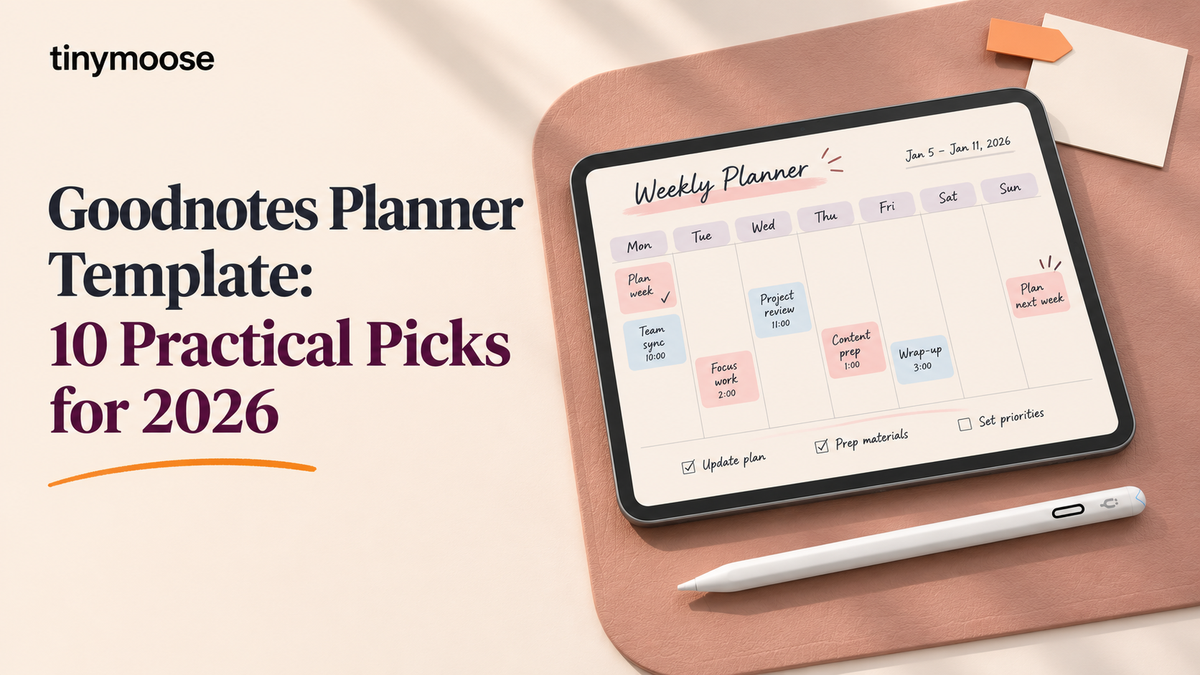
Monday morning, the lecture starts in twelve minutes, and this week's timetable is still buried. You open the planner, miss the week tab, and scroll until the room goes quiet. A Goodnotes planner template earns its place when you can reach the current week in a couple of taps, the file imports into a second app without broken links, and the structure matches a real routine. A pretty cover does not fix a bad path from month to week.
Goodnotes launched in 2011 to bring handwriting to the iPad and became a daily notebook long before digital planners were treated as a product category of their own. That history is why a template has to survive real weeks, not just a preview screenshot.
Use this list as a shortlist. Scan for your role first, a student semester or a professional quarter, then read the limits and the skip line at the end of each pick. Prices and previews come last. The ten picks mix free and paid files, dated and undated layouts, and both general planners and narrow trackers, and every entry closes with a clear reason to pass on it. If you already check progress after class, pair the weekly page with reviewing learner targets after weekly assessments so the planner holds the target alongside the timetable.
If you fill out your planner by hand on a compatible iPad, the Tinymoose Pencil Pro Ultra lets you rest your palm on the screen while you write out the week.
Table of Contents
- 1. Dash Planner
- 2. Paperlike Free Digital Planner Lite
- 3. HappyDownloads
- 4. Plannerscollective
- 5. Goodnotes Marketplace
- 6. Print Magic StudioX
- 7. Simple Planner
- 8. PlannerPier Digital Planners and Templates
- 9. GoldenHabitsDigital 2026 Digital Planner
- 10. PlannerPier ADHD Digital Planner
- How the 10 Goodnotes Planner Templates Compare on Cost, Timeframe, and Fit
- Pick One Template, Set It Up Once, and Keep Your Week in One Place
1. Dash Planner
Dash Planner is the pick when you want a clean page and you do not want to design one. Daily, weekly, and monthly views are hyperlinked, and the shop sells Lite, academic, and mid-year editions so you are not stuck with a January-to-December file in August.
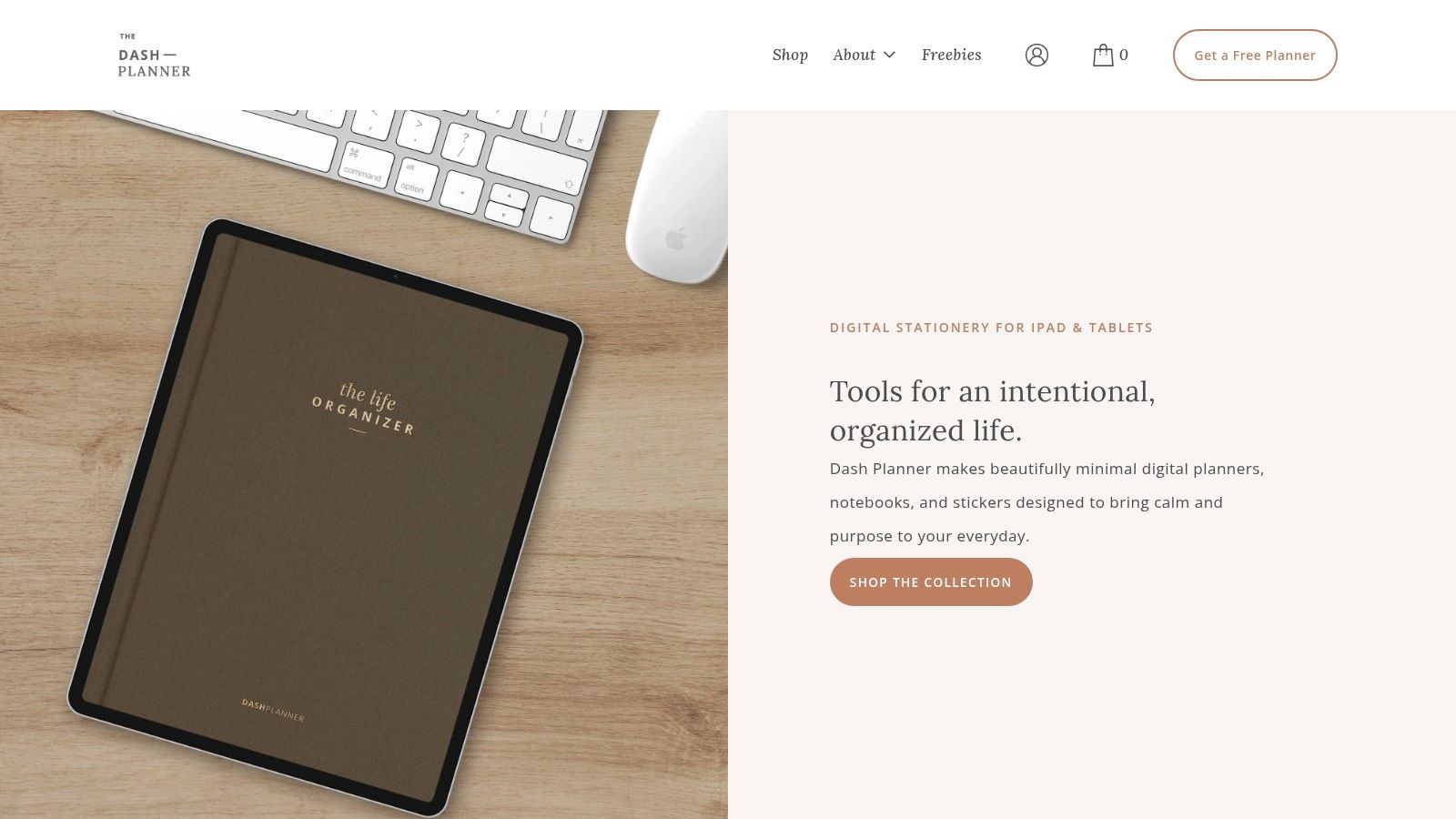
The index should land you on the current week in about two taps. That is the test that matters on a Monday. Layout choices stay restrained, and matching notebooks, stickers, and page templates sit beside the planner if you outgrow the base file. The brand reports 4.9 stars from more than 3,800 Etsy reviews, which is a useful signal that people kept the file, not only bought the preview.
- Best fit: Students and professionals who want an uncluttered Goodnotes planner template with a few edition choices.
- Trade-off: Full sets can include more pages than a simple week needs, and prices or sale offers can change.
Import the PDF into a second annotation app before you commit. If tabs still open the right week, the file is doing its job. Skip this if you want heavy decoration or a single niche tracker instead of a full planner. See Dash Planner.
2. Paperlike Free Digital Planner Lite
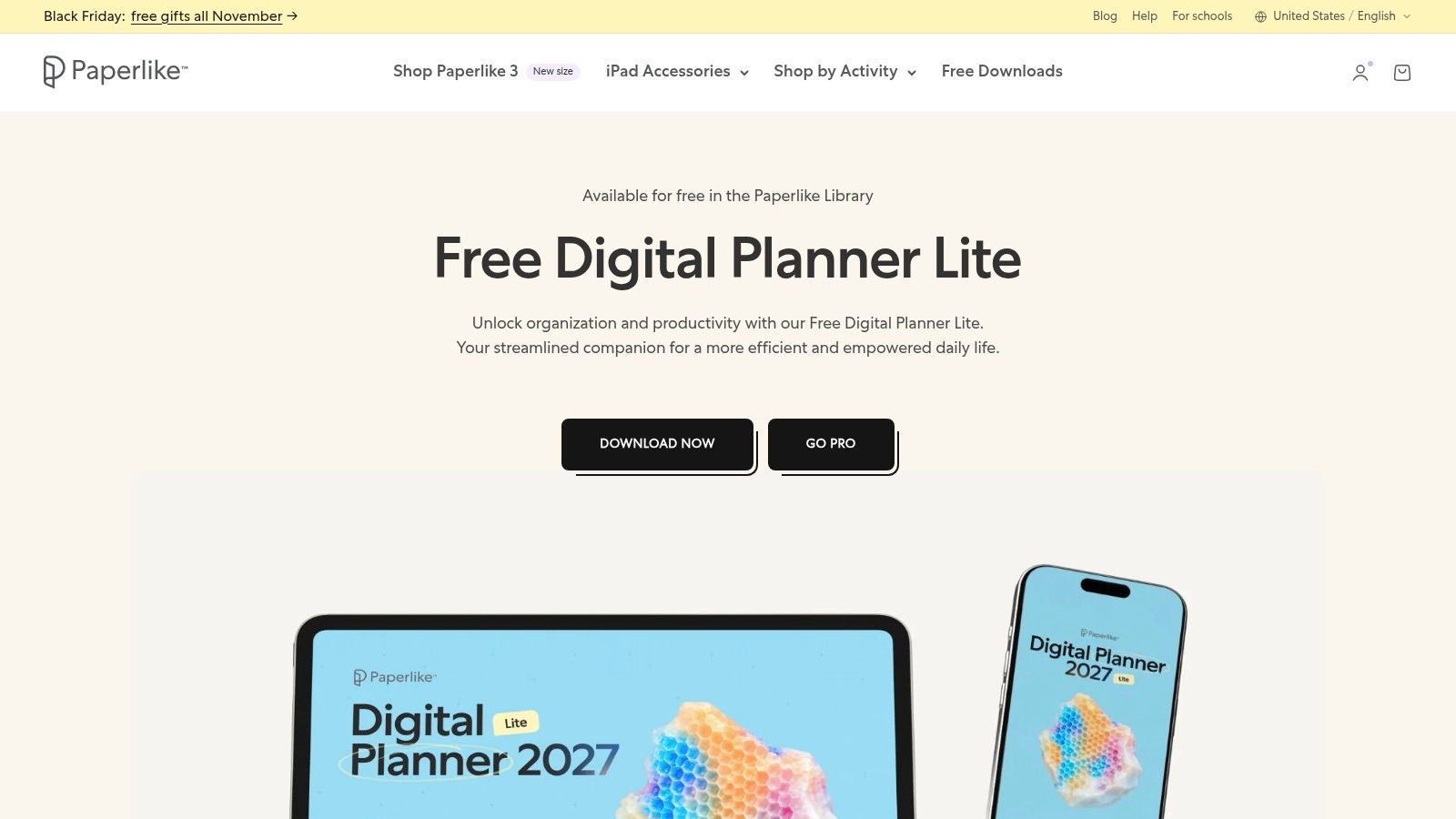
Start here if you have never imported a planner. Paperlike Free Digital Planner Lite is a free PDF for Goodnotes, Notability, and other PDF note apps. You trade an email address for the download, then you learn the import steps with nothing else at risk.
On iOS you tap the linked text or image. On Android, Windows, and web you open the same link from Read Only mode, or you press and hold it in Edit mode, as Goodnotes explains for imported PDFs. Run that check on day one. A free file that only works when you remember a long-press is still usable, but it is slower in class.
Extra inserts can fill gaps, and Paperlike also sells a paid Pro Planner if the Lite file feels thin. Pair the trial with Tinymoose paperless planning tips and, if the glass is slick, screen protector advice for refurbished iPads.
Practical rule: Use the free PDF for one real week before you buy a larger planner.
Skip this if you already know you need semester dashboards, budgets, and project pages on day one. The download lives at Paperlike.
3. HappyDownloads
HappyDownloads suits people who plan better when the page has color and matching stickers. The 2026 planner is a free PDF with Monday-start or Sunday-start versions. Paid options add multi-year and undated bundles, plus inserts and other digital stationery.
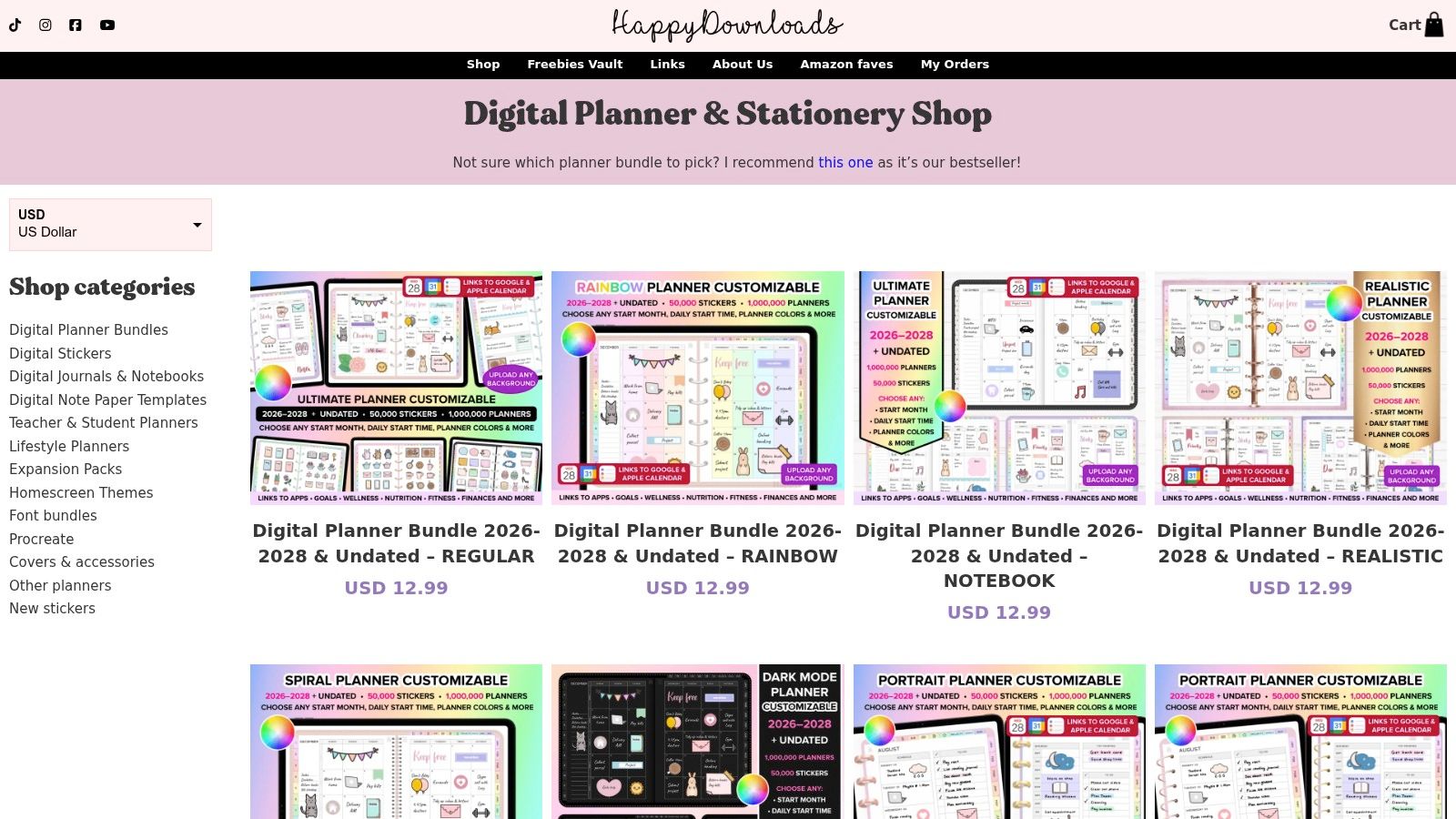
Setup notes cover Goodnotes and other planning apps, which helps the first import. The friction shows up later. Decorative buttons can overlap writing space, and a cute tab that is hard to hit with a stylus costs you time every morning. Guides that only rank looks miss this. Recurring failures include incomplete links, wrong page sizes, and writing areas that are too small, which is why a pre-purchase check, as discussed in Templacity's Goodnotes template notes, beats another pretty roundup.
- Try first: Open every month-to-week link and write a full daily list in your real handwriting.
- Then decide: Keep the free 2026 file, or move to a bundle only if the extras earn their setup time.
Skip this if muted pages help you focus, or if a large sticker bundle will sit unused. The shop is HappyDownloads.
4. Plannerscollective
Plannerscollective is an Etsy shop for people who refuse a single fixed PDF. The configurable bundle includes 2026, 2027, and undated versions, with choices among layouts and visual styles. The shop operates at high volume for an Etsy seller, which tells you many buyers finish a download. It does not tell you whether the tabs will land under your stylus.
Judge it by the configuration you would use. A portrait weekly spread with a clear index can reach this week in two taps. A denser build can add a third tap, then a wrong tab, and that mistake repeats every morning. Before you buy, trace the path in the preview: index, month, week, day. If you need more than that, pick a simpler layout.
Purchases and files run through Etsy, so read how customization and delivery work on the live listing before you pay. Import the file you configured, not the preview, and open it in a second PDF app. A link that dies outside Goodnotes makes the planner less portable.
Undated pages suit a semester that starts midyear and can carry into next term. Dated files suit a fixed year.
Skip this if you want one ready file and no listing homework. Start at the Plannerscollective Etsy shop.
5. Goodnotes Marketplace
Goodnotes Marketplace is the shortest path when you already live in the app. You can browse Goodnotes Originals and third-party planners, covers, and notebooks without hunting shop pages. Dated 2026 and 2027 planners sit next to student layouts, and quality still changes by creator.
One Marketplace study planner ties yearly, monthly, weekly, and daily pages together, and it also packs a budget tracker, semester dashboard, assignment and study trackers, essay and project planners, class sections, reading notes, and five note templates, as listed on the 2026-2027 study planner page. That is a semester in one file. Another listing offers a horizontal notebook with 40 page-template types, including 10 blank and 10 grid notes you can duplicate, on the 40 templates notebook listing.
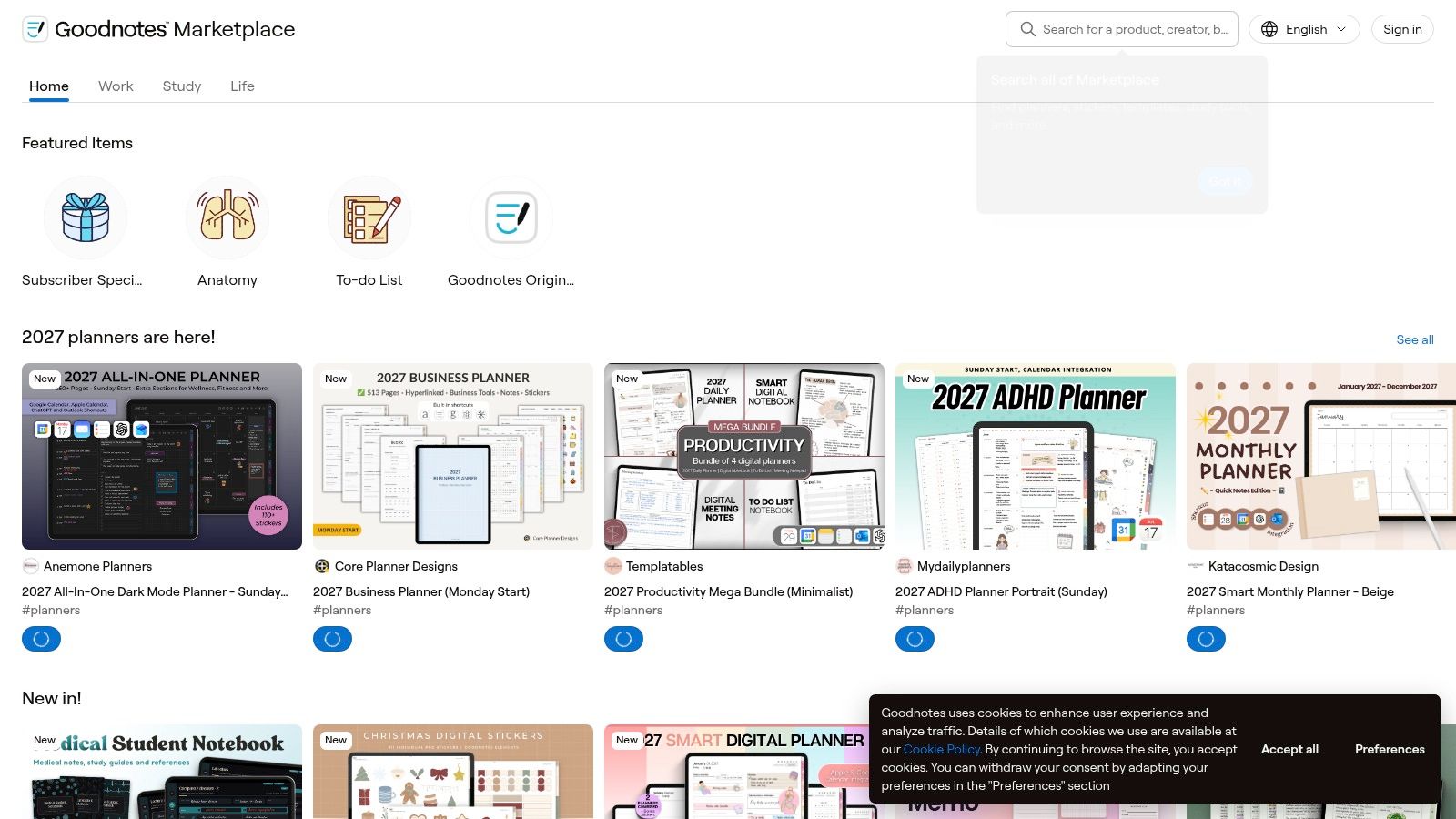
Prices and page counts differ by listing, so compare two files, not the store as a whole. A student semester wants the dashboard and assignment pages. A professional quarter often wants a thinner weekly view.
Skip this if you need one shop-wide style guide. Open Goodnotes Marketplace and judge each listing on its own.
6. Print Magic StudioX
Print Magic StudioX is for a role that a generic yearly file ignores. The catalog covers general, student, and business planners, plus niche formats such as sports-coach and hobby layouts. You can take a ready-made PDF or build your own, with Monday-start or Sunday-start options on listed products.
Hyperlinks are the product, not the artwork. A planner template is a standard PDF with links already inside it. Goodnotes keeps those links, but it does not create new internal links in an imported file, which Goodnotes support documents. Test read-only taps and the edit-mode long press before a match day or a client week.
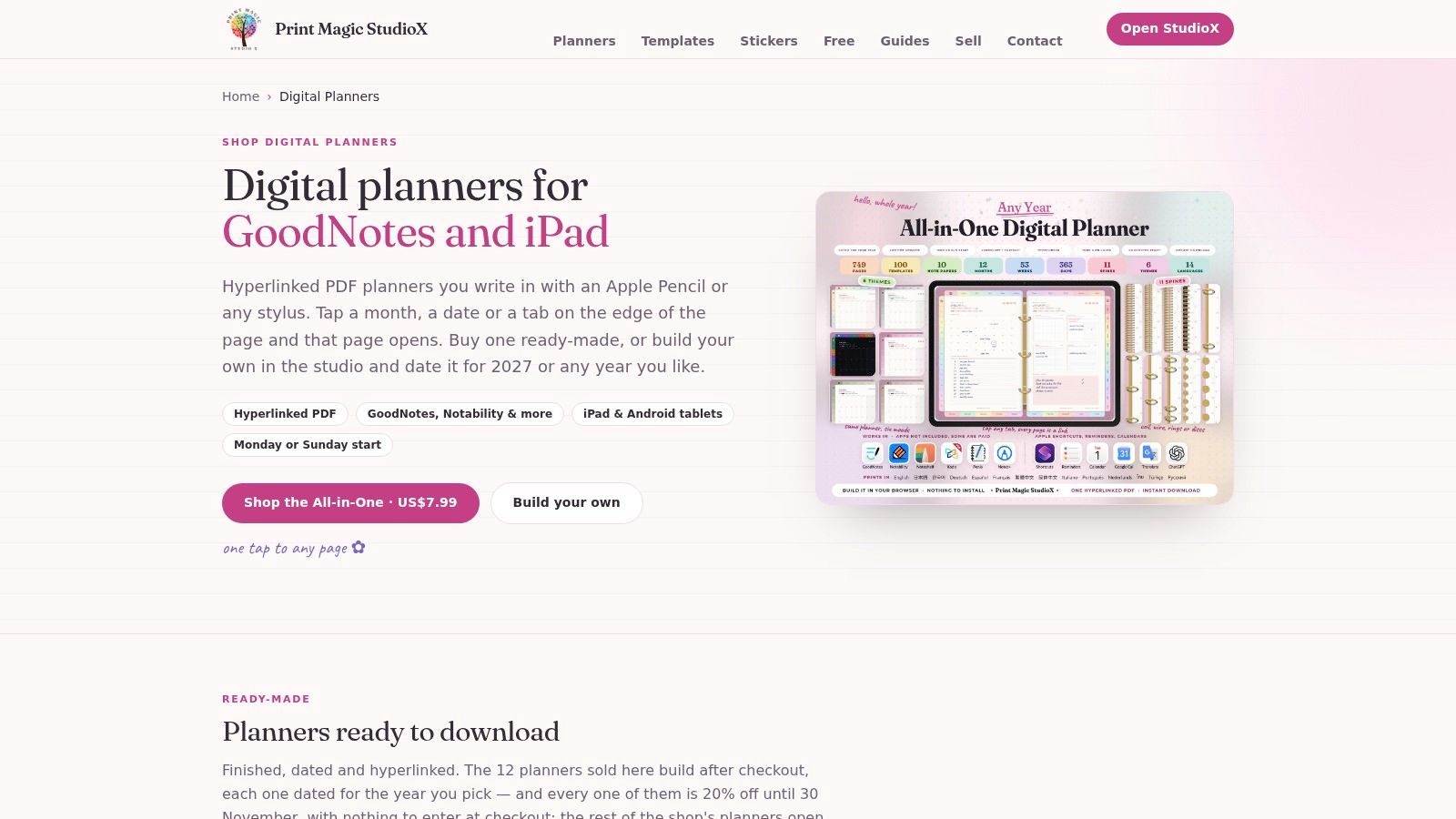
The All-in-One planner was listed at $7.99 when checked, which is a low way to get a broad file. The catalog is large, so confirm whether a listing is finished or still needs configuration. Import into a second app and see if coach or client tabs still land.
Skip this if you only want a minimal week spread and you will not use the niche pages. Browse Print Magic StudioX.
7. Simple Planner
Simple Planner sells hyperlinked PDFs it says work in Goodnotes, Notability, Noteshelf, Samsung Notes, and other annotation apps. Dated and undated planners sit with themed designs, stickers, and covers. The shop states that planner orders get instant digital delivery.
"Works on more than one app" is not the same as "easy to back up." Notebooks can sync across iPad, Windows, Android, and the web through Goodnotes Cloud, yet Android, Windows, and web users cannot export in Goodnotes format and manual backup is unavailable, so PDF export is the fallback, per Goodnotes notes on Android, Windows, and web. Annotations and the original editable notebook are not the same file.
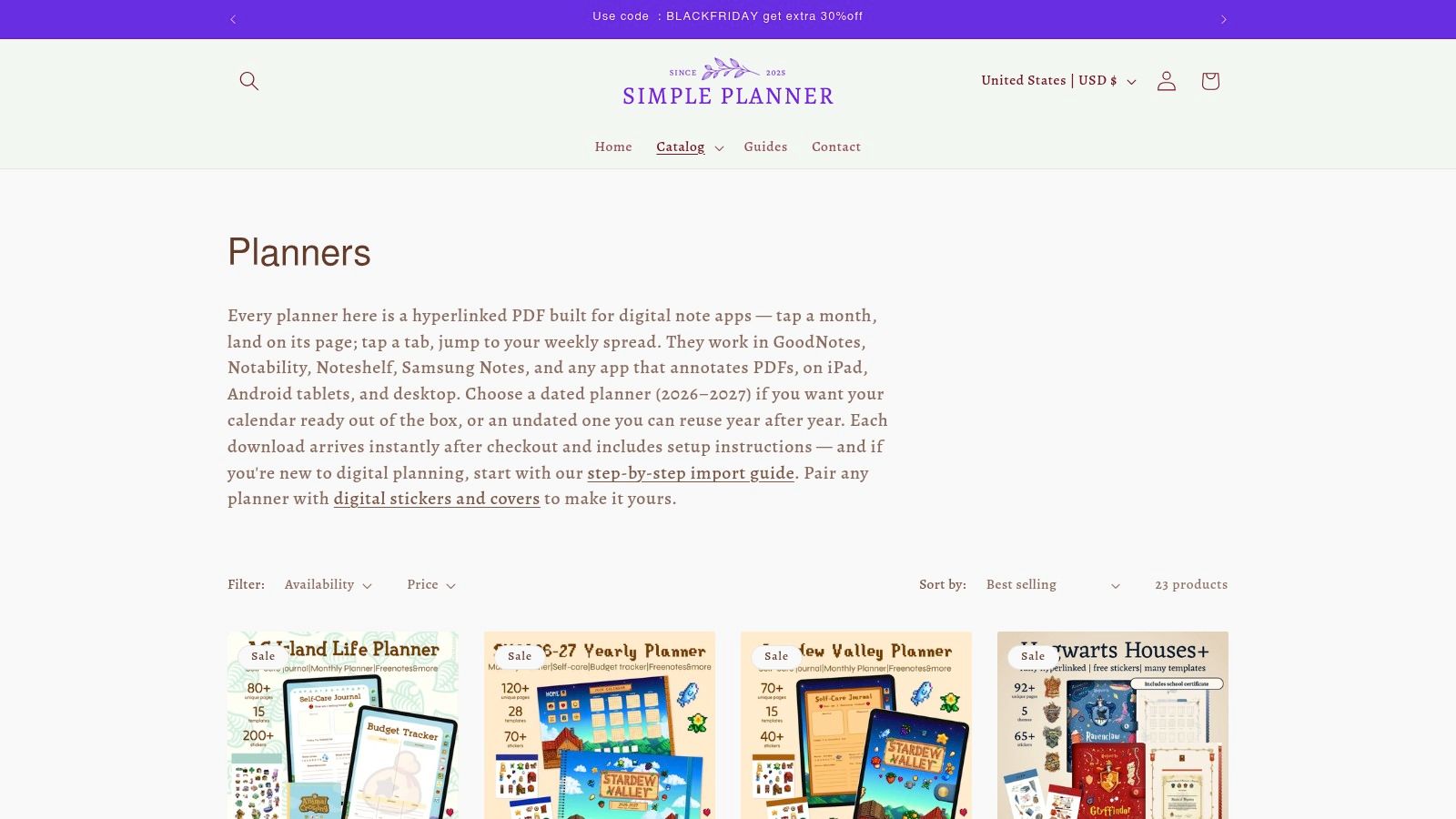
If you switch between a tablet and a laptop during the term, export a PDF snapshot after the first full week. Check what the snapshot kept. Themed pages vary by product, and a strong look can still cramp handwriting.
If you carry your planner between classes or meetings, the Pencil Pro Ultra attaches magnetically to compatible iPads and recharges through USB-C.
Skip this if you want a plain page and you will not maintain a PDF backup. The collection is at Simple Planner.
8. PlannerPier Digital Planners and Templates
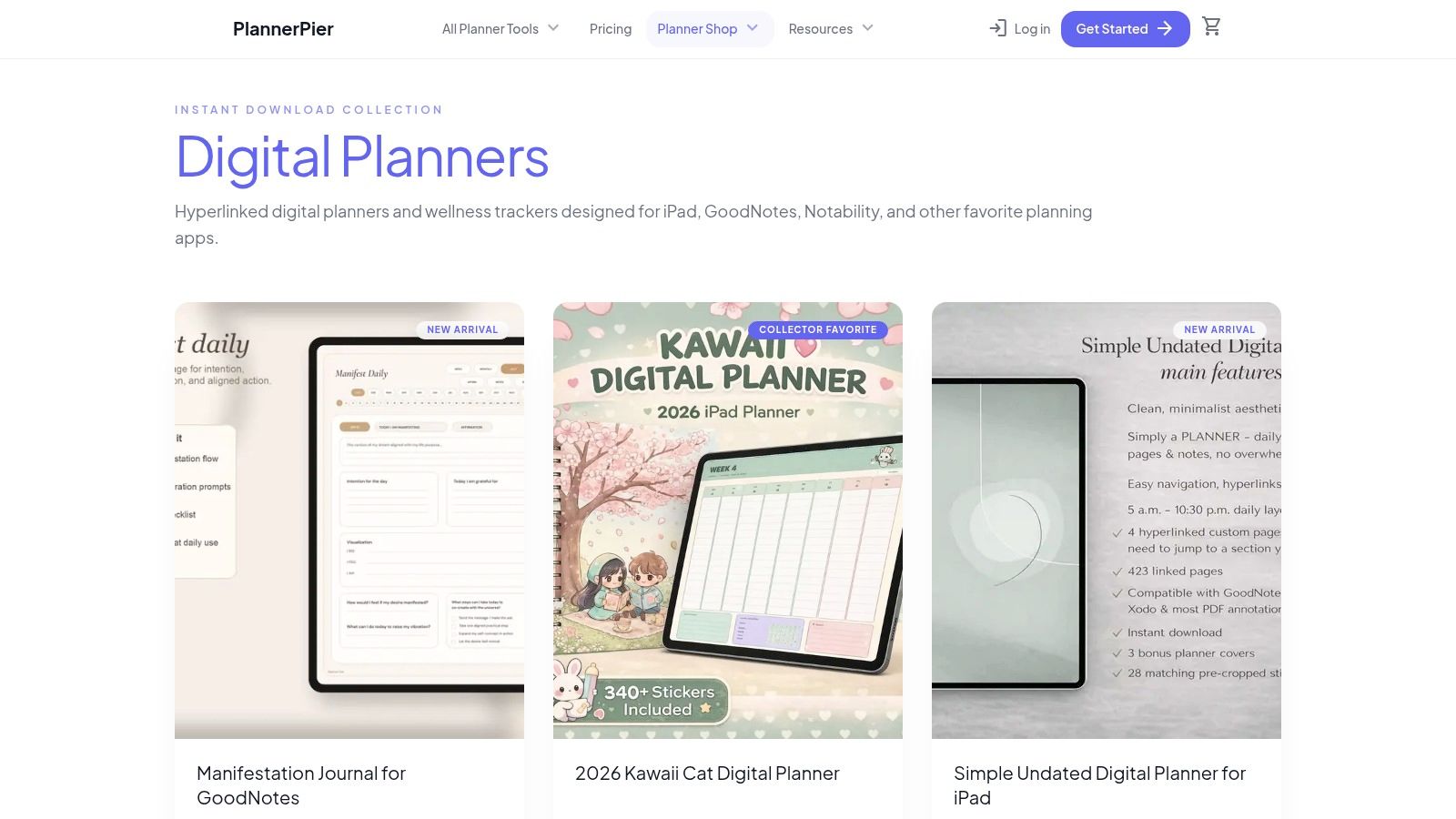
PlannerPier is strongest as an add-on shop. Its ready-made files include an ADHD planner, a budget planner, a migraine tracker, a mental-health journal, and a general digital notebook. The hyperlinked PDFs are marketed for Goodnotes and other apps, with some listings adding covers or stickers. A free planner with a paid order appears on some shop listings.
That range helps when one missing page is the problem. For a student's semester, the practical combination is a grid page, an academic-year or semester view, and an assignment tracker so lecture notes can start immediately, which is also the case made in the Goodnotes college template guide. For a professional's quarter, a budget planner or health tracker can sit beside a main planner, but each extra PDF adds another place to check.
Test the daily friction before building around several files. After importing one, count the taps to the current week and check whether the hyperlinks still behave predictably in the second app you use. Prices, bundles, file contents, and free-with-purchase offers change, so check the live PlannerPier shop before buying. Tinymoose's student planner guide is a useful companion when matching those pages to a course load.
Skip this if one all-in-one system suits you better, or if separate trackers would split your week across too many notebooks.
9. GoldenHabitsDigital 2026 Digital Planner
GoldenHabitsDigital is a wide-format file for people who are tired of tall portrait pages. The Etsy listing describes monthly, weekly, and daily views, five tab-color choices, Monday-start or Sunday-start options, and a bonus sticker pack. The look is soft and minimalist, which helps if bright stickers pull your eye off the task list.
Horizontal orientation changes the tap path. The week can sit wider, so a lecture block and a short task list share one view without a second scroll. It can also feel short on vertical writing space if your notes run long. Verify the live listing for file format, compatibility, price, and availability before you buy. The cited listing is dated for 2026, so it is the wrong file if your calendar runs past that range or your term starts on a different cycle.
A landscape Goodnotes planner template is worth it only if your iPad stays sideways for the whole planning session.
Import it, write one real day, and see whether the tabs still hit with your stylus hand. Skip this if you plan in portrait, you need an undated file you can reuse next year, or the listing details do not match your Goodnotes version. The page is the GoldenHabitsDigital 2026 listing.
10. PlannerPier ADHD Digital Planner
This is not a generic calendar with a new cover. PlannerPier describes a 2026 file with 287 hyperlinked pages for focus, routines, finance, and weekly planning. When checked, the sale price was $3 against a regular price of $6.
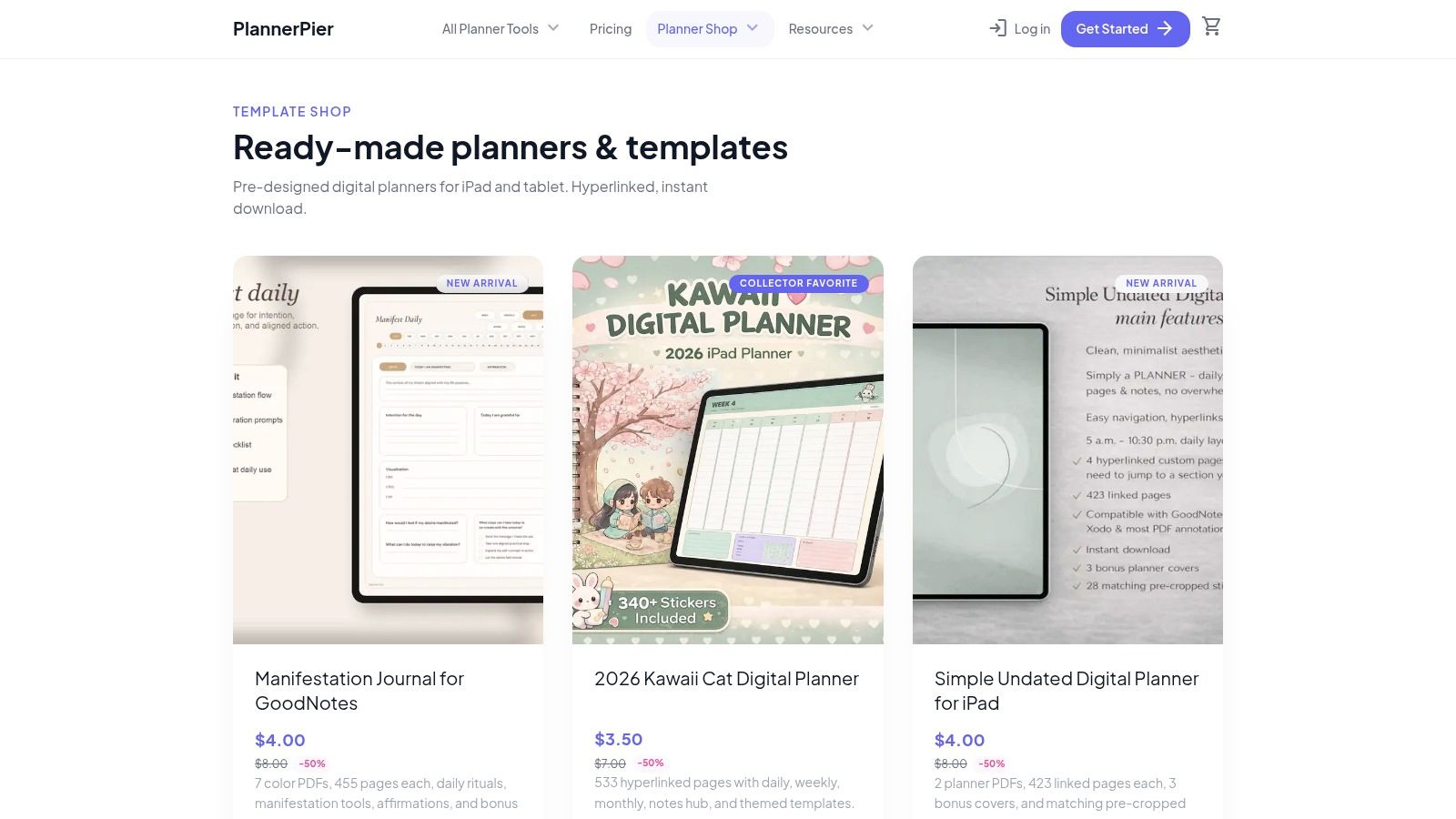
The page count is the trade-off. Dedicated routine sections can replace a stack of separate notebooks if you will open them. They become clutter if you only needed this week's tasks. Count the taps from the index to the current week, then ignore the rest of the 287 until that path is fast. Dated 2026 pages also mean you should confirm the date range before you buy. Prompts that do not match your workflow will sit blank, and blank sections make the file feel heavier than it is.
A second-app import still matters. If finance or focus tabs break outside Goodnotes, keep a PDF copy of the weeks you filled.
Skip this if a simple weekly spread is enough, or if another person's routine prompts fight the way you already plan. Details are on the PlannerPier shop.
How the 10 Goodnotes Planner Templates Compare on Cost, Timeframe, and Fit
| Item | Free Option | Date Range | Best For | Price Signal |
|---|---|---|---|---|
| Dash Planner | No free option stated | Daily, weekly, and monthly; editions vary | Minimalist planning with customizable layouts | Prices and sales vary |
| Paperlike Free Digital Planner Lite | Free PDF; email signup required | Not specified | Trying digital planning at no cost | Free Lite; paid Pro also available |
| HappyDownloads | Free 2026 PDF | 2026; paid multi-year and undated options | Colorful planners with coordinating extras | Free option; paid bundles available |
| Plannerscollective | No free option stated | 2026, 2027, and undated | Customizable planner configurations | Price varies by Etsy listing |
| Goodnotes Marketplace | No free option stated | Includes 2026 and 2027 options | Browsing planners made for Goodnotes users | Prices vary by listing |
| Print Magic StudioX | No free option stated | Not specified | Specialty planners for specific roles or activities | All-in-One planner listed at $7.99 |
| Simple Planner | No free option stated | Dated and undated | Distinctive designs across multiple note apps | Prices vary by product |
| PlannerPier Digital Planners and Templates | Free planner with a paid order | Not specified | Focused templates, trackers, and journals | Some sale prices around $2.25–$4 |
| GoldenHabitsDigital 2026 Digital Planner | No free option stated | 2026 | Minimalist landscape planning | Price and availability may change |
| PlannerPier ADHD Digital Planner | No free option stated | 2026 | Focus, routines, and structured planning | Listed at $3 sale price; $6 regular price |
Pick One Template, Set It Up Once, and Keep Your Week in One Place
Choose one file that matches the calendar you keep. A student semester wants assignment pages and a week view you can open before class. A professional quarter wants fewer sections and a Monday or Sunday start that matches payroll and meetings. Import that file into Goodnotes, use only the weekly view for seven days, and then keep it or switch. Do not shop a second planner on night one.
The decision is three cuts. Free versus paid is about how much structure you already trust. A free PDF is the right test if import and links are new to you. A paid file is worth it when the sections match work you repeat. Dated versus undated is about whether the year on the page is your year. Undated files survive a mid-year start and a second term. Dated 2026 files are clearer until the dates run out. Minimal versus feature-rich is about taps. Extra dashboards help only if you open them. If you will not, they slow the path to this week.
A broader market sits behind that personal choice. Cognitive Market Research estimates the global digital-planners market at about $3.58 billion in 2025, with a projection of $7.05 billion by 2033, and a compound annual growth rate of 8.841% from 2025 through 2033. Treat those figures as estimates, not official statistics. You still only need one PDF that stays usable after a real week.
The page works better with a pen that feels like a pen. The Pencil Pro 2 suits everyday planning with gesture control, palm rejection, tilt response, shortcut buttons, and a strong magnet that keeps it on the iPad. The Pencil Pro Lumin has a slightly softer nib feel that suits note-taking and everyday writing. Neither pen is required for a Goodnotes planner template. They are options if you want the writing setup to feel as settled as the file.
If focus pages are part of the plan, outside support still matters. A template cannot replace care, and CBT for adult ADHD executive function is a different kind of help than another PDF section. Set the planner up once, protect a PDF backup if you leave the iPad, and keep the current week in one place.
Tinymoose makes practical iPad tools for people who plan on a tablet, including stylus pens with palm rejection and compact keyboards that keep notes and schedules in one setup. A Goodnotes planner template only stays useful if writing on the weekly page still feels comfortable after a long class or meeting. Visit Tinymoose to compare stylus and keyboard options for a paperless planning routine.
Share:
Must Have iPad Accessories: Stylus, Keyboard and More