
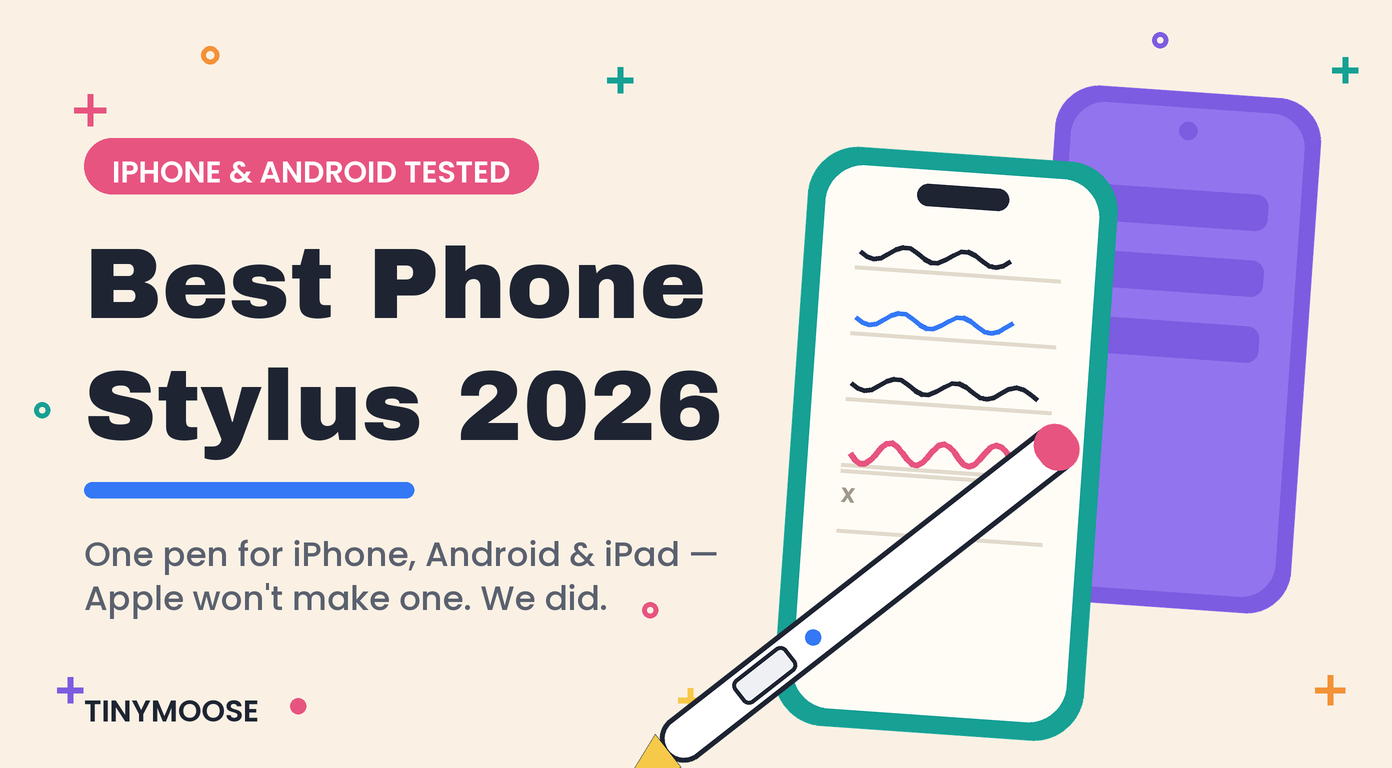
Best Phone Stylus 2026: iPhone & Android Tested
Here's a question that shouldn't be hard, but somehow is: what's the best stylus for your phone?
Search for one and you'll hit two dead ends fast. Apple doesn't make a stylus for iPhone — the Apple Pencil, all generations, works on iPad only. And most products sold as "phone styluses" are $10 rubber-tipped sticks that drag across the screen, offer no precision, and die (or get lost) within a month.
Meanwhile the actual need is real: signing documents, marking up screenshots, taking quick handwritten notes, editing photos with precision, using your phone with gloves on. Your fingertip is a blunt instrument. We make styluses for a living — over 1,000,000 sold — and we tested what actually works on phones in 2026: iPhone, Samsung Galaxy, and everything else running Android.
Quick Answer: The Best Phone Styluses in 2026
| Pick | Best For | Price | Type | Works On |
|---|---|---|---|---|
| Tinymoose Pencil Pro Ultra | Best overall — phone AND tablet | $49.99 | Active | iPhone, Android, iPad, Android tablets |
| Samsung S Pen | Galaxy Ultra owners | Included / ~$30 replacement | Active (Wacom) | Galaxy Ultra phones with the built-in slot only |
| Adonit Pro 4 | No-battery | ~$30 | Passive (disc tip) | Any touchscreen |
| MEKO 2-in-1 (2-pack) | Cheapest that isn't junk | ~$12 | Passive (disc + mesh) | Any touchscreen |
| Apple Pencil (any generation) | — | $79–$129 | Active | Does NOT work on any iPhone |
First, Kill the Myth: The Apple Pencil Does Not Work on iPhone
This is the most-asked question in the category, so let's settle it up front. No Apple Pencil works on any iPhone. Not the Pencil Pro, not the Pencil 2, not the USB-C model, not on the newest iPhone. The Apple Pencil relies on screen technology built into iPads and absent from every iPhone — it's a hardware limitation, not a software setting, and Apple has shown zero interest in changing it.
That's the gap this entire product category exists to fill. If you want to write on your iPhone, it will be with a third-party stylus — the only question is which kind.
Active vs. Passive: The Choice That Actually Matters
Every phone stylus is one of two things:
Passive (capacitive) styluses are conductive sticks that imitate your fingertip — no battery, no pairing, work on literally any touchscreen. The good ones use a clear plastic disc or fine fiber tip for visibility. They're fine for tapping, scrolling, signatures, and gloved use. Their ceiling: the phone can't tell the stylus from a finger, so there's no fine-point precision at the pixel level and no smart features.
Active styluses have electronics inside that communicate with the screen. On phones, that buys you a genuinely fine hard tip (1–2mm vs. a 6mm rubber blob), much better precision, and — on the right stylus — extras like shortcut buttons. The catch: most active styluses are built for tablets and don't support phones at all. The short list that handles both is very short.
The honest phone caveat: no stylus gets you palm rejection or pressure sensitivity on a phone — iPhone and Android screens simply don't support them, regardless of what any product listing claims. What a good stylus gives you on a phone is precision, comfort, and clean handwriting. That's the realistic bar, and it's still a big upgrade over your finger.
🏆 Best Phone Stylus Overall: Tinymoose Pencil Pro Ultra
Price: $49.99 (frequently on sale for ~$40)
Why it wins: It's the only stylus we've tested that's a full-featured tablet stylus and a proper phone stylus in one body. Triple-press the top button and it switches from iPad mode (green LED) to phone mode (blue LED) — no re-pairing, no app, no settings. iPhone, Android phones, iPad, Android tablets: one pen, four device types.
On your phone, you get:
- A fine, hard tip that glides — real precision for signatures, annotations, and handwritten notes
- Ultra-low latency, so ink appears under the tip in real time
- Gesture shortcuts that work on the phone too: press once to exit an app, twice for multitask view
- 13-gram aluminum body that feels like a real pen, not a toy
And when you pick up your iPad, the same pen becomes a full stylus with palm rejection, tilt shading, and magnetic attachment — the reason Creative Bloq ranked it the #1 Apple Pencil alternative of 2026. USB-C fast charging (80% in 15 minutes, 10+ hours per charge) means your phone cable is also your pen cable.
Who should skip it: if you own no tablet and never will, you're paying for iPad features you won't use — a passive stylus below covers phone-only basics for less. But if an iPad or Android tablet is anywhere in your life, this is the obvious buy. Full deep-dive in our iPhone stylus guide and Android + iPad guide.
Best for Galaxy Ultra Owners: The S Pen You Already Have
If your phone is a Samsung Galaxy Ultra with the built-in S Pen slot, honesty first: use the S Pen. It lives inside the phone, uses Wacom digitizer technology, and delivers precision on that screen no external stylus can match. Replacements run about $30 if yours goes missing.
The catches: it only works on Samsung devices with the digitizer layer — it does nothing on an iPhone, most other Androids, or an iPad. And if you also own an iPad (a very common combo), you're back to carrying two styluses — which is exactly the problem the Pencil Pro Ultra exists to solve.
Best No-Battery Option: Adonit Pro 4
Price: ~$30
Why it's here: The Pro 4 is the best of the passive breed — a weighted metal pen with a clear precision disc tip that works on any touchscreen ever made, with nothing to charge and nothing to pair. For signatures, navigation, gloved winter use, and shared devices (a stylus the whole family or a storefront kiosk can use), it's the right tool. Its ceiling is the passive ceiling: no fine hard tip, no shortcuts, and handwriting feels floatier than an active pen. But it will still work in ten years, which nothing with a battery can promise.
Cheapest: MEKO 2-in-1
Price: ~$12 for two
Why it's here: Because sometimes the assignment is "a stylus for the car / the kitchen / grandma's phone" and the budget is lunch money. The MEKO's disc-plus-mesh design is the best of the ultra-cheap tier — usable precision, no battery, and at two for $12 you won't mourn a lost one. Just know what it is: a better fingertip, not a writing instrument. The moment you want real notes or markup, you've outgrown it.
What to avoid entirely: the $8 rubber-blob styluses and anything claiming "palm rejection for iPhone" — that's a spec-sheet lie, and a listing that lies about one thing is lying about others. We've seen the warranty side of a million pens; the pattern holds.
What a Phone Stylus Is Actually For
A stylus won't turn your phone into a drawing tablet — screen size and missing palm rejection see to that. Where it genuinely earns its keep:
- Signatures: signing PDFs and delivery screens cleanly instead of finger-scrawling
- Quick notes: handwritten capture in Apple Notes, GoodNotes, Samsung Notes, or Nebo — faster than typing for lists and ideas
- Markup: circling, arrowing, and annotating screenshots and photos before sending
- Precision editing: object removal and selections in Snapseed, Lightroom Mobile, TouchRetouch
- Cold weather: full phone control with gloves on — an underrated Canadian-winter feature
- Accessibility: a pen grip is easier than a fingertip for many people with motor-control challenges
- Clean screens: zero fingerprints, which matters more than it should
Common Questions About Phone Styluses
Does the Apple Pencil work on iPhone?
No — no generation of Apple Pencil works on any iPhone, ever. It's a hardware limitation of iPhone screens. If you want to write on an iPhone, you need a third-party stylus built for phones, like the Pencil Pro Ultra.
Can I get palm rejection on a phone?
No stylus can add palm rejection to a phone — iPhone and Android screens don't support it. In practice this matters less than on a tablet: a phone is small enough that you naturally write without resting your palm on the glass.
Will the S Pen work on my iPhone or non-Samsung Android?
No. The S Pen requires Samsung's built-in digitizer layer, which only Galaxy Ultra (and some Galaxy Tab) devices have. On any other screen it's an expensive pointer stick.
What's the best stylus for both my phone and my iPad?
This is the exact scenario the Pencil Pro Ultra was built for — full stylus features (palm rejection, tilt, magnetic attach) on the iPad, then a triple-press of the button for phone mode on iPhone or Android. One pen, every device. Compare it against everything else in our Apple Pencil alternatives guide.
Do phone styluses work with screen protectors?
Yes — standard glass protectors have no meaningful effect. Matte and paper-feel protectors add slight friction, which many note-takers actually prefer.
Active or passive — which should I buy?
Passive if your needs stop at tapping, signatures, and gloved use ($12–$30, nothing to charge). Active if you want to actually write — real precision, a fine tip, and shortcuts — or if a tablet is part of your setup. Most people who write on their devices weekly end up active.
The Verdict
Best phone stylus overall: Tinymoose Pencil Pro Ultra — the only pen that fully serves iPhone, Android, and iPad, at $49.99.
Galaxy Ultra owner: the S Pen in your phone, plus the Ultra if there's an iPad in your life.
Just need taps, signatures, and winter gloves: Adonit Pro 4, or the MEKO 2-pack if the budget is $12.
Apple left this category empty on purpose — the Apple Pencil will never touch an iPhone. That's the whole opportunity. Shop styluses that work on your phone →
Tested by the Tinymoose team — over 1,000,000 styluses sold. Ranked #1 Apple Pencil alternative of 2026 by Creative Bloq; featured in Macworld and Cult of Mac. Also see: Best Stylus for iPad 2026.
Teilen:
Beste iPad-Zubehörteile für Studenten 2026: Clever lernen
Best Ipad Screen Protector for Note Taking