
The Mooseletter

- 0 comments
- by Tinymoose LLC
USB-C Apple Pencil Alternative: Same Features, Half the Price
USB-C Apple Pencil Alternative - At $79, Apple's USB-C Pencil offers precision, tilt sensitivity, and convenient charging, but no Gesture Control. The Tinymoose Pencil Pro 2 delivers all that plus Gesture Control for $39. Here's how they compare.
- 0 comments
- by Tinymoose LLC
How to Take Notes on iPad: The Ultimate Productivity Guide
Good iPad note-taking comes down to a precision stylus for handwriting and a keyboard for typing. Here's how to set up your hardware, choose the right app, and build a system that actually works.

- 0 comments
- by Tinymoose LLC
Tempo Smartwatch: Designed for Real Life, Built for Momentum
The Tinymoose Tempo Smartwatch isn’t just smart—it’s practical. With Bluetooth calling, long battery life, and over 100 sport modes, it’s everything your wrist actually needs.
- 0 comments
- by Tinymoose LLC
Can You Use an iPad as a Drawing Tablet?
Yes, you can use an iPad as a drawing tablet. For many artists, it's become the preferred option — portable, direct, and powerful enough for professional work.

- 0 comments
- by Tinymoose LLC
How to Draw on iPad: Your Easy Guide to Effortless Digital Art
Everything you need to start drawing on iPad, from picking a stylus to mastering layers and shading techniques.

- 0 comments
- by Tinymoose LLC
How Wireless Charging Works: The Ultimate Guide to Cable-Free Convenience
Wireless charging isn't magic — it's just two coils and a magnetic field. Here's how it works and what you need to know.
- 0 comments
- by Tinymoose LLC
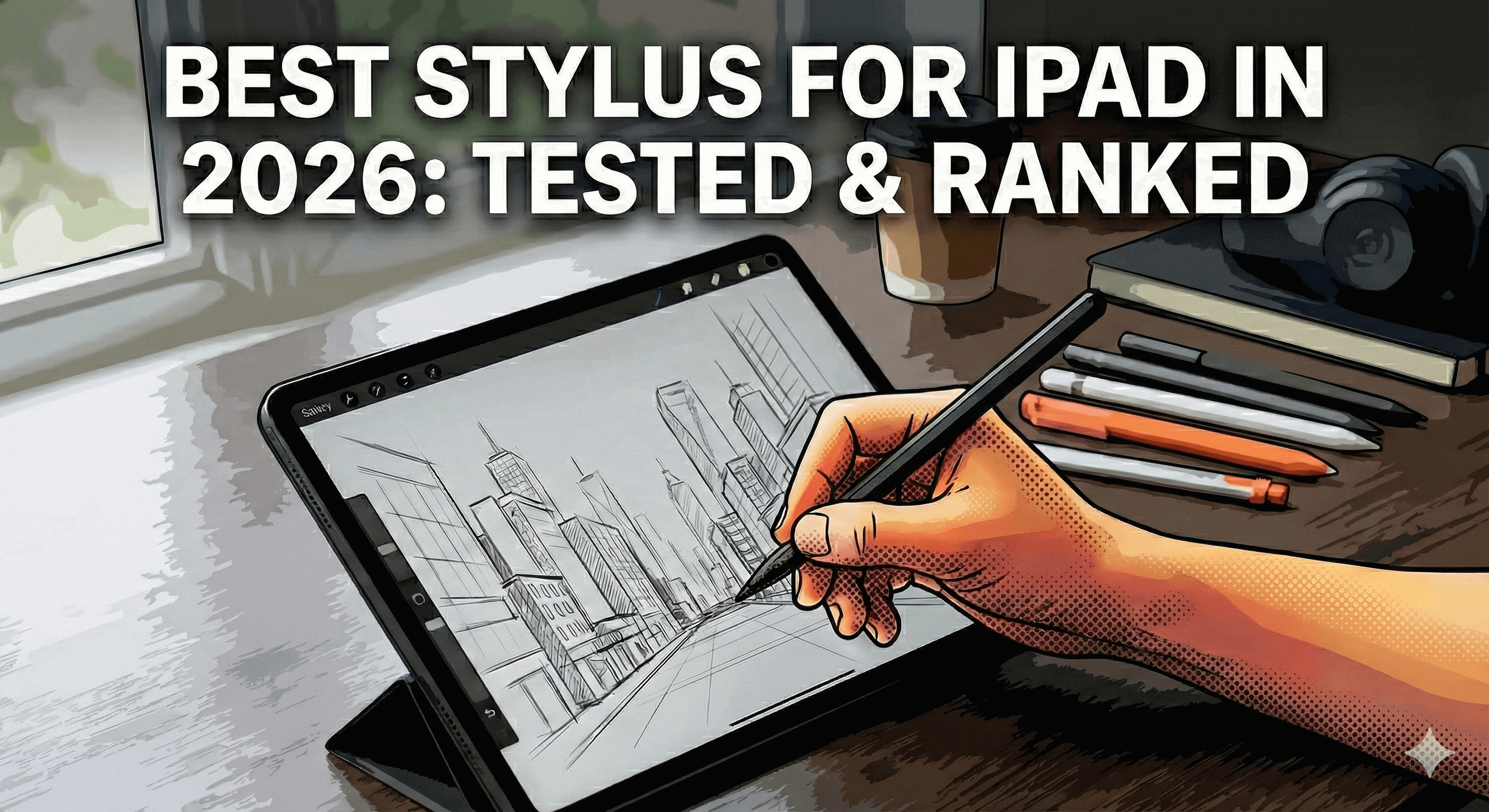
Best Stylus for iPad in 2026: Tested & Ranked
Spent $129 on an Apple Pencil Pro? You might've wasted your money. We tested 5 iPad styluses head-to-head—from the official Apple Pencil to $30 alternatives. The results? One budget stylus beat Apple's "Pro" features for half the price.

- 0 comments
- by Tinymoose LLC
Best Smartwatch for Health Tracking (2026 Guide)
- 0 comments
- by Tinymoose
The Best iPad Stylus for Drawing: A Practical Guide for Artists